How to Automate Slack

Slack automates in two layers. Workflow Builder, reminders and vendor Slack apps cover anything that starts inside Slack or gets pushed to it. Getting an answer out of a tool that never built a Slack app is the layer people still do by hand, one browser tab at a time.

Slack is where the company keeps its attention

Slack is a messaging app that turned into something else along the way: the place a company keeps its attention. Decisions get made in a thread before they are written down anywhere official. The person who needs to know something asks in a channel rather than opening the system that holds the answer. New staff learn how the business actually works by scrolling.

Most companies run a few dozen channels and about four that matter. The one where orders come in. The one where things break. The one where the numbers get posted every morning. Those few are checked constantly, by people who are supposed to be doing something else.

That is both the value and the cost. Everything important passes through Slack, which is what makes it worth automating. Everything unimportant passes through too, which is why half the workspace has notifications off.

Someone is quietly paid to watch the dashboards

In most teams one person has become the human integration layer, without anyone deciding they should be.

They open the payment dashboard each morning and post yesterday's total. They check whether the overnight job finished and tell the channel either way. They copy the day's bookings across because the booking system has no Slack app. When somebody asks whether an order shipped, they open another tab and look.

None of that is in their job description. It is what happens when the tool everyone watches knows nothing about the tools that hold the facts. The channel is full of people and short of data.

The slack.com homepage, the app these three jobs run in. Slack
Morning numbers Yesterday's takings, failures and bookings read from the systems that hold them and posted before the team logs on.
The usual questions, answered Whether it shipped, whether it cleared, whether the status changed, checked and posted without anyone opening a tab.
Exceptions only The three lines that fell below reorder, not the two hundred that did not. Quiet channels are the ones people still read.

Workflow Builder only reacts to what happens inside Slack

Slack automates a fair amount on its own, and for what it covers it is good.

Workflow Builder runs a sequence when someone joins a channel, reacts with an emoji, submits a form or clicks a button. Reminders repeat on a schedule. Scheduled send posts a message you already wrote at a time you pick. Hundreds of products publish a Slack app that pushes their own events into a channel.

Every one of those is triggered by something that happened in Slack, or pushed in by a vendor who decided to build the integration. That is the ceiling. A workflow cannot go and look at anything. It posts what it is handed.

So the gap is every tool that never built a Slack app: the supplier portal, the council website, the twenty-year-old booking system, the bank. Those hold the answers people ask for in channels all day, and Slack has no way to reach them.

The channel can report before anyone asks

Change what is able to reach the channel and the whole thing inverts. Instead of people asking the channel questions, the channel starts answering them first.

Yesterday's takings, posted at seven, read from the till system that only ever shows them on a dashboard. The overnight payment failures, listed by customer, out of a portal with no export. The three stock lines that dropped below reorder, checked across every supplier you buy from. The bookings that came in during the night from a system that never built an integration.

The same goes for the questions people ask over and over. Whether a shipment moved. Whether a permit changed status. Whether a listing is still on the first page. Whether a competitor put their price up again. Each of those is somebody opening a tab, looking, and typing what they saw.

One thing worth building in from the start: a channel that posts everything gets muted inside a week, and a muted channel is worse than no channel. The version that survives posts what changed and stays quiet otherwise. Report the exception, not the heartbeat.

Nobody has to be watching at six in the morning

The till system will not post its own number into a channel, and the number is wanted before the doors open. Reading it off a screen at that hour is work, but it is not the kind that justifies a phone by the bed.

WebRun is an AI agent that works a real Chrome browser, signed in as you. It opens the portal or the dashboard, reads what is on the screen, and posts the result into the channel you choose. Because it works the browser rather than an API, it reaches the tools that never built a Slack app, which is most of them.

It runs on your schedule in your own private environment, and you can watch a run and stop it. Anything that would reach a customer drafts and waits for you.

The workflows below are already built, and each one names the apps it touches.

Questions people ask

Will it post to a channel without me approving it?

Posting to your own internal channel runs on its own, because a message you did not want is a message you delete. Anything customer-facing, like an email or a public reply, is drafted and waits for a person.

Do we need a paid Slack plan or admin rights?

No. It posts through the browser using the access you already have, so there is no app to get approved into the workspace and no admin ticket to wait on.

How do we stop it turning into noise?

Post exceptions rather than everything. Each workflow decides what is worth saying: the lines below reorder, the payments that failed, the job that did not finish. A channel that only speaks when something changed keeps getting read.

5,789 ready-made Slack workflows

Each one names the apps it touches and the exact steps it takes. Open one to read what it will do, then turn it on.
Automated FreeDNS Subdomain Expiry Alerts
Every morning, WebRun checks your FreeDNS subdomains for ones nearing their confirmation deadline, posts a digest to Slack, and sends a Telegram alert for anything expiring within 3 days.
FreeDNSSlackTelegram
Automated Silo Trace-Back Recall Alerts
The moment a lot is flagged for trace-back in Silo, WebRun compiles its full one-up-one-down chain, identifies every affected customer and shipment, texts your QA lead and posts a Slack recall alert immediately, and drafts a customer trace-back notice for your team to review before it goes out.
SiloTwilioSlack
Automated Divorce Settlement Tax Impact Alerts
Whenever a settlement proposal changes in Family Law Software, WebRun pulls the client's income and business figures from QuickBooks Online, works out the tax impact of the support and asset terms, and alerts your team in Slack.
Family Law SoftwareQuickBooks OnlineSlack
Automated Silo Seasonal Availability Notices
Every Monday, WebRun checks Silo for commodities transitioning in or out of season within your lookahead window, drafts a seasonal availability notice to affected buyers for review, and posts your sales team a Slack heads-up on what's changing.
SiloGmailSlack
Automated Divorce Support Calculation Alerts
Whenever a child or spousal support calculation is drafted in Family Law Software, WebRun saves a copy to Google Drive and posts an alert to Slack so the attorney reviews it before it goes anywhere near a client or the other side.
Family Law SoftwareGoogle DriveSlack
Automated Silo Quality Hold Release Alerts
The moment a lot is placed on quality hold in Silo, WebRun posts a Slack alert telling the warehouse to segregate it, logs the hold in a Google Sheet, and notifies your team the instant a QA reviewer releases it in Silo.
SiloSlackGoogle Sheets
Automated JanSanix Vendor Rebate Claim Tracking
WebRun tracks every open manufacturer rebate claim logged in JanSanix against payments received in QuickBooks Online, and posts finance a Slack alert for any claim that has gone past the vendor's normal payment window.
JanSanix (Cloud 9 ERP Solutions)QuickBooks OnlineSlack
DMSi Agility Automated Will Call Pickup Reminders
Every afternoon, WebRun checks DMSi Agility for will call orders that are staged and ready, drafts a pickup reminder text to each contractor in Twilio for the counter team to approve, and posts a Slack list of anything sitting more than two days.
DMSi AgilityTwilioSlack
Automated DDI Inform Bin-Stock Alerts
Every hour, WebRun checks DDI Inform for VMI bins at or below their reorder point, drafts replenishment order lines for review, and posts the route rep a prioritized restock list in Slack.
DDI System (Inform ERP)Slack
Automated Eclipse Wire Cable Cut Tracking
WebRun totals up the day's wire and cable cuts from Epicor Eclipse tickets, compares the footage against each reel's on-hand record, and posts your warehouse team a Slack log flagging low reels and count mismatches.
Epicor EclipseSlack
Streamtime Automated Website Launch Checklist
Every morning during launch week, WebRun checks Streamtime for which website projects have a launch date coming up, reads the open cards on that project's Trello checklist, and posts your team a Slack list of exactly what's still outstanding before go live.
StreamtimeTrelloSlack
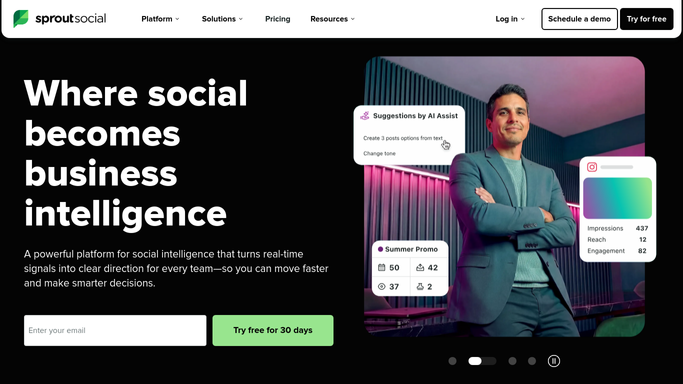
Sprout Social Automated Weekly Post Digests
Every Monday, WebRun pulls every post scheduled for the week ahead from Sprout Social, organizes it by client in a Notion digest, and posts a summary to Slack so the whole team starts the week knowing what's going out and when.
Sprout SocialNotionSlack
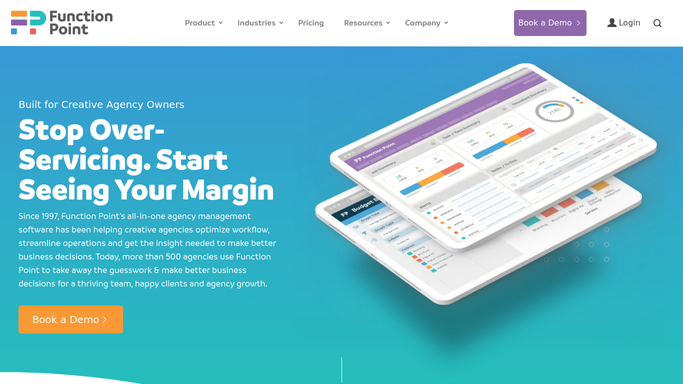
Function Point Automated Weekly Project Digest
Every Monday, WebRun checks Function Point for every active project's status, milestone, and any flagged risk, confirms the linked files in Google Drive, and posts your leadership team a Slack digest to open the week.
Function PointGoogle DriveSlack
Syngency Automated Weekly Booking Digest
Every Monday, WebRun opens Syngency, pulls every booking scheduled for the week with talent, client, call time, and location, logs it to a running Google Sheet, and posts your team a Slack digest of the week ahead sorted by day.
SyngencyGoogle SheetsSlack
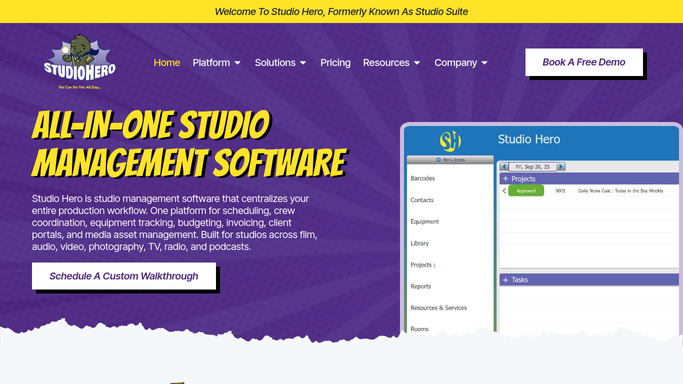
Studio Hero Automated Weekly Schedule Digests
Every Monday, WebRun pulls the week's confirmed bookings from Studio Hero, cross checks them against Google Calendar, and posts the full schedule to Slack for the whole team.
Studio HeroGoogle CalendarSlack
Studio Ninja Automated Weekly Session Digest
Every Monday, WebRun opens Studio Ninja, gathers every session booked for the week ahead, cross-checks Google Calendar for conflicts, and posts a clean weekly digest to Slack so your team starts the week aligned.
Studio NinjaGoogle CalendarSlack
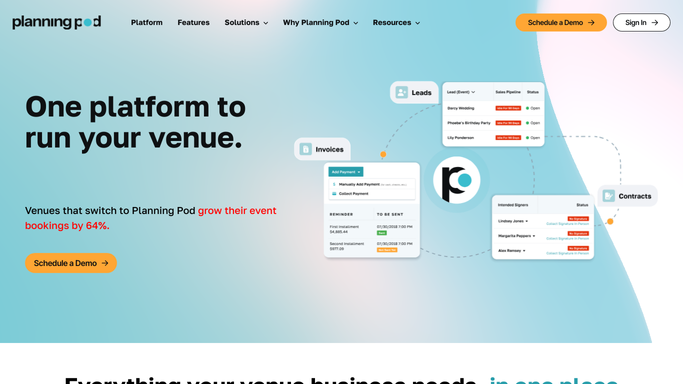
Planning Pod Automated Weekly Events Digest
WebRun pulls every event scheduled in Planning Pod for the next 4 weeks every Monday, checks each one's status across budget, staffing, and vendor logistics, and posts a digest to Slack and a tracking sheet in Google Sheets.
Planning PodGoogle SheetsSlack
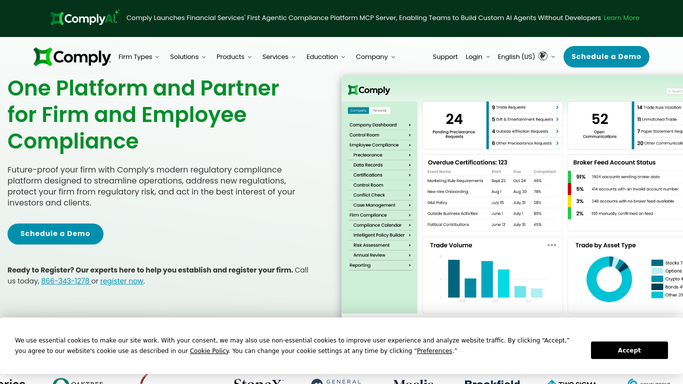
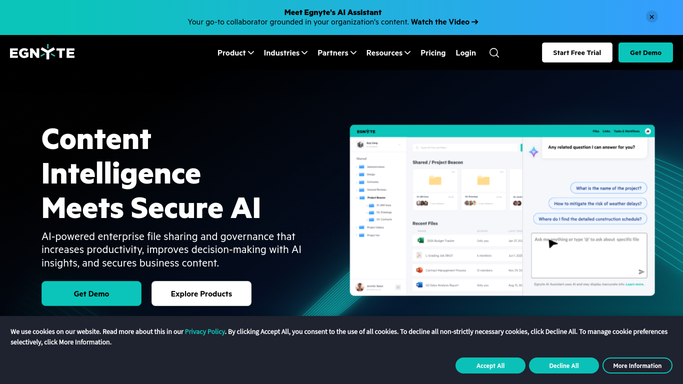
Automated Restricted List Update Alerts
Every hour, WebRun checks ComplySci across your clients for restricted list changes, files the updated list in Egnyte, and alerts your compliance team in Slack the same hour it changes.
ComplySci (COMPLY)EgnyteSlack
Automated State Filing Rejection Alerts
WebRun finds filings marked rejected by the state in Athennian, drafts the corrected packet for re-signature in Adobe Acrobat Sign, and alerts your compliance team in Slack with the rejection reason.
AthennianAdobe Acrobat SignSlack
Automated Excise Tax Filing Reminders
Each month, WebRun opens VIP, totals case sales by state and product type, builds the excise tax filing worksheet in Google Sheets, and posts a Slack reminder to compliance with the deadline and the numbers ready. It never files the return itself.
VIPGoogle SheetsSlack
Automated DistributionPlus Showroom Reminders
Every night, WebRun checks CP Tech DistributionPlus for tomorrow's showroom appointments, drafts a friendly reminder email for each customer in Outlook for your showroom team to send, and posts the day's full appointment list to Slack so staff can prep the right displays.
CP Tech DistributionPlusOutlookSlack
Automatic Vendor Price Increase Tracking
WebRun scans your inbox for manufacturer price increase notices, flags the affected items and current cost in Epicor Eclipse, and posts purchasing and sales a Slack digest so pricing gets updated before it costs you margin.
GmailEpicor EclipseSlack
Streamtime Automated Team Capacity Digest
Every Monday morning, WebRun checks Streamtime for how many hours each team member is scheduled this week, cross checks Google Calendar for any time off, and posts your team a Slack digest of who's overloaded and who has room to take on more.
StreamtimeGoogle CalendarSlack
Sprout Social Automated Posting Confirmations
Every morning, WebRun checks Sprout Social to confirm today's scheduled posts are still queued and error free, cross-checks them against launches and key dates on the shared Google Calendar, and posts a confirmation, or an alert if something is stuck, to Slack.
Sprout SocialGoogle CalendarSlack

Want one of these running on your own Slack?

Show WebRun the process once and it will run it on schedule, in your own private browser environment.