How to Automate Slack

Slack automates in two layers. Workflow Builder, reminders and vendor Slack apps cover anything that starts inside Slack or gets pushed to it. Getting an answer out of a tool that never built a Slack app is the layer people still do by hand, one browser tab at a time.

Slack is where the company keeps its attention

Slack is a messaging app that turned into something else along the way: the place a company keeps its attention. Decisions get made in a thread before they are written down anywhere official. The person who needs to know something asks in a channel rather than opening the system that holds the answer. New staff learn how the business actually works by scrolling.

Most companies run a few dozen channels and about four that matter. The one where orders come in. The one where things break. The one where the numbers get posted every morning. Those few are checked constantly, by people who are supposed to be doing something else.

That is both the value and the cost. Everything important passes through Slack, which is what makes it worth automating. Everything unimportant passes through too, which is why half the workspace has notifications off.

Someone is quietly paid to watch the dashboards

In most teams one person has become the human integration layer, without anyone deciding they should be.

They open the payment dashboard each morning and post yesterday's total. They check whether the overnight job finished and tell the channel either way. They copy the day's bookings across because the booking system has no Slack app. When somebody asks whether an order shipped, they open another tab and look.

None of that is in their job description. It is what happens when the tool everyone watches knows nothing about the tools that hold the facts. The channel is full of people and short of data.

The slack.com homepage, the app these three jobs run in. Slack
Morning numbers Yesterday's takings, failures and bookings read from the systems that hold them and posted before the team logs on.
The usual questions, answered Whether it shipped, whether it cleared, whether the status changed, checked and posted without anyone opening a tab.
Exceptions only The three lines that fell below reorder, not the two hundred that did not. Quiet channels are the ones people still read.

Workflow Builder only reacts to what happens inside Slack

Slack automates a fair amount on its own, and for what it covers it is good.

Workflow Builder runs a sequence when someone joins a channel, reacts with an emoji, submits a form or clicks a button. Reminders repeat on a schedule. Scheduled send posts a message you already wrote at a time you pick. Hundreds of products publish a Slack app that pushes their own events into a channel.

Every one of those is triggered by something that happened in Slack, or pushed in by a vendor who decided to build the integration. That is the ceiling. A workflow cannot go and look at anything. It posts what it is handed.

So the gap is every tool that never built a Slack app: the supplier portal, the council website, the twenty-year-old booking system, the bank. Those hold the answers people ask for in channels all day, and Slack has no way to reach them.

The channel can report before anyone asks

Change what is able to reach the channel and the whole thing inverts. Instead of people asking the channel questions, the channel starts answering them first.

Yesterday's takings, posted at seven, read from the till system that only ever shows them on a dashboard. The overnight payment failures, listed by customer, out of a portal with no export. The three stock lines that dropped below reorder, checked across every supplier you buy from. The bookings that came in during the night from a system that never built an integration.

The same goes for the questions people ask over and over. Whether a shipment moved. Whether a permit changed status. Whether a listing is still on the first page. Whether a competitor put their price up again. Each of those is somebody opening a tab, looking, and typing what they saw.

One thing worth building in from the start: a channel that posts everything gets muted inside a week, and a muted channel is worse than no channel. The version that survives posts what changed and stays quiet otherwise. Report the exception, not the heartbeat.

Nobody has to be watching at six in the morning

The till system will not post its own number into a channel, and the number is wanted before the doors open. Reading it off a screen at that hour is work, but it is not the kind that justifies a phone by the bed.

WebRun is an AI agent that works a real Chrome browser, signed in as you. It opens the portal or the dashboard, reads what is on the screen, and posts the result into the channel you choose. Because it works the browser rather than an API, it reaches the tools that never built a Slack app, which is most of them.

It runs on your schedule in your own private environment, and you can watch a run and stop it. Anything that would reach a customer drafts and waits for you.

The workflows below are already built, and each one names the apps it touches.

Questions people ask

Will it post to a channel without me approving it?

Posting to your own internal channel runs on its own, because a message you did not want is a message you delete. Anything customer-facing, like an email or a public reply, is drafted and waits for a person.

Do we need a paid Slack plan or admin rights?

No. It posts through the browser using the access you already have, so there is no app to get approved into the workspace and no admin ticket to wait on.

How do we stop it turning into noise?

Post exceptions rather than everything. Each workflow decides what is worth saying: the lines below reorder, the payments that failed, the job that did not finish. A channel that only speaks when something changed keeps getting read.

5,789 ready-made Slack workflows

Each one names the apps it touches and the exact steps it takes. Open one to read what it will do, then turn it on.
Automated CloudBees Pipeline Failure Escalation
Every hour, WebRun checks CloudBees for pipeline failures on release branches, posts them to Slack, and pages the team's Telegram channel when a pipeline fails twice in a row.
CloudBeesSlackTelegram
Automated ClicData Dashboard Alert Digest
WebRun checks ClicData dashboards for KPI alerts every day, posts a digest to Slack, and escalates any critical threshold breach to Telegram.
ClicDataSlackTelegram
Automated Clearbit Lead Fit Ranking
Every morning, WebRun checks Clearbit for new signups and form fills enriched with company data, ranks them against your ideal customer profile, and posts the team a Slack digest with the single best fit lead flagged on Telegram.
ClearbitSlackTelegram
Automated Clay Table Setup Verification
When a new Clay table is set up, WebRun checks that every enrichment column has a working data source and the required fields are mapped, posts the setup status to Slack, and pings Telegram if a step is blocking the table from running.
ClaySlackTelegram
Automated ClassDojo Daily Points Digests
Every afternoon, WebRun checks ClassDojo for the day's behavior points and class story activity, archives the day's points export to Google Drive, and posts a digest to your co-teacher's Slack channel.
ClassDojoGoogle DriveSlack
Automated Chili Piper Daily Booking Digest
Every morning, WebRun checks Chili Piper for meetings booked and routing failures since the last run, saves the day's booking log to Google Drive, and posts a digest to Slack.
Chili PiperGoogle DriveSlack
Automated Checkmarx Critical Finding Alerts
Every day, WebRun checks Checkmarx scan results for newly introduced critical or high severity findings, saves the full report to Google Drive, and alerts Slack.
CheckmarxGoogle DriveSlack
Automated Canary Mail New Account Setup Checks
When a new Canary Mail account is created, WebRun checks the signature, encryption, and recovery settings are in place, saves a confirmation record to Google Drive, and posts the result to Slack.
Canary MailGoogle DriveSlack
Automated CallTrackingMetrics Source Attribution Scorecard
Every week, WebRun compiles call volume and conversions by marketing source from CallTrackingMetrics, posts a scorecard to Slack, and flags any unusual drop to Telegram.
CallTrackingMetricsSlackTelegram
Automated Brandfolder Weekly Usage Scorecard
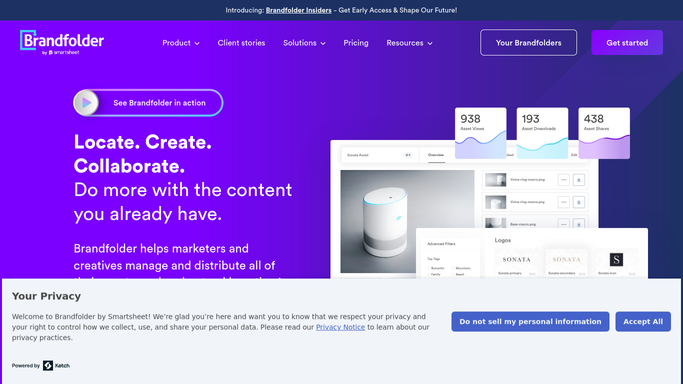
WebRun pulls a weekly view of which Brandfolder assets got downloaded or used most and which brand assets are aging without use, posts the scorecard to Slack, and forwards a short version to Telegram for remote team members.
BrandfolderSlackTelegram
Automated Bradesco Payee Setup Tracking
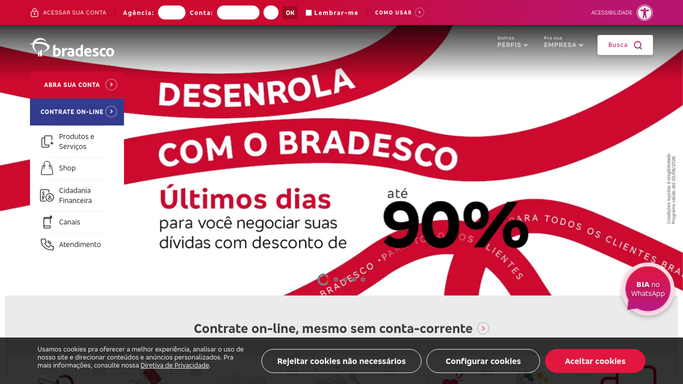
WebRun verifies a new Bradesco payee's registered banking details, posts the checklist status to Slack, and pings Telegram once the payee is ready to pay.
BradescoSlackTelegram
Automated Boomi Process Health Monitoring
WebRun checks every deployed Boomi process's execution status every hour, posts a health summary to Slack, and escalates a repeatedly failing process via Telegram.
BoomiSlackTelegram
Automated Bold BI Dashboard KPI Digest
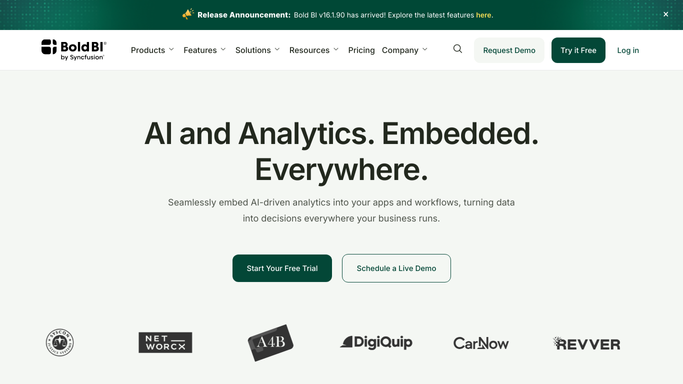
WebRun reads your key Bold BI dashboards every day, archives a PDF report to Google Drive, and posts the KPI digest to Slack.
Bold BIGoogle DriveSlack
Automated Bluevine Daily Balance Digest
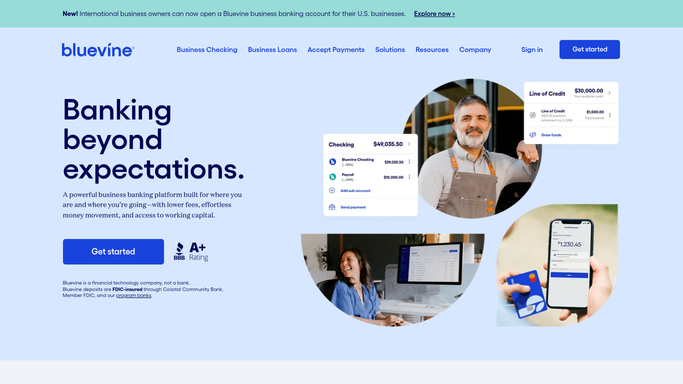
Every morning, WebRun checks your Bluevine balance and new deposits, saves a daily statement snapshot to Google Drive, and posts the digest to Slack.
BluevineGoogle DriveSlack
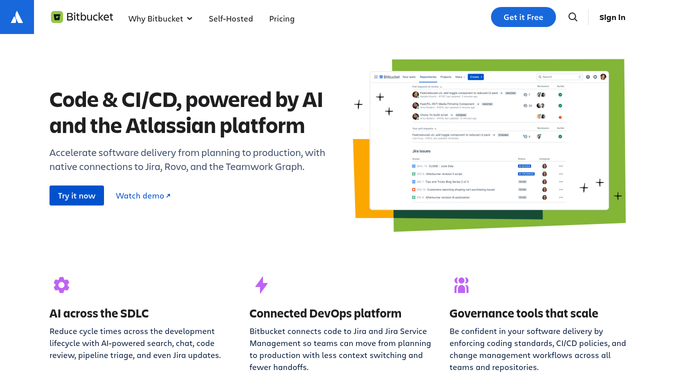
Automated Bitbucket Stale Pull Request Alerts
Every morning, WebRun checks Bitbucket for pull requests with no review activity, posts a nudge list to Slack, and pages anything stalled 5 days or more in Telegram so reviews don't quietly stack up.
BitbucketSlackTelegram
Automated BigMarker Webinar Engagement Export
After every BigMarker webinar, WebRun exports the attendee list and engagement data to Google Drive and posts a summary to Slack for marketing.
BigMarkerGoogle DriveSlack
Automated Beike Listing Price Alerts
WebRun checks your watchlist of Beike listings for price changes, posts each one to Slack, and sends a Telegram alert for any drop over your set threshold.
BeikeSlackTelegram
Automated Battle.net Server Status Alerts
Every hour, WebRun checks Battle.net service status and scheduled maintenance, posts the routine update to Slack, and escalates to Telegram when an outage lands inside a scheduled scrim window.
Battle.netSlackTelegram
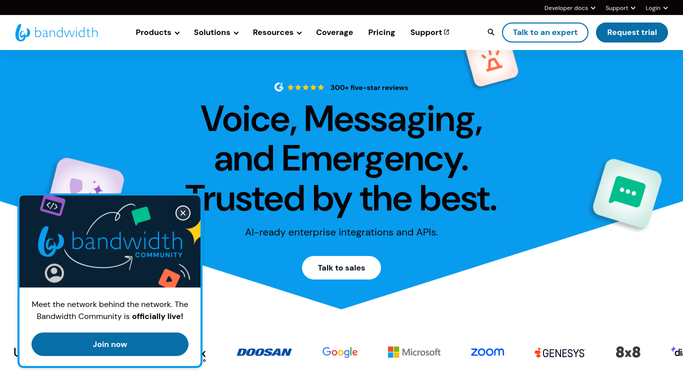
Automated Bandwidth E911 Compliance Digest
Every week, WebRun reviews your Bandwidth phone number inventory and emergency address registrations, posts the results to Slack, and pings Telegram if any number is missing a current E911 address.
BandwidthSlackTelegram
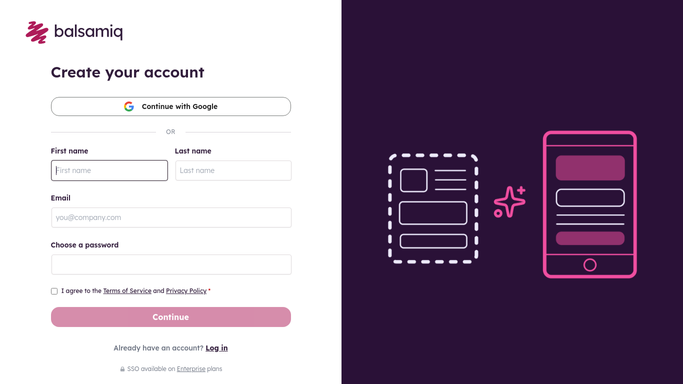
Automated Balsamiq Weekly Wireframe Scorecard
WebRun tallies which Balsamiq wireframe projects were updated this week, archives a snapshot of each to Google Drive, and posts a weekly wireframe scorecard to Slack.
BalsamiqGoogle DriveSlack
Automated Badger Maps Daily Route Planning
Every morning, WebRun builds today's optimized route and stop list from Badger Maps, posts the route summary to Slack for the manager, and sends the rep their route on Telegram.
Badger MapsSlackTelegram
Automated Anymail Finder Weekly Export
Every Friday, WebRun compiles the emails found and verified in Anymail Finder that week into a file, exports it to Google Drive, and alerts Slack with the verification rate.
Anymail FinderGoogle DriveSlack
Automated Anki Study Group Backlog Tracking
Every morning, WebRun checks each study group member's Anki due-card backlog, archives shared deck exports to Google Drive, and posts a digest to Slack flagging whose backlog is growing.
AnkiGoogle DriveSlack
Automated Ancestry Hint Tracking for Researchers
Every morning, WebRun checks Ancestry for new record hints across client family trees, saves the matched records to the client's folder in Google Drive, and notifies the research team in Slack.
AncestryGoogle DriveSlack

Want one of these running on your own Slack?

Show WebRun the process once and it will run it on schedule, in your own private browser environment.