Score your weekly Brandfolder usage for you
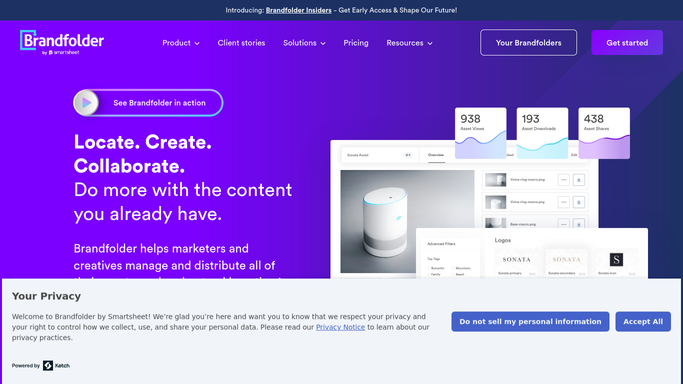
Every Friday, WebRun opens Brandfolder, pulls which brand assets were downloaded or used most this week and which have not been touched in a while, posts a usage scorecard to Slack for the brand team, and forwards a short version to Telegram so remote team members see it without opening a laptop.
- No credit card
- Under $0.01 per run
- Cancel anytime
What does WebRun do on every run?
The exact actions WebRun takes, in order - in plain language, so you can adjust anything.
-
WebRun signs in and gets to work
Opens
brandfolder.comin a real browser with your saved login - no setup, no API keys. -
1
Brandfolder - pull weekly asset usage
brandfolder.com

WebRun opens Brandfolder to pull weekly asset usage. - Open Brandfolder and pull download and view counts for the week
- Rank assets by usage, highest to lowest
- Note any asset with no activity in the last month
Done when Weekly usage has been pulled for every asset.
-
2
Slack - post the usage scorecard
slack.com How to Automate Slack
WebRun opens Slack to post the usage scorecard. - Post the usage scorecard to the brand Slack channel
- List the top five most used assets and the most stale ones
- Note the collection each asset belongs to
Done when The scorecard is posted to Slack.
-
3
Telegram - forward a summary
telegram.org How to Automate Telegram
WebRun opens Telegram to forward a summary. - Forward a short version of the scorecard to the remote team Telegram group
- Keep it to the top highlights only
- Skip the forward if usage barely changed from last week
Done when A summary has been forwarded to Telegram.


How do I see which Brandfolder assets are actually getting used?
WebRun pulls Brandfolder download and view activity every Friday, ranks which assets got used most and which have gone stale, and posts a usage scorecard to Slack. It forwards the highlights to Telegram for remote team members, so brand asset performance gets reviewed weekly without anyone pulling a report by hand.
- Stale brand assets get noticed instead of sitting forgotten
- The brand team sees weekly usage without pulling a report
- Remote teammates get the highlights without opening a dashboard
Built for brand managers · marketing operations · creative teams · enterprise marketing teams
How is each run configured?
Secure by default
Connect once, stays signed in
WebRun signs in once and keeps each session in a persistent environment, so every run picks up right where it left off.
Every action is checked against this policy before it runs.
Questions, answered
Does it delete or archive stale assets?
No. WebRun only flags which assets have not been used recently. Archiving or removing anything from Brandfolder is left to the brand team.
How far back does usage get counted?
Each scorecard covers the current week only, comparing download and view activity against the prior week where relevant.
Why post to both Slack and Telegram?
Slack reaches the brand team at their desks, while Telegram reaches remote team members who check messages from a phone. Both get the same highlights.
Related templates
Put this on autopilot.
Turn it on in minutes - or have our team set it up for you.