How to Automate DocuSign

DocuSign automates the signing itself. Templates hold the fields, routing sets the order signers receive a document, and reminders chase on a schedule. Raising the envelope from the record that justifies it, and acting once it is signed, is where the manual work sits.

DocuSign is where an agreement becomes binding

DocuSign is the electronic signature service most businesses reach for, and the moment it handles is the one that matters commercially. Before the signature there is an intention. After it there is an obligation.

Which is why it tends to sit at the seam between departments. Sales gets the quote agreed. Legal owns the wording. Operations cannot start until it is signed. Finance cannot invoice until operations started.

The document itself is rarely the constraint. The template exists, the wording was settled months ago, and the fields are in the right places.

The constraint is everything either side of the signature: getting the envelope raised in the first place, and noticing it came back.

The chasing starts the moment it is sent

An envelope that has been sent and not signed is the most expensive kind of pending work, because nothing downstream can begin.

So somebody keeps a mental list. They open the signing dashboard on Monday and see what is still out. They cross-reference against the deals they care about. They work out which of the unsigned ones are old enough to be worrying, and which have a customer behind them who needs a phone call rather than another automated nudge.

On the other side, somebody has to notice completion. A contract signed at nine on Friday evening sits there until Monday, when a person opens the dashboard, downloads the PDF, files it, and tells the team they can start.

Both jobs are watching. Neither is skilled. Both are the reason a week gets added to a deal that everybody had already agreed to.

The docusign.com homepage, the app these three jobs run in. DocuSign
Raised from the record The agreement created from the job, quote or application that calls for it, with the details already filled in.
Chased with context Not just a reminder, but a list of who is holding things up and how long the deal has been sitting.
Filed on completion The signed copy pulled out and put where it belongs, so nobody hunts for it during an audit.

Reminders repeat, they do not investigate

DocuSign automates the signing process itself thoroughly, and for that stretch it is very good.

Templates hold reusable documents with fields and roles. Routing controls the order recipients receive an envelope and whether it goes in parallel or in sequence. Automatic reminders and expiry chase on a schedule. Bulk send issues the same document to many recipients. PowerForms let someone start an agreement themselves from a link. The audit trail records every view and signature.

All of that begins once an envelope exists, and operates on the envelope alone.

DocuSign has no way to know that a quote was accepted in your CRM this morning, that a job in your operations system is waiting on paperwork, or that the applicant who signed yesterday now needs an account opening. It manages the document, not the process the document belongs to.

The envelope can be raised from the record that justifies it

A quote gets accepted on Tuesday morning and the agreement goes out on Thursday afternoon. Nothing happens in between except somebody finding the time to open two systems.

The quote marked accepted in the CRM turns into the right template, populated from that record, sent to the contact on it. The application that reached the approved stage turns into the agreement it requires. The job booked in the operations system that legally needs a signed authority gets one raised the same hour, not the following week.

Afterwards matters as much. The signed PDF pulled down and filed against the client in Drive under a consistent name. The record in the CRM moved on. The operations system told it can proceed. The Monday chase list assembled with the oldest and largest at the top, and with the context of what each one is holding up.

Keep one distinction. Preparing an envelope and filing a completed one are safe to run unattended. Sending a legal agreement to a customer is not, and should have a person between the draft and the recipient.

Somebody has to notice it was signed

The signing is instant. The waiting either side of it is what adds the week.

WebRun is an AI agent that works a real Chrome browser, signed in as you. It reads the CRM or the operations system, prepares the envelope from the right template, and afterwards collects the signed copy, files it, and updates the record that was waiting on it.

It runs on your schedule in your own private environment, and you can watch a run and stop it. Anything going to a customer is drafted and waits for a person.

The workflows below are already built, and each one shows the steps it takes.

Questions people ask

Will it send a legal agreement without me seeing it?

No. Preparing the envelope and filing the signed copy run unattended, but sending an agreement to a customer waits for a person to approve it.

Do we need the DocuSign API or a developer plan?

No. It works the DocuSign interface signed in as you, using the templates you already have, so there is no integration to build or maintain.

Can it update the system that was waiting on the signature?

Yes, and that is usually the point. Once an envelope completes it can file the PDF, move the record on in your CRM and tell the operations system it can start.

225 ready-made DocuSign workflows

Each one names the apps it touches and the exact steps it takes. Open one to read what it will do, then turn it on.

Automated Grease-Trap Account Onboarding
When a new account is added in Tank Track, WebRun builds a site survey checklist for the first visit, prepares a service agreement in DocuSign, and drafts a welcome email with next steps for you to review before it reaches the customer.
Tank TrackDocuSignGmail
Automated Division Order Change Intake
When an owner sends a division order change, WebRun reads the request in DocuSign, checks the new decimals against the current ownership in Petrofly, and queues a change summary in Slack for a person to approve before anything in the owner record moves.
PetroflyDocuSignSlack
Automated 1031 Assignment Notice Drafts
When an exchange reaches closing in Accruit Exchange Manager Pro, WebRun prepares the assignment notice, sets up a DocuSign envelope for the settlement agent, and drafts a cover email in Gmail, leaving everything queued for a facilitator to send.
Accruit Exchange Manager ProDocuSignGmail
Automated Pediatrician Referral Handoffs
When a consult flags a pediatrician referral, WebRun pulls the relevant notes from MilkNotes, drafts a concise handoff letter in Gmail, and prepares a DocuSign consent request, leaving both for you to review before anything is sent.
MilkNotesGmailDocuSign
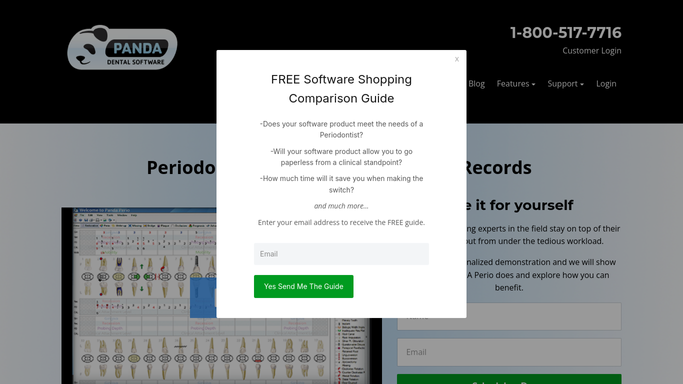
Panda Perio Automated Consent Tracking
WebRun finds upcoming soft-tissue and bone graft cases in Panda Perio, checks DocuSign for a signed consent, drafts the consent packet to send for any that are missing, and posts your team the outstanding list so no case reaches the chair unsigned.
Panda PerioDocuSignSlack
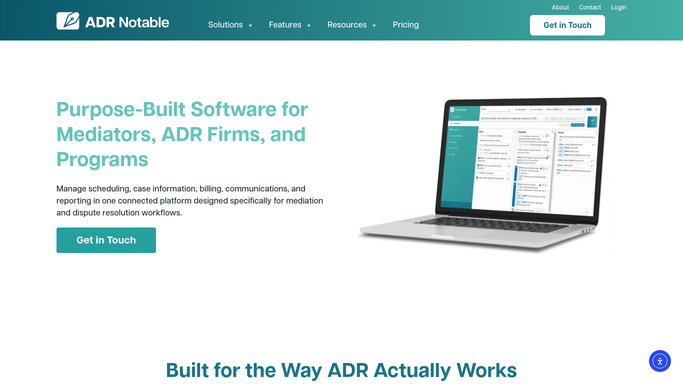
Automated Executed Agreement Notices
When DocuSign shows a mediation agreement fully executed, WebRun updates the case in ADR Notable and drafts a confirmation to each party's counsel in Outlook with the effective date and next steps, leaving every message for you to send.
ADR NotableDocuSignOutlook
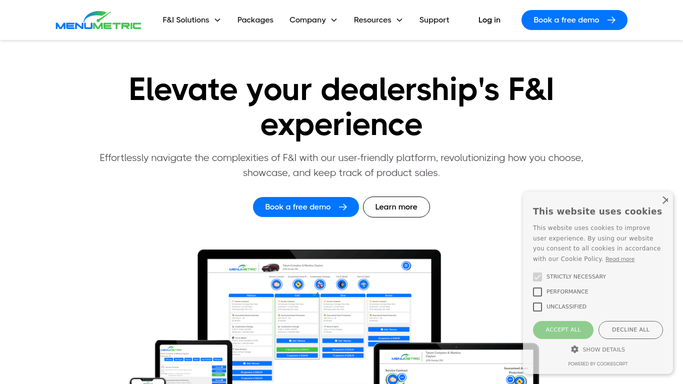
Automated Unsigned eContract Flags
WebRun cross checks eContracted products in MenuMetric against their DocuSign envelopes, drafts a signature reminder for each customer who has not signed, leaves it unsent for review, and posts the F&I office a Slack list of contracts stuck without a signature.
MenuMetricDocuSignSlack
Automated Sedation Consent Collection
WebRun finds children booked for sedation in Oryx Dental, prepares the right consent forms in DocuSign, and drafts a guardian request text in Twilio so every consent is signed before the visit.
Oryx DentalDocuSignTwilio
Automated Predetermination Packet Prep
WebRun gathers the codes, narrative, and supporting images for each restorative predetermination in XLDent, builds a packet in Google Drive, and queues it for your billing lead to approve before it goes to the insurer.
XLDentGoogle DriveDocuSign
nAbleIVF Automated Cryo Consent Recall
Every week, WebRun opens nAbleIVF, finds patients whose annual cryopreservation storage consent is coming up for renewal, drafts a recall email and a DocuSign renewal packet for each, and leaves both for staff to review so no consent lapses without the patient having a chance to renew.
nAbleIVFOutlookDocuSign
Automated Food Hall Vendor Onboarding
When a new vendor is added in Hallpass, WebRun builds their onboarding document checklist, prepares the licence and insurance forms for signature in DocuSign, and drafts a welcome email in Gmail listing what is still outstanding, for you to send.
HallpassDocuSignGmail
Automated Striping Layout Approvals
WebRun finds upcoming striping jobs in Bitumio, drafts a layout approval email to each customer, and queues a sign-off request so nothing gets painted unapproved.
BitumioGmailDocuSign
Automated Specimen Signoff Chasing
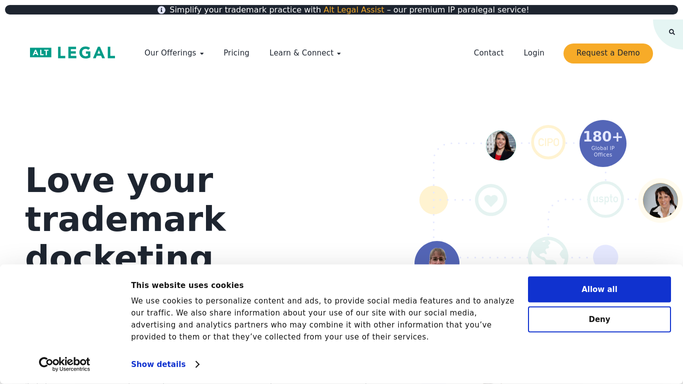
WebRun checks Alt Legal for filings that still need a specimen or a signed declaration, prepares the DocuSign signoff, and drafts a polite chase email so nothing stalls before the filing window closes.
Alt LegalDocuSignGmail
Automated Engagement Agreement Chasers
Every morning, WebRun checks DocuSign for engagement agreements still unsigned, matches each to its family in CounselMore, and drafts a polite reminder in Gmail for you to send.
CounselMoreDocuSignGmail
Automated Voice Talent Release Chasing
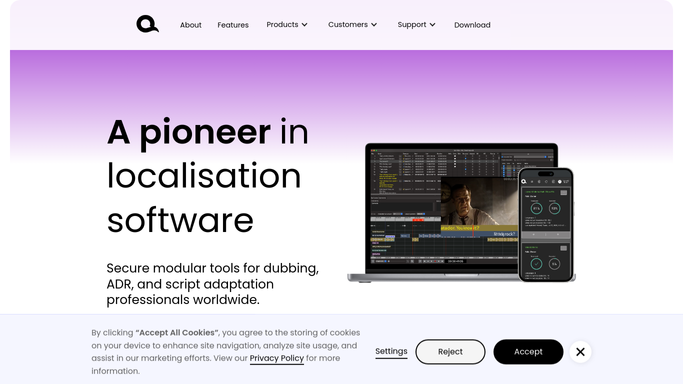
Every Monday, WebRun checks which booked talent in VoiceQ still have unsigned release or usage forms in DocuSign, and drafts a polite reminder for each so no delivery is held up by missing paperwork.
VoiceQDocuSignGmail
ScopeTakeoff Automated Scope Approvals
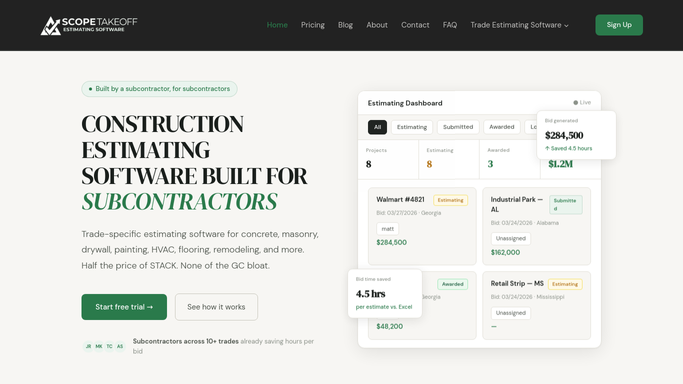
WebRun builds a clear scope summary from your ScopeTakeoff repointing estimate, prepares a DocuSign approval for the owner to sign, and tells you in Slack when each is ready to send.
ScopeTakeoffDocuSignSlack
Automated 1031 Exchange Agreement Drafts
For each confirmed exchange, WebRun assembles the agreement package in Accruit Exchange Manager Pro, prepares a DocuSign envelope for the taxpayer, and drafts a cover note in Outlook, leaving everything queued for a facilitator to send.
Accruit Exchange Manager ProDocuSignOutlook
Automated Coggins Result Reports
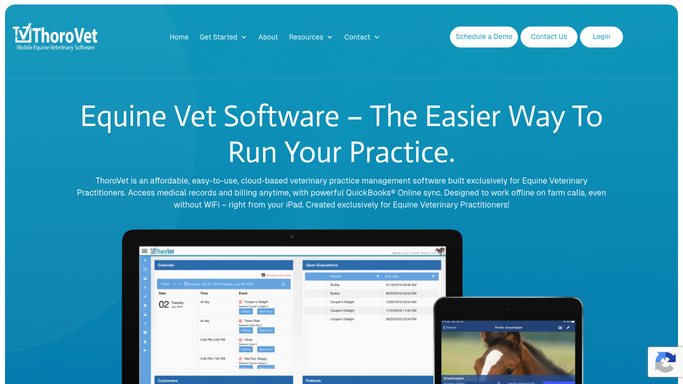
WebRun watches for returned Coggins, or EIA, test results in ThoroVet, matches each to its horse and owner, drafts a clear result email with the official form attached, and queues it for the veterinarian to approve before it reaches the owner.
ThoroVetGmailDocuSign
User Interviews Automated Consent Chasing
Every morning, WebRun cross-checks tomorrow's User Interviews sessions against DocuSign, finds participants who have not signed consent, and drafts a polite nudge for each in Gmail for you to review.
User InterviewsDocuSignGmail
Flybook Automated Riding Waiver Checks
Every morning, WebRun matches arriving Flybook bookings against signed waivers in DocuSign, flags any rider without a completed liability waiver, posts the gap to Slack, and drafts a signing reminder for your team to review.
FlybookDocuSignSlack
FieldGroove Automated Rebate Doc Collection
Every morning, WebRun checks which rebate jobs in FieldGroove are missing audit paperwork, drafts a request email and a signature packet for each homeowner, and posts what is still outstanding to Slack.
FieldGrooveGmailDocuSign
Sonio Automated Consent Packet Prep
Each morning, WebRun opens Sonio, finds patients scheduled for an amniocentesis or CVS, assembles the matching consent packet in DocuSign, and drafts a Gmail note to the patient, all left unsent for a clinician to review and send.
SonioDocuSignGmail
Automated Retention Agreement Chasers
WebRun finds engagements missing a signed retention agreement in ExpertClear, checks signature status in DocuSign, and drafts a polite chase email in Gmail for you to review.
ExpertClearDocuSignGmail
Automated Unsigned Waiver Worklist
Before doors, WebRun matches tonight's FEARTICKET orders against your signed waivers in DocuSign, builds a check-in worklist of who still needs to sign, and posts it to Slack so staff can catch them at the gate.
FEARTICKETDocuSignSlack

Want one of these running on your own DocuSign?

Show WebRun the process once and it will run it on schedule, in your own private browser environment.