How to Automate DripJobs
DripJobs automates the follow-up. A library of prepared drip messages fires as a deal changes stage, proposals go out with e-signatures, and Jobi AI scores the deal and drafts the next message. Timing those well needs facts from outside the pipeline, which is where a browser agent like WebRun helps.
 Written by
Clara Bennett
Revenue operations
Written by
Clara Bennett
Revenue operations
 Reviewed by
Nikhil Bhatt
Automation strategist
Reviewed by
Nikhil Bhatt
Automation strategist
DripJobs exists because contractors stop following up
DripJobs is a CRM for painting and home service contractors, and it is unusually direct about the problem it was built for. A contractor gives an estimate, the homeowner says they will think about it, and nobody hears from either of them again. The trade calls that a lost job. DripJobs calls it a stage in a pipeline and starts sending.
The businesses on it are small crews across more than a dozen trades: painters first, then roofers, gutter installers, landscapers, electricians, plumbers, deck and fence outfits. One or two crews, an owner who still runs the estimates himself, and a phone that is also the office.
At that size the pipeline is the whole company. Every deal is a driveway somebody stood in with a tape measure, and a good year is not made by how many of those there were. It is made by how many got a second conversation.
A quiet deal looks exactly like a dead one
Two weeks after an estimate, a contractor's pipeline is full of names that mean nothing on their own.
Some of those homeowners are collecting three more quotes. Some are waiting on an insurance adjuster after the hail in March. Some are waiting on a permit, or on an HOA architectural committee that meets once a month. One signed with somebody else on the day and never said. From inside the app they are identical rows sitting on the same stage for the same number of days.
So the follow-up goes to all of them in the same words, or it does not go at all. The second happens more often. It is half past eight, the truck still needs washing, and typing a message to a stranger who probably said no is the last thing anyone does.
The sequences start from a stage change and a clock
DripJobs automates this better than most tools its size, and a contractor should switch all of it on before adding anything.
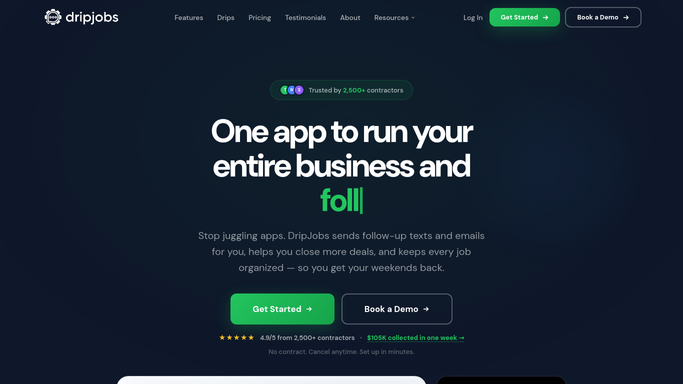
It ships with a library of prepared drip messages, written for the trade, and it detects the stage a deal has reached and starts the matching sequence without anybody choosing one. Proposals go out with package pricing and e-signatures, so an estimate can be accepted from a phone at the kitchen table. Jobi AI reads the deal, scores the lead and drafts the next message instead of leaving a blank box. DripJobs Chat gives the business its own number for two-way texting, and appointment reminders go out ahead of the estimate and the job. Behind that sit production rates and job costing, change orders and a customer portal.
For a two-crew shop that is a great deal of machinery.
All of it, though, is set off by a stage change inside DripJobs and a clock. Day three after the proposal. Seven days after that. None of it can know that the adjuster finally approved the claim, that the permit cleared on Tuesday, or that the homeowner has posted photographs of somebody else's scaffolding.
Weather, permits and marketplace inboxes decide the next message
Work starts in DripJobs as a lead and leaves it as an invoice. What decides the timing in between is nearly always on a page nobody has time to open.
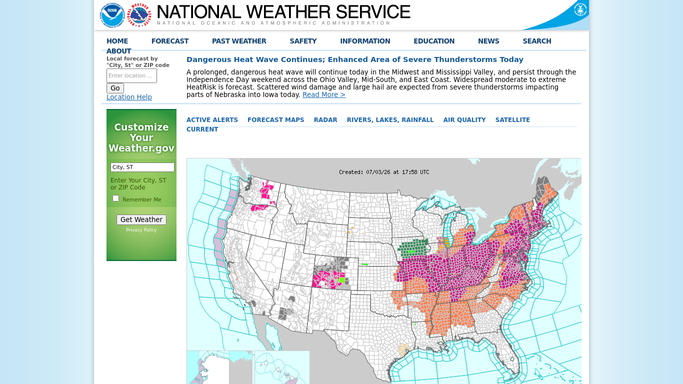
The estimate for an exterior repaint chased on the first clear week in the ten day forecast, rather than on day three of rain, when a nudge about paint reads as tone deaf. Storm leads triaged the morning after hail, with the county's damage reports set against the addresses already in the pipeline, so the crew calls the streets that got hit.
Permit and inspection status read on the municipal portal, so a deal moves to scheduled the day the work can legally start. Claim status checked on the carrier's contractor portal for the roofing deals stuck behind an adjuster, because the homeowner does not know either and by week three is blaming you.
Enquiries lifted out of the lead marketplaces each morning and created as deals with a reply drafted, since in this trade the first one back usually wins. Deposits promised and never taken checked against the payment processor before a crew is dispatched.
Reading and comparing can run overnight. Anything going to a homeowner gets written and then waits, because the owner's name is on the truck.
The follow-up is only as good as what it knows
Send that follow-up without checking the forecast, the permit portal and the adjuster's site first, and it goes out blind. Check them, and in a two-crew shop it is the owner doing it at night.
WebRun is an AI agent that works a real Chrome browser, signed in as you. It opens those pages, reads what is there the way you would, and writes back into DripJobs as a note on the deal, a new lead, or a short list of the ones that changed since Friday.
It runs on a schedule you set, in your own private environment, and you can watch a run and stop it. Nothing addressed to a homeowner is sent by the agent: the message is drafted and left for you.
The workflows below are already built, and each one names what it opens.
Questions people ask
Jobi AI already writes our follow-ups. Why add anything?
Keep it. Jobi is good at wording a message from what the deal already says. This adds the part it cannot see, which is whether the permit cleared, the adjuster approved, or the weather turned this week.
Our texts go out under our business number. Does it send them?
No. It drafts into DripJobs and stops. That number is the shop's reputation, and a badly timed text to a homeowner costs more than a slow one ever will.
Would it move a deal to another stage without me knowing?
Only where you allow it, and every change is listed after the run. Most shops start stricter than that: it adds a note explaining what it found and leaves the stage alone.
12 ready-made DripJobs workflows
Each one names the apps it touches and the exact steps it takes. Open one to read what it will do, then turn it on.





Want one of these running on your own DripJobs?
Show WebRun the process once and it will run it on schedule, in your own private browser environment.