Reconnect with the contacts who have gone quiet
Every Monday, WebRun opens Copper, finds the contacts and companies you own with no logged activity for longer than your quiet threshold, drafts a short personal check-in email per contact in Gmail using their last conversation, and sends you a WhatsApp call list ranked by account value.
- No credit card
- Under $0.01 per run
- Cancel anytime
How do I follow up with CRM contacts who have gone quiet?
WebRun reviews your Copper contacts every Monday and finds the ones with no logged activity past your quiet threshold. It drafts a short, personal check-in email in Gmail for each, referencing your last conversation, and sends you a WhatsApp call list ranked by account value, ready for you to approve.
- Quiet relationships get a personal check-in written and ready to send
- The call list is ranked by account value, not alphabetically
- Contacts who reply drop off the list without any admin
Built for account managers · sales teams · agencies · professional services firms
What does WebRun do on every run?
The exact actions WebRun takes, in order - in plain language, so you can adjust anything.
-
WebRun signs in and gets to work
Opens
app.copper.comin a real browser with your saved login - no setup, no API keys. -
1
Copper - find contacts gone quiet
copper.com
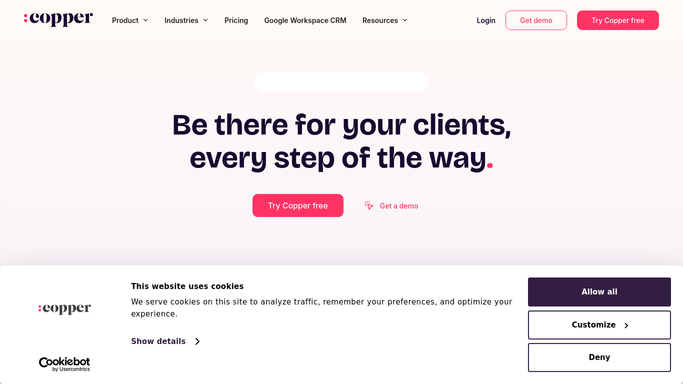
WebRun opens Copper to find contacts gone quiet. - Sign in to Copper and filter your contacts and companies by last activity date
- Find records with no logged email, call, or meeting for longer than your quiet threshold, for example 45 days
- Capture the name, company, owner, last activity date, and the last thing discussed
- Skip records marked as lost, unqualified, or do not contact
Done when Every quiet contact is listed with a days-since-contact figure.
-
2
Gmail - draft the check-in emails
gmail.com How to Automate Gmail

WebRun opens Gmail to draft the check-in emails. - Draft one short check-in email per quiet contact in Gmail
- Reference the last thing you actually discussed so the message reads personal, not templated
- Keep every message to a few sentences with a single clear ask
- Leave every email as an unsent draft for you to review, edit, and send
Done when A personal check-in draft is waiting in Gmail for every quiet contact.
-
3
WhatsApp - send the ranked call list
whatsapp.com How to Automate WhatsApp

WebRun opens WhatsApp to send the ranked call list. - Send yourself a WhatsApp call list of this week's quiet contacts
- Rank it by account value, then by how long they have been quiet
- Note the last thing discussed next to each name so you can pick up the thread
- Say how many drafts are waiting for approval in Gmail
Done when You have this week's ranked call list on WhatsApp.
How is each run configured?
Secure by default
Connect once, stays signed in
WebRun signs in once and keeps each session in a persistent environment, so every run picks up right where it left off.
Every action is checked against this policy before it runs.
Questions, answered
Will it email my contacts without me?
No. Every check-in is left as an unsent Gmail draft. You read it, make it sound like you, and send it, so no client or prospect ever receives a message you have not approved.
Does it change records in Copper?
No. The run is read-only in Copper. It does not log activity, change a stage, edit a field, or reassign an owner. Your CRM data stays exactly as your reps left it.
How long before a contact counts as quiet?
You set the threshold, commonly 45 days with no logged email, call, or meeting. Contacts who reply or get logged activity drop off next Monday's list on their own.
Related templates
Put this on autopilot.
Turn it on in minutes - or have our team set it up for you.