Track your Suunto coaching clients for you
Every Monday, WebRun opens Suunto, checks every coaching client's logged sessions and training load for the past week, updates each client's card on a Trello board with the current numbers, and sends you a WhatsApp scorecard ranking clients by training volume.
- No credit card
- Under $0.01 per run
- Cancel anytime
How do I track weekly training load across my Suunto coaching clients?
WebRun checks every coaching client's training log on Suunto each Monday, updates each client's Trello card with the week's sessions and load, and sends you a WhatsApp scorecard ranking clients by training volume, so a coach can spot who's on track and who needs a check in without reviewing every log by hand.
- Weekly training load is ranked without manually checking every client
- Inactive clients get flagged the same week they go quiet
- Every client's Trello card stays current without manual updates
Built for Endurance coaches · Personal trainers · Triathlon and running coaches · Sports performance coaches
What does WebRun do on every run?
The exact actions WebRun takes, in order - in plain language, so you can adjust anything.
-
WebRun signs in and gets to work
Opens
www.suunto.comin a real browser with your saved login - no setup, no API keys. -
1
Suunto - check each client's training log
suunto.com
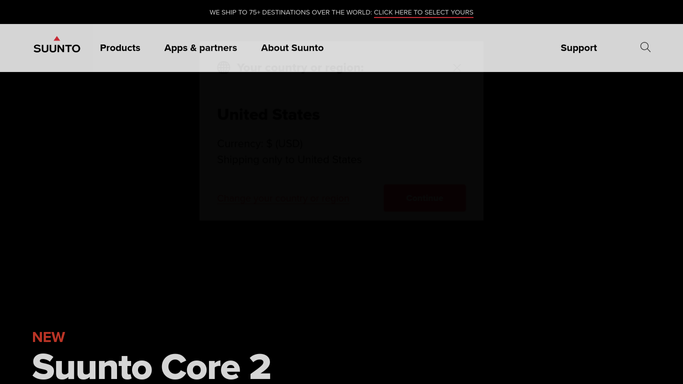
WebRun opens Suunto to check each client's training log. - Open the training log for each coaching client on Suunto
- Check sessions completed and training load for the past week
- Note anyone with no logged sessions
Done when Every client's weekly training data has been checked.
-
2
Trello - update each client's card
trello.com How to Automate Trello

WebRun opens Trello to update each client's card. - Open the coaching board and find each client's card
- Update the card with this week's sessions and training load
- Flag any client with no logged activity
Done when Every client's card reflects this week's training data.
-
3
WhatsApp - send the weekly scorecard
whatsapp.com How to Automate WhatsApp

WebRun opens WhatsApp to send the weekly scorecard. - Send you a scorecard ranking clients by training load this week
- Note anyone with no logged sessions for follow up
- Include the week over week trend where notable
Done when You have this week's coaching scorecard on WhatsApp.
How is each run configured?
Secure by default
Connect once, stays signed in
WebRun signs in once and keeps each session in a persistent environment, so every run picks up right where it left off.
Every action is checked against this policy before it runs.
Questions, answered
Does WebRun log workouts for a client?
No. WebRun only reads what a client has already logged on Suunto. It never adds, edits, or fakes a session for anyone.
Does it see a client's private health data?
No. It only reads training sessions and load a client has shared with their coach, nothing beyond what's needed for the scorecard.
What happens when a client has a rest week?
It still shows on the scorecard with a low or zero training load, so a planned rest week isn't confused with someone going quiet.
Related templates
Put this on autopilot.
Turn it on in minutes - or have our team set it up for you.