Catch new DNA relative matches for every client search
Every morning, WebRun checks a client's 23andMe DNA Relatives page, compares the match list against the last check, logs any new match to a Trello research card with estimated relationship and shared DNA percentage, and updates the genealogy team in Microsoft Teams.
- No credit card
- Under $0.01 per run
- Cancel anytime
What does WebRun do on every run?
The exact actions WebRun takes, in order - in plain language, so you can adjust anything.
-
WebRun signs in and gets to work
Opens
you.23andme.comin a real browser with your saved login - no setup, no API keys. -
1
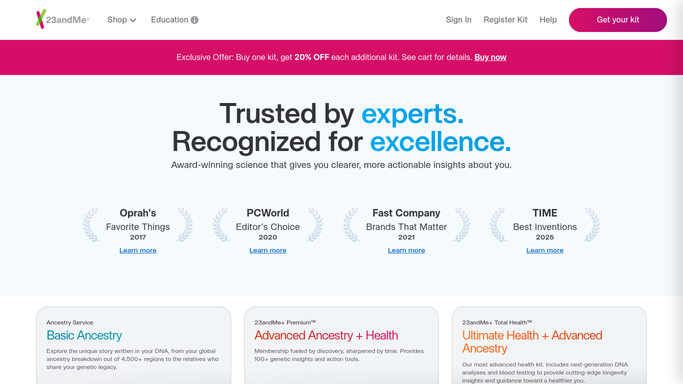
23andMe - check for new relative matches
23andme.com

WebRun opens 23andMe to check for new relative matches. - Open the client's 23andMe DNA Relatives page
- Compare the current match list against the last check
- Note the estimated relationship and shared DNA percentage for any new match
Done when Every new relative match since the last check has been captured.
-
2
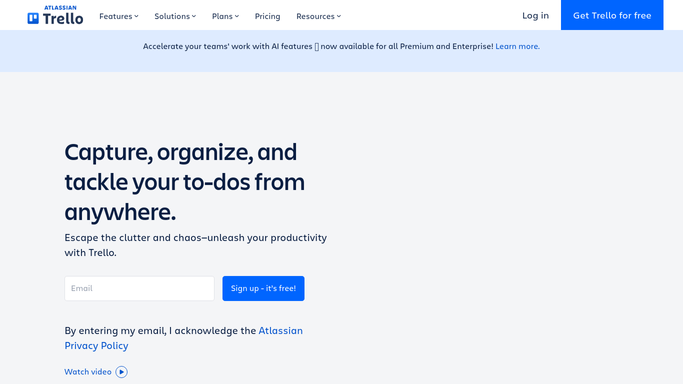
Trello - log each match to the research file
trello.com How to Automate Trello
WebRun opens Trello to log each match to the research file. - Add a card for each new match to the client's research board
- Include estimated relationship and shared DNA percentage
- Move the card to Reviewed once a researcher follows up
Done when The research board reflects every new match found this run.
-
3
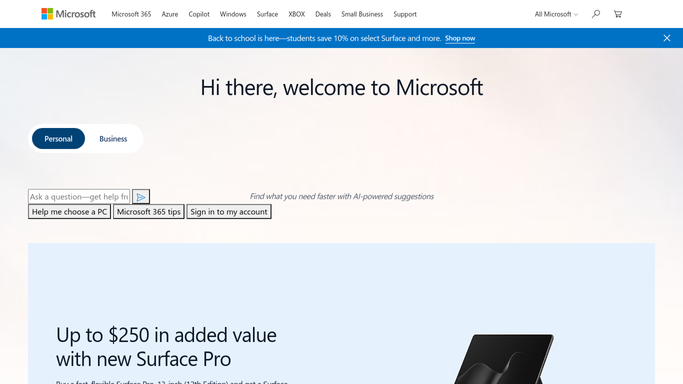
Microsoft Teams - update the genealogy team
microsoft.com How to Automate Microsoft Teams
WebRun opens Microsoft Teams to update the genealogy team. - Post an update to the genealogy team channel naming the client file and new match count
- Flag any close relative match for priority review
- Skip the post if there are no new matches
Done when The team has seen today's new match update in Teams.
How do I get alerted about new 23andMe DNA relative matches for client research?
WebRun checks a client's 23andMe DNA Relatives page every morning, compares the match list against the last check, and logs any new match to a Trello research card with estimated relationship and shared DNA percentage. It updates the genealogy team in Microsoft Teams, flagging close relatives for priority review.
- New relative matches reach the research file the same morning they appear
- Close relative matches get flagged for priority follow-up
- Every client file keeps a running log of matches for reference
Built for Professional genealogists · Genealogy research services · Family history consultants · Adoption search researchers
How is each run configured?
Secure by default
Connect once, stays signed in
WebRun signs in once and keeps each session in a persistent environment, so every run picks up right where it left off.
Every action is checked against this policy before it runs.
Questions, answered
Will it message a newly found relative on our behalf?
No. WebRun only reads the match list and logs it for the research file. Reaching out to a match is a decision made by the client or researcher, not WebRun.
Does it access anything beyond the DNA Relatives match list?
It reads the match list, the estimated relationship, and shared DNA percentage, the same summary data already shown on that page. It doesn't pull raw genetic data.
How does it flag a close relative as priority?
It flags matches estimated as close relatives, like a parent, sibling, or first cousin, based on the shared DNA percentage 23andMe already provides.
Related templates
Put this on autopilot.
Turn it on in minutes - or have our team set it up for you.