Automated Maximizer CRM Forecast Reconciliation
Every Monday, WebRun opens Maximizer CRM, compares the forecast category and close date on every open opportunity against its actual pipeline stage and activity, creates a Trello card for any deal whose forecast looks out of date, and sends your sales manager a WhatsApp message for gaps above your defined value threshold.
How do I catch sales forecast gaps before the quarter closes?
WebRun compares every open Maximizer CRM opportunity's forecast category and close date against its actual stage every Monday, flagging deals where the close date has passed with no movement or the forecast looks stale. It creates a Trello card for each one and messages the sales manager on WhatsApp for the largest gaps, so forecasts stay honest.
- Stale forecasts get caught every Monday instead of at quarter close
- The biggest gaps get a WhatsApp alert straight to the manager
- Every flagged deal comes with a Trello card ready for the owner
Built for sales managers · revenue operations · B2B sales teams · Maximizer CRM admins
What does WebRun do on every run?
The exact actions WebRun takes, in order - in plain language, so you can adjust anything.
-
WebRun signs in and gets to work
Opens
maximizer.comin a real browser with your saved login - no setup, no API keys. -
1
Maximizer CRM - compare forecast against actual stage
maximizer.com
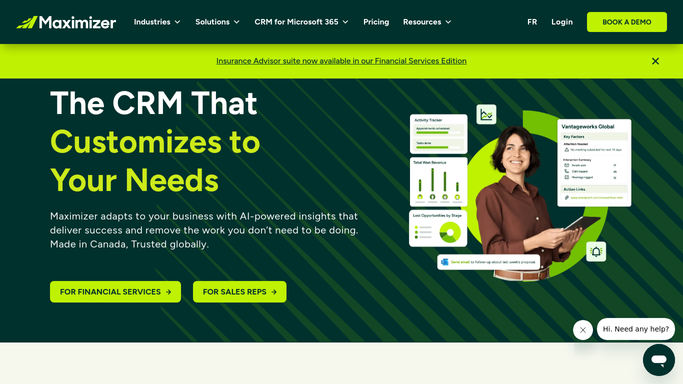
WebRun opens Maximizer CRM to compare forecast against actual stage. - Open Maximizer CRM and pull every open opportunity's forecast category, close date, and stage
- Flag deals where the close date has passed but the stage hasn't moved, or the forecast category looks stale
- Note the owner and the value for each flagged deal
Done when Every open opportunity is checked and stale forecasts are flagged.
-
2
Trello - card up deals with a forecast gap
trello.com

WebRun opens Trello to card up deals with a forecast gap. - Create a card on the Forecast Review board for each flagged deal
- Include the owner, value, forecast category, and why it was flagged
Done when Every flagged deal has a Trello card for the owner to update.
-
3
WhatsApp - alert the manager on big gaps
whatsapp.com

WebRun opens WhatsApp to alert the manager on big gaps. - Message the sales manager for any flagged deal above your value threshold
- Keep it to the deal name, owner, and the gap found
Done when The sales manager has a WhatsApp heads up on the largest forecast gaps.
How is each run configured?
Secure by default
Connect once, stays signed in
WebRun signs in once and keeps each session in a persistent environment, so every run picks up right where it left off.
Every action is checked against this policy before it runs.
Questions, answered
Does it change the forecast category or close date itself?
No. WebRun only flags deals where the forecast looks out of date. Updating the forecast or close date is left to the deal owner.
What counts as a stale forecast?
A close date that has already passed with no stage change, or a forecast category that hasn't been touched while the deal sits idle. Both can be tuned to your process.
Who gets the WhatsApp alert?
Only your sales manager's number, and only for gaps above the value threshold you set. It's an internal check, nothing goes to the customer.
Related templates
Put this on autopilot.
Turn it on in minutes - or have our team set it up for you.