Know which diagrams are shared outside the company
Every Monday, WebRun opens Lucidchart, reads the sharing settings on every document in your team folders, flags the ones open by link or shared with people outside the company, logs each one in Airtable with its owner, and files the week's audit in Google Drive.
- No credit card
- Under $0.01 per run
- Cancel anytime
How do I find which Lucidchart diagrams are shared outside my company?
Every Monday, WebRun opens Lucidchart, checks the sharing settings on every document in your team folders, and flags anything open by link or shared with people outside the company. It logs each finding in Airtable with its owner and files the week's audit as a report in Google Drive.
- Publicly linked architecture diagrams surface weekly, not at audit time
- Every exposed document arrives with a named owner to lock it down
- A dated access trail builds up in Google Drive run after run
Built for security teams · IT admins · compliance leads · engineering managers
What does WebRun do on every run?
The exact actions WebRun takes, in order - in plain language, so you can adjust anything.
-
WebRun signs in and gets to work
Opens
lucid.app/users/loginin a real browser with your saved login - no setup, no API keys. -
1
Lucidchart - read document sharing settings
lucid.app
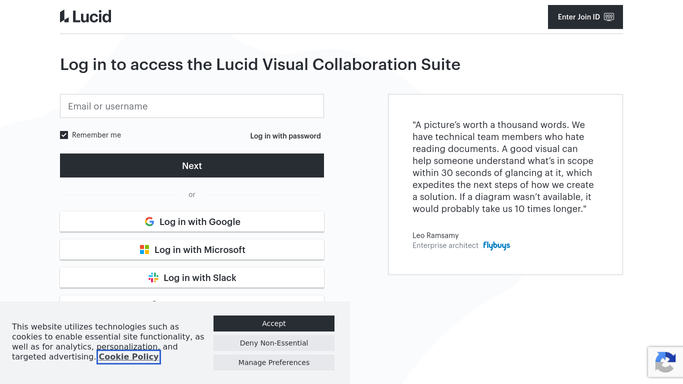
WebRun opens Lucidchart to read document sharing settings. - Open Lucidchart and work through the team folders you named
- Open the share settings on each document and read who has access
- Capture anything shared by link, shared with an address outside your domain, or open to anyone with the link, along with its folder and owner
Done when Every document in the audited folders has its sharing state recorded.
-
2
Airtable - log each exposed diagram
airtable.com How to Automate Airtable

WebRun opens Airtable to log each exposed diagram. - Add a row for each externally shared document with its name, folder, owner, and share type
- Mark rows that are open to anyone with the link as the highest concern
- Close out rows for documents that were locked down since last week
Done when Airtable holds this week's exposed-diagram list with owners and share types.
-
3
Google Drive - file the weekly audit
drive.google.com How to Automate Google Drive

WebRun opens Google Drive to file the weekly audit. - Save the week's audit as a dated file in your security folder
- Note what changed since the previous run, newly shared and newly locked down
- Keep prior audits in place so the trail stays intact
Done when The dated sharing audit is filed in Google Drive.
How is each run configured?
Secure by default
Connect once, stays signed in
WebRun signs in once and keeps each session in a persistent environment, so every run picks up right where it left off.
Every action is checked against this policy before it runs.
Questions, answered
Will it change sharing settings on my diagrams?
No. WebRun reads the share settings and reports them. Revoking a link or removing a collaborator stays a human decision, so a diagram someone genuinely needs is never cut off mid-project.
Does it tell anyone outside the company?
No. The findings go to your own Airtable base and a file in your Google Drive. Nobody is emailed or notified, inside or outside the company.
What counts as external sharing?
Anything open to people beyond your team: link sharing set to anyone, collaborators on an address outside your domain, and documents shared to a public link. You choose which folders are audited.
Related templates
Put this on autopilot.
Turn it on in minutes - or have our team set it up for you.