Automated Jiminny Call Coaching Alerts
Every morning, WebRun reviews yesterday's Jiminny call recordings and transcripts for risk signals such as a competitor mention, pricing pushback, or no next step agreed, creates a Trello coaching card for each flagged call, and sends the sales manager a WhatsApp message naming the rep and the deal.
How do I catch risky sales calls before a deal is lost?
WebRun reviews yesterday's Jiminny call recordings every morning for risk signals like a competitor mention, pricing pushback, or a call that ended with no next step agreed. It creates a Trello coaching card for each flagged call and messages the sales manager on WhatsApp, so risky calls get a coaching look before the deal slips.
- Risky calls get a coaching card the next morning, not at the next 1:1
- Only specific signals are flagged, no automated performance scoring
- The sales manager gets a same-day WhatsApp heads up on the riskiest calls
Built for sales managers · revenue operations · sales enablement teams · B2B sales teams
What does WebRun do on every run?
The exact actions WebRun takes, in order - in plain language, so you can adjust anything.
-
WebRun signs in and gets to work
Opens
app.jiminny.comin a real browser with your saved login - no setup, no API keys. -
1
Jiminny - review calls for risk signals
jiminny.com
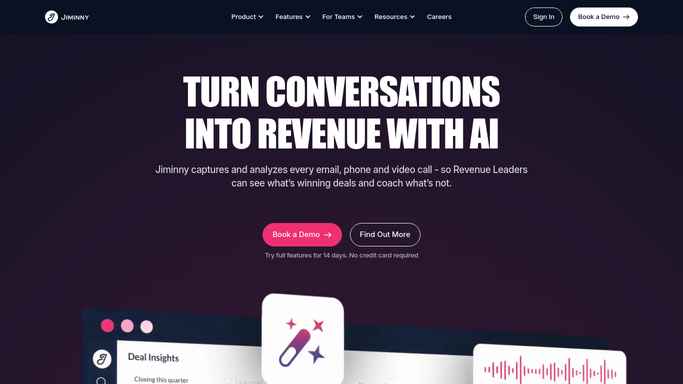
WebRun opens Jiminny to review calls for risk signals. - Open Jiminny and review transcripts from yesterday's recorded calls
- Flag any call that mentions a competitor, includes pricing pushback, or ends with no next step agreed
- Note the rep, the deal, and the specific risk signal
Done when Every flagged call has its rep, deal, and risk signal noted.
-
2
Trello - create a coaching card per flagged call
trello.com

WebRun opens Trello to create a coaching card per flagged call. - Create a card on the Call Coaching board for each flagged call
- Include the rep, deal, risk signal, and a link to the recording
Done when Every flagged call has a coaching card ready for review.
-
3
WhatsApp - alert the sales manager
whatsapp.com

WebRun opens WhatsApp to alert the sales manager. - Message the sales manager with the count of flagged calls and the riskiest one by name
- Keep it to the rep, the deal, and the signal
Done when The sales manager has a same-day WhatsApp heads up on flagged calls.
How is each run configured?
Secure by default
Connect once, stays signed in
WebRun signs in once and keeps each session in a persistent environment, so every run picks up right where it left off.
Every action is checked against this policy before it runs.
Questions, answered
Does it score or rate the rep's performance?
No. WebRun only flags specific signals like a competitor mention or a missing next step. Coaching and performance judgment stay with the sales manager.
What counts as a risk signal?
A competitor being mentioned, pricing pushback from the prospect, or a call ending with no agreed next step. These can be adjusted to match what your team coaches on.
Who sees the WhatsApp alert?
Only the sales manager's number that you connect. It's an internal coaching heads up, not anything sent to the prospect or the rep's customer.
Related templates
Put this on autopilot.
Turn it on in minutes - or have our team set it up for you.