Track your itch.io sales for you
Every Monday, WebRun opens your itch.io creator dashboard, checks sales and download counts for every published title since last week, updates each game's Trello card with the current numbers, and sends your team a WhatsApp summary ranking titles by this week's sales.
- No credit card
- Under $0.01 per run
- Cancel anytime
How do I track weekly sales across my itch.io titles?
WebRun checks your itch.io creator dashboard every Monday for sales and downloads across every published title, updates each game's Trello card with the current numbers, and sends your team a WhatsApp summary ranking titles by the week's sales, so an indie studio always knows what is moving without opening the dashboard title by title.
- The team gets a ranked sales scorecard every Monday
- Every title's Trello card stays current with real numbers
- Trending titles are flagged the same week they take off
Built for Indie game developers · Small game studios · Asset and tool creators · Game publishers
What does WebRun do on every run?
The exact actions WebRun takes, in order - in plain language, so you can adjust anything.
-
WebRun signs in and gets to work
Opens
itch.io/loginin a real browser with your saved login - no setup, no API keys. -
1
itch.io - check sales and downloads
itch.io
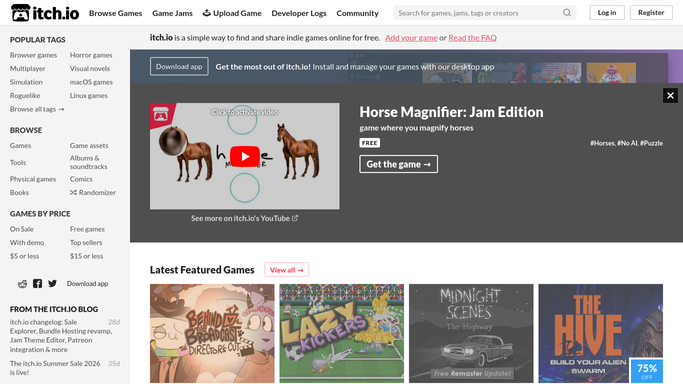
WebRun opens itch.io to check sales and downloads. - Open the creator dashboard on itch.io
- Check sales and download counts for every published title
- Compare against last week's figures for each title
Done when Every published title has this week's sales and downloads captured.
-
2
Trello - update each title's card
trello.com How to Automate Trello

WebRun opens Trello to update each title's card. - Open the release board and find each title's card
- Update the card with this week's sales and download numbers
- Move a title to Trending if it beat last week's total
Done when Every title's card reflects this week's numbers.
-
3
WhatsApp - send the weekly summary
whatsapp.com How to Automate WhatsApp

WebRun opens WhatsApp to send the weekly summary. - Message the team a ranked list of titles by this week's sales
- Call out any title that beat last week's total
- Note any title with no sales this week
Done when The team has this week's ranked scorecard in WhatsApp.
How is each run configured?
Secure by default
Connect once, stays signed in
WebRun signs in once and keeps each session in a persistent environment, so every run picks up right where it left off.
Every action is checked against this policy before it runs.
Questions, answered
Does WebRun change my pricing or publish updates?
No. WebRun only reads your existing sales and download figures. Changing a price, publishing a build, or editing a page is always done by you.
Does it only track games?
No. It works for anything you sell on itch.io, tools, assets, and soundtracks included, as long as it has its own dashboard entry.
What if a title has no sales this week?
It still shows up in the scorecard so a quiet week is visible, it just will not be flagged as trending.
Related templates
Put this on autopilot.
Turn it on in minutes - or have our team set it up for you.