Automated Hostelworld Group Booking Tracking
Every morning, WebRun opens Hostelworld, checks every group booking across your upcoming trips for new reservations, cancellations, or date and headcount changes, logs the current status on that trip's Trello card, and sends trip leads a WhatsApp summary of what changed overnight.
How do I track group hostel bookings across multiple trips?
WebRun checks your Hostelworld MyBookings dashboard every morning for new reservations, cancellations, and date changes across every group trip, logs each trip's current status on its Trello card, and sends trip leads a WhatsApp summary only when something changed, so no booking shift goes unnoticed before departure.
- Trip leads see every booking change the same morning it happens
- Every trip's Trello card always reflects the live headcount
- No cancellation sits unnoticed until check in day
Built for Group travel operators · Study abroad coordinators · Backpacker tour guides · Hostel booking managers
What does WebRun do on every run?
The exact actions WebRun takes, in order - in plain language, so you can adjust anything.
-
WebRun signs in and gets to work
Opens
www.hostelworld.com/mydashboard/signinin a real browser with your saved login - no setup, no API keys. -
1
Hostelworld - check group bookings
hostelworld.com
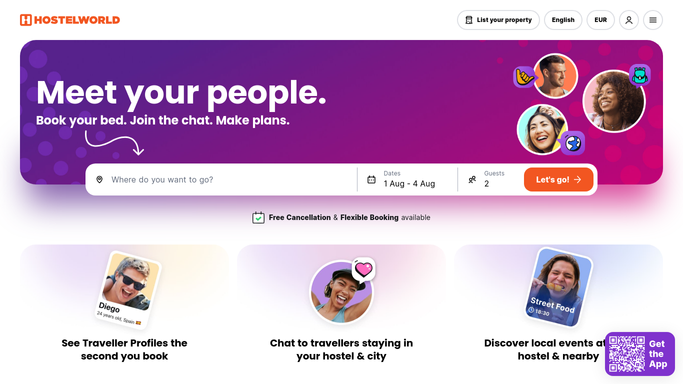
WebRun opens Hostelworld to check group bookings. - Open the Hostelworld dashboard and review MyBookings
- Compare today's bookings against the last check for each trip
- Note any new reservations, cancellations, or date and headcount changes
Done when Every active trip has its current booking status captured.
-
2
Trello - log each trip's booking status
trello.com

WebRun opens Trello to log each trip's booking status. - Open the board for each trip and find its city card
- Update the card with the current headcount, dates, and hostel name
- Add a checklist item when a cancellation needs a rebooking
Done when Every trip card reflects the latest booking status.
-
3
WhatsApp - alert trip leads to changes
whatsapp.com

WebRun opens WhatsApp to alert trip leads to changes. - Message a trip lead only when their trip has a change since the last check
- Summarize what changed: new beds booked, cancellations, or date shifts
- Skip the message entirely for trips with no changes
Done when Trip leads with changes have today's summary in WhatsApp.
How is each run configured?
Secure by default
Connect once, stays signed in
WebRun signs in once and keeps each session in a persistent environment, so every run picks up right where it left off.
Every action is checked against this policy before it runs.
Questions, answered
Does WebRun book or cancel beds on Hostelworld?
No. WebRun only reads your existing bookings on the MyBookings dashboard. It never books, cancels, or modifies a reservation, a human always makes those changes.
Will it message travelers directly?
No. The WhatsApp summary goes only to your own trip leads, never to guests or travelers. WebRun does not contact anyone outside your team.
What happens if a trip has no changes?
It stays quiet. WebRun only sends a WhatsApp summary to a trip lead when that trip's booking count or dates actually changed since the last check.
Related templates
Put this on autopilot.
Turn it on in minutes - or have our team set it up for you.