Track scheduled Curb rides and expense the receipts
Every morning, WebRun opens Curb, checks for scheduled pickups and any completed ride receipts from the day before, syncs each upcoming pickup to Google Calendar with the time and location, and sends a WhatsApp confirmation with the ride and fare details.
- No credit card
- Under $0.01 per run
- Cancel anytime
How do I track scheduled Curb rides and their fares for expense reporting?
WebRun checks Curb every morning for scheduled pickups and completed ride receipts, syncs each pickup to Google Calendar, and sends a WhatsApp confirmation with the fare details. It never books or cancels a ride itself, so an office manager keeps a synced schedule and a running expense trail without checking Curb for every trip.
- Scheduled pickups are on the calendar without manual entry
- Fare totals build into a running expense trail automatically
- No ride is ever booked or canceled without you
Built for Office managers · executive assistants · corporate travel coordinators · small business owners
What does WebRun do on every run?
The exact actions WebRun takes, in order - in plain language, so you can adjust anything.
-
WebRun signs in and gets to work
Opens
gocurb.comin a real browser with your saved login - no setup, no API keys. -
1
Curb - check scheduled rides and receipts
gocurb.com
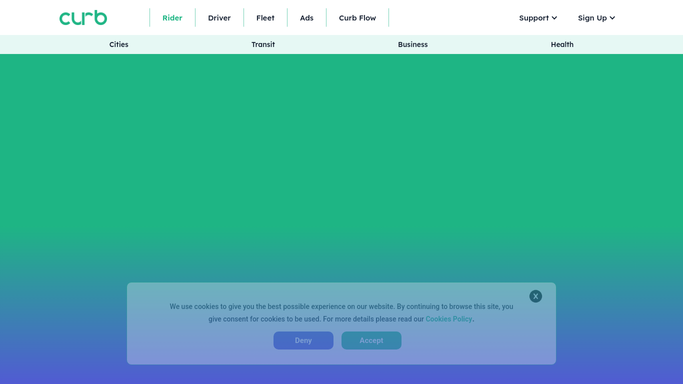
WebRun opens Curb to check scheduled rides and receipts. - Open Curb and review scheduled pickups and yesterday's completed rides
- Note the pickup time, location, and traveler for each scheduled ride
- Record the fare for each completed ride
Done when Every scheduled pickup and completed ride has been captured.
-
2
Google Calendar - sync the pickup time
calendar.google.com How to Automate Google Calendar

WebRun opens Google Calendar to sync the pickup time. - Open the executive travel calendar
- Add or confirm an event for each scheduled pickup
- Include the pickup location in the event notes
Done when The calendar has an event for every currently scheduled pickup.
-
3
WhatsApp - send the ride confirmation
whatsapp.com How to Automate WhatsApp

WebRun opens WhatsApp to send the ride confirmation. - Send the traveler a confirmation of today's scheduled pickup time
- Include the fare total for any ride completed yesterday
- Note the running total for expense reporting
Done when Today's pickup and yesterday's fare have been confirmed on WhatsApp.
How is each run configured?
Secure by default
Connect once, stays signed in
WebRun signs in once and keeps each session in a persistent environment, so every run picks up right where it left off.
Every action is checked against this policy before it runs.
Questions, answered
Does WebRun book or cancel rides on Curb?
No. It only reads rides that are already scheduled or completed. Booking, changing, or canceling a ride is always done by you.
Where do the fare totals go for expense reporting?
They are noted in the WhatsApp confirmation with a running total, so you have a simple record to hand to finance without pulling receipts one by one.
What if a scheduled pickup changes?
It rereads Curb each morning, so the calendar and confirmation always reflect the current scheduled time.
Related templates
Put this on autopilot.
Turn it on in minutes - or have our team set it up for you.