Spot the trackers that stopped syncing before data goes missing
Every morning, WebRun signs in to Fitbit, reads the last sync time and battery level on each device on the account, works out which trackers have gone quiet or are close to flat, opens a Trello card for each one, and sends the wearer a short WhatsApp nudge before a day of data goes missing.
- No credit card
- Under $0.01 per run
- Cancel anytime
How do I tell which Fitbit trackers have stopped syncing?
WebRun signs in to Fitbit every morning, reads the last sync time and battery level on each device, and finds the trackers that have gone quiet. It opens a Trello card for each and sends the wearer a short WhatsApp nudge, so a missing day is a fixable sync rather than lost data.
- Quiet trackers are named the morning they stop syncing
- Low batteries are flagged before a day of data disappears
- Only device status is read, never anyone's health readings
Built for workplace wellbeing leads · challenge organisers · fitness coaches · individual users
What does WebRun do on every run?
The exact actions WebRun takes, in order - in plain language, so you can adjust anything.
-
WebRun signs in and gets to work
Opens
www.fitbit.com/loginin a real browser with your saved login - no setup, no API keys. -
1
Fitbit - check last sync and battery
fitbit.com
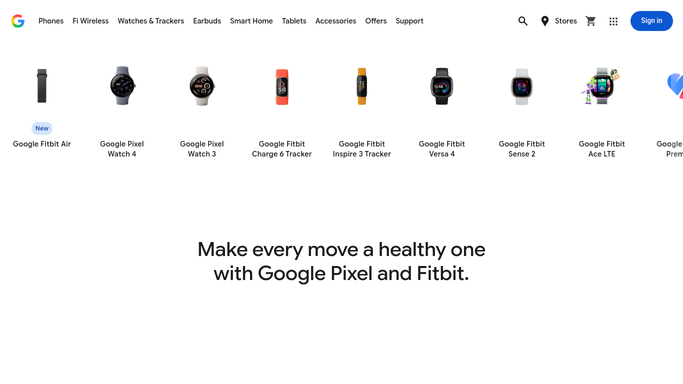
WebRun opens Fitbit to check last sync and battery. - Sign in to Fitbit and list the devices on the account
- Read the last sync time on each device and how many hours have passed
- Read the battery level shown for each device
- Check whether yesterday's daily activity data actually landed or shows a gap
- Flag devices that have not synced within the window you set
Done when Every device has a last sync time, a battery level, and a note of any missing day.
-
2
Trello - open a card per quiet tracker
trello.com How to Automate Trello

WebRun opens Trello to open a card per quiet tracker. - Open your challenge or admin board and add a card for each quiet tracker
- Put the device, the wearer, the hours since last sync, and the battery level on the card
- Mark cards where a day of activity data is already missing
- Close cards automatically when the device syncs again
Done when Every quiet or low battery tracker has a card with its details.
-
3
WhatsApp - nudge the wearer
whatsapp.com How to Automate WhatsApp

WebRun opens WhatsApp to nudge the wearer. - Send a short WhatsApp nudge to the wearer whose tracker has gone quiet
- Say how long since the last sync and what the battery was reading
- Keep it friendly and factual, with no leaderboard or health commentary
- Send at most one nudge per device per day
Done when Each wearer with a quiet tracker has been nudged once on WhatsApp.
How is each run configured?
Secure by default
Connect once, stays signed in
WebRun signs in once and keeps each session in a persistent environment, so every run picks up right where it left off.
Every action is checked against this policy before it runs.
Questions, answered
Does it read anyone's health data?
No. WebRun reads the device status only: last sync time, battery level, and whether a day of data is present. Heart rate, sleep detail, and other health readings are never opened or shared.
Will it message people without me approving it?
The WhatsApp nudge is a short factual note about a device that stopped syncing, capped at one per device per day. Set it to post only into your own chat if you would rather approve each message before it goes to a wearer.
How is this different from a weekly activity log?
An activity log records the numbers that arrived. This run checks the hardware feeding them, so a flat battery or a tracker that stopped syncing is caught the same morning rather than showing up as a hole in the data.
Related templates
Put this on autopilot.
Turn it on in minutes - or have our team set it up for you.