Automated Dribbble Inquiry Follow-Up
Every morning, WebRun signs in to Dribbble, reads the messages and comments that arrived since the last run, picks out the ones that look like real project inquiries, drafts a personalised reply in Gmail with your rates and availability, and nudges you on WhatsApp about anything that has been waiting more than a day.
How do I follow up on design project inquiries faster?
WebRun checks your Dribbble messages every morning and picks out the genuine project inquiries. It drafts a personalised Gmail reply for each one with your availability and rates, leaves it unsent for your approval, and nudges you on WhatsApp about anything waiting more than a day.
- Real inquiries get a reply the same day
- Nothing is sent to a client without you reading it
- Compliments and spam stop hiding paying work
Built for freelance designers · illustrators · design studios · creative agencies
What does WebRun do on every run?
The exact actions WebRun takes, in order - in plain language, so you can adjust anything.
-
WebRun signs in and gets to work
Opens
dribbble.comin a real browser with your saved login - no setup, no API keys. -
1
Dribbble - find new project inquiries
dribbble.com
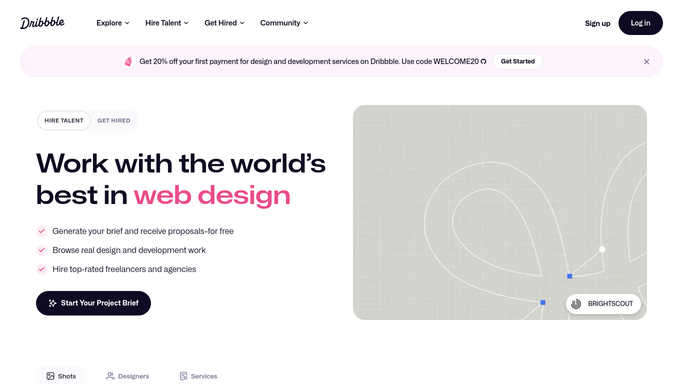
WebRun opens Dribbble to find new project inquiries. - Sign in to Dribbble and open your messages
- List every message received since the last run, with sender and date
- Separate genuine project inquiries from compliments, spam, and promotions
- Note which shot or profile view the inquiry came from, and how long it has waited
Done when Every new message is classified and inquiries have a waiting time.
-
2
Gmail - draft a reply for approval
gmail.com

WebRun opens Gmail to draft a reply for approval. - Draft one Gmail reply per genuine inquiry, in your own voice
- Reference the specific work they mentioned rather than sending a template
- Include your current availability, your rate range, and the next step you want
- Leave every reply as a draft. You read it and press send yourself
Done when Each inquiry has a personalised draft waiting for your approval.
-
3
WhatsApp - nudge you on what is waiting
whatsapp.com

WebRun opens WhatsApp to nudge you on what is waiting. - Send you a short list of inquiries waiting on a reply, oldest first
- Say who they are, what they asked about, and how long it has been
- Flag anything that has waited more than 24 hours as urgent
- Stay quiet on mornings with no new inquiries
Done when You know which inquiries need you today.
How is each run configured?
Secure by default
Connect once, stays signed in
WebRun signs in once and keeps each session in a persistent environment, so every run picks up right where it left off.
Every action is checked against this policy before it runs.
Questions, answered
Will it email prospective clients on its own?
No. Every reply is left as a Gmail draft for you to read and send. Nothing leaves your account, and WebRun never replies inside Dribbble either.
How does it tell an inquiry from a compliment?
It reads the message for signs of a real brief: a project, a budget, a timeline, or a company. Compliments and promotions are skipped, and anything ambiguous is listed for you.
Will the drafts sound like me?
Yes. Give WebRun two or three replies you have already sent and it matches your tone, your rate wording, and your usual next step on every draft.
Related templates
Put this on autopilot.
Turn it on in minutes - or have our team set it up for you.