Hand every won deal to the delivery team the same day
Every morning, WebRun opens Copper, finds the opportunities that moved to a won stage since yesterday, reads the company, contacts, value, and promised scope, builds the client folder in Google Drive, and opens a kickoff card in Trello for the delivery team.
- No credit card
- Under $0.01 per run
- Cancel anytime
How do I hand a closed-won Copper deal to the delivery team?
Every morning WebRun opens Copper, finds the opportunities that moved to won since yesterday, and reads the company, contacts, value, and promised scope. It builds the client folder in Google Drive and opens a kickoff card in Trello, so delivery starts the same day the deal closes.
- Kickoff starts the day the deal closes, not when the rep remembers
- Every handover carries the contacts, value, and promised scope
- The client folder is built and shared before the first delivery meeting
Built for delivery leads · agencies · professional services · sales operations
What does WebRun do on every run?
The exact actions WebRun takes, in order - in plain language, so you can adjust anything.
-
WebRun signs in and gets to work
Opens
app.copper.comin a real browser with your saved login - no setup, no API keys. -
1
Copper - find deals moved to won
copper.com
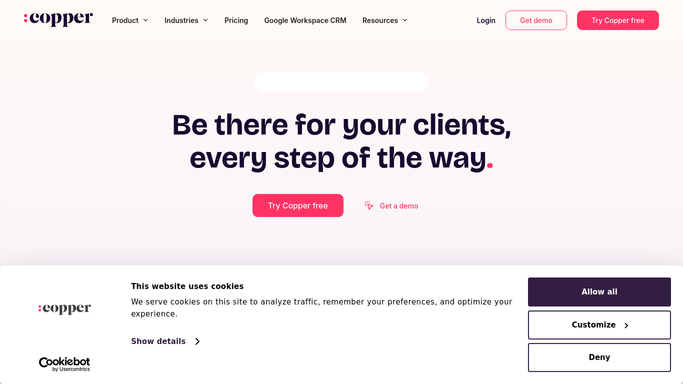
WebRun opens Copper to find deals moved to won. - Open Copper and filter opportunities to those that reached a won stage since the last run
- Capture the company, the primary contacts, the deal value, and the close date
- Read the notes and any attached proposal so the promised scope travels with the handover
Done when Every new win is captured with its contacts, value, and promised scope.
-
2
Google Drive - build the client folder
drive.google.com How to Automate Google Drive

WebRun opens Google Drive to build the client folder. - Create a client folder from your delivery template for each new win
- Save the proposal, the scope notes, and a handover summary sheet inside it
- Share the folder with the delivery team only, and never with anyone outside your organisation
Done when Each won deal has a client folder holding the proposal and handover summary.
-
3
Trello - open the kickoff card
trello.com How to Automate Trello

WebRun opens Trello to open the kickoff card. - Open a kickoff card on the delivery board for each win
- Put the company, value, contacts, promised scope, and the Drive folder link on the card
- Leave the customer alone. WebRun never emails or messages the client about the win
Done when Every new win has a kickoff card the delivery lead can pick up.
How is each run configured?
Secure by default
Connect once, stays signed in
WebRun signs in once and keeps each session in a persistent environment, so every run picks up right where it left off.
Every action is checked against this policy before it runs.
Questions, answered
Will it email the customer a welcome or kickoff note?
No. Everything it creates is internal: a Drive folder shared with your delivery team and a Trello card. Any message to the client is written and sent by a person.
Does it change anything in Copper?
No. WebRun reads opportunities, contacts, and notes. It never moves a stage, edits a value, closes a deal, or adds a record in Copper.
What if a deal is reopened after being marked won?
It reads the live stage every morning, so a reopened opportunity stops appearing and the kickoff card is flagged rather than quietly worked on.
Related templates
Put this on autopilot.
Turn it on in minutes - or have our team set it up for you.