Make sure tomorrow's meetings have a car booked
Every night, WebRun opens Careem, reads every ride already scheduled for tomorrow with its pickup time and location, matches each one against tomorrow's appointments on your Trello board, files the gaps as a card, and sends you a WhatsApp list of the meetings that still have no car, with the pickup time each one needs.
- No credit card
- Under $0.01 per run
- Cancel anytime
How do I check tomorrow's meetings all have a ride booked?
WebRun checks tomorrow's travel every night. It reads the rides already scheduled in Careem with their pickup times, matches them against tomorrow's appointments in Trello, and sends you a WhatsApp list of the meetings with no car yet, each with the pickup time it needs, in time to book.
- Uncovered meetings surface the night before, not on the morning
- Each gap comes with the pickup time and address ready to book
- Rides timed too late for the meeting are flagged before the day starts
Built for executive assistants · field sales teams · consultants · operations managers
What does WebRun do on every run?
The exact actions WebRun takes, in order - in plain language, so you can adjust anything.
-
WebRun signs in and gets to work
Opens
www.careem.comin a real browser with your saved login - no setup, no API keys. -
1
Careem - read tomorrow's scheduled rides
careem.com
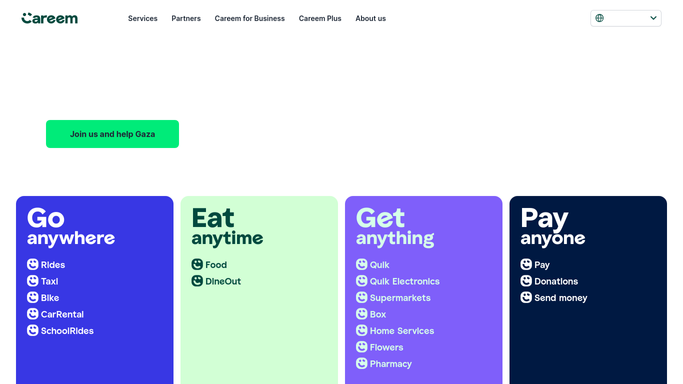
WebRun opens Careem to read tomorrow's scheduled rides. - Open Careem and go to your scheduled rides
- Record the pickup time, pickup location and destination for every ride set for tomorrow
- Check recent trip history for the usual journey time on each route
- Read only. WebRun never books a ride, cancels one, or spends anything
Done when Every ride already scheduled for tomorrow is listed with its pickup details.
-
2
Trello - match against tomorrow's meetings
trello.com How to Automate Trello

WebRun opens Trello to match against tomorrow's meetings. - Open the board and list every appointment dated tomorrow with its time and address
- Match each appointment to a scheduled ride by time and pickup location
- Create a card holding the unmatched meetings, with the pickup time each needs allowing for travel
- Flag any ride booked too late to arrive on time
Done when Tomorrow's meetings are each marked as covered or uncovered.
-
3
WhatsApp - send the missing rides
whatsapp.com How to Automate WhatsApp

WebRun opens WhatsApp to send the missing rides. - Send the meetings with no car, earliest first
- Give the pickup time and address each one needs so booking takes seconds
- Call out any existing ride whose pickup looks too late for the meeting
Done when You have tomorrow's booking list on WhatsApp the night before.
How is each run configured?
Secure by default
Connect once, stays signed in
WebRun signs in once and keeps each session in a persistent environment, so every run picks up right where it left off.
Every action is checked against this policy before it runs.
Questions, answered
Will it book the rides itself?
No. Booking a ride spends money, so WebRun stops at the list. It tells you which meeting needs a car and the pickup time to use, and you confirm the booking in Careem yourself.
Can it cancel a ride that is no longer needed?
No. WebRun never cancels or changes a booking. If a meeting was dropped from the Trello board it flags the now unneeded ride, and cancelling stays your decision.
Where does it get tomorrow's meetings?
From your Trello board: every card dated tomorrow with a time and an address. Move a card or change its time and the next nightly run matches against the new detail.
Related templates
Put this on autopilot.
Turn it on in minutes - or have our team set it up for you.