Turn top feature requests into a ready backlog
Every Monday, WebRun opens Canny, finds the posts that gained the most votes in the past week, creates a Trello card for each one that crosses your review threshold, and sends your product lead a WhatsApp summary of what moved up.
- No credit card
- Under $0.01 per run
- Cancel anytime
How do I turn Canny's top feature requests into a product backlog automatically?
WebRun reviews your Canny board every Monday, finds the posts that gained the most votes in the past week, and adds the ones crossing your threshold as Trello cards for product triage. It then sends your product lead a WhatsApp summary of what moved up, turning a week of customer voting into a ready, ranked backlog.
- Top customer requests reach the backlog every Monday without manual review
- Product leads get a ranked summary instead of scrolling the whole board
- Already-planned posts never create duplicate backlog cards
Built for product managers · SaaS product teams · startup founders · customer-led product teams
What does WebRun do on every run?
The exact actions WebRun takes, in order - in plain language, so you can adjust anything.
-
WebRun signs in and gets to work
Opens
canny.io/loginin a real browser with your saved login - no setup, no API keys. -
1
Canny - find top voted posts
canny.io
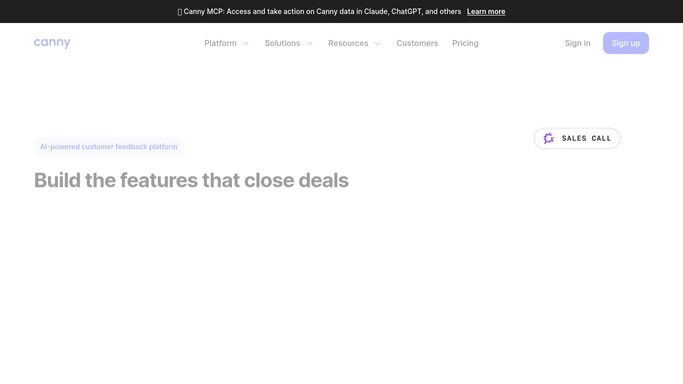
WebRun opens Canny to find top voted posts. - Open Canny and sort posts by votes gained in the last 7 days
- Capture the ones that crossed your review vote threshold
- Note the current status of each so already-planned posts are skipped
Done when Every post that crossed the threshold this week is listed with its vote count.
-
2
Trello - add them to the backlog board
trello.com How to Automate Trello

WebRun opens Trello to add them to the backlog board. - Open the product backlog board in Trello
- Create a card for each qualifying post with its title, vote count, and Canny link
- Place new cards in the triage column for the product team to review
Done when A Trello card exists for every post that crossed the threshold this week.
-
3
WhatsApp - summarize for the product lead
whatsapp.com How to Automate WhatsApp

WebRun opens WhatsApp to summarize for the product lead. - Message the product lead a summary of this week's top requests
- List each post's title and vote count with the new Trello card link
- Send this only to your own product lead, never to a Canny user
Done when The product lead has this week's summary in WhatsApp.
How is each run configured?
Secure by default
Connect once, stays signed in
WebRun signs in once and keeps each session in a persistent environment, so every run picks up right where it left off.
Every action is checked against this policy before it runs.
Questions, answered
Does WebRun reply to users on their Canny post?
No. WebRun never posts publicly on Canny. It only creates internal Trello cards and messages your own product lead.
How does it decide which posts make the backlog?
It reads each post's votes gained over the last 7 days in Canny and only adds the ones that cross the review threshold you set.
What happens to posts that are already planned?
It reads each post's current status in Canny and skips anything already marked planned or in progress, so the board stays free of duplicates.
Related templates
Put this on autopilot.
Turn it on in minutes - or have our team set it up for you.