Warn you before your BeFunky plan renews
Every Monday, WebRun opens BeFunky, checks the plan renewal date, checks Google Calendar for any campaign coming up that will need heavy batch photo editing, and messages the ops lead on WhatsApp with a heads up when renewal is close, so the plan gets confirmed or adjusted before it lapses mid campaign.
- No credit card
- Under $0.01 per run
- Cancel anytime
What does WebRun do on every run?
The exact actions WebRun takes, in order - in plain language, so you can adjust anything.
-
WebRun signs in and gets to work
Opens
www.befunky.comin a real browser with your saved login - no setup, no API keys. -
1
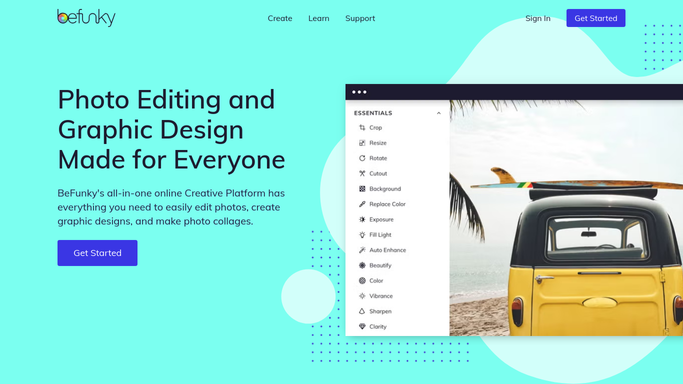
BeFunky - check the plan renewal date
befunky.com

WebRun opens BeFunky to check the plan renewal date. - Open BeFunky and check the current plan renewal date
- Note which tier the team is on
- Record whether the plan is set to auto renew
Done when The plan renewal date has been checked.
-
2
Google Calendar - check upcoming campaigns
calendar.google.com How to Automate Google Calendar
WebRun opens Google Calendar to check upcoming campaigns. - Check Google Calendar for campaigns in the next few weeks needing photo editing at volume
- Note which campaigns rely on BeFunky specifically
- Flag if a big campaign lands close to the renewal date
Done when Upcoming campaigns needing photo editing have been reviewed.
-
3
WhatsApp - message the ops lead a renewal heads up
whatsapp.com How to Automate WhatsApp
WebRun opens WhatsApp to message the ops lead a renewal heads up. - Message the ops lead on WhatsApp with the renewal date and any campaign it might affect
- Send it only when renewal falls within two weeks
- Keep the message internal to your own team
Done when The ops lead has been messaged if renewal needs attention.


How do I avoid my BeFunky plan lapsing before a big campaign?
WebRun checks your BeFunky plan renewal date every Monday, compares it against campaigns coming up on Google Calendar that will need heavy photo editing, and messages the ops lead on WhatsApp when renewal is close. Teams get a two week warning instead of finding out the plan lapsed mid campaign.
- Nobody discovers a lapsed plan mid campaign
- Renewal decisions happen with two weeks of notice
- Ops leads get one WhatsApp message instead of checking dates by hand
Built for small business marketers · social media managers · ops leads · ecommerce teams
How is each run configured?
Secure by default
Connect once, stays signed in
WebRun signs in once and keeps each session in a persistent environment, so every run picks up right where it left off.
Every action is checked against this policy before it runs.
Questions, answered
Does it renew or cancel the plan itself?
No. WebRun only reads the renewal date and reports on it. Renewing, upgrading, or canceling the plan is always left to the ops lead.
How does it decide a campaign depends on BeFunky?
It looks for campaigns on the calendar that mention photo editing or graphics work in the next few weeks. Treat it as a helpful flag, not a guarantee.
Will it message every single Monday?
No. It only sends a WhatsApp message when renewal falls within the next two weeks, so the ops lead is not messaged about a date that is still far off.
Related templates
Put this on autopilot.
Turn it on in minutes - or have our team set it up for you.