Check the fonts your site loads are still active
Every Monday, WebRun opens Adobe Fonts, walks each web project, records the families, weights, and styles it serves and the domains attached to it, flags anything no longer available, messages the web lead on WhatsApp, and drafts a fix request to the developer in Gmail.
- No credit card
- Under $0.01 per run
- Cancel anytime
What does WebRun do on every run?
The exact actions WebRun takes, in order - in plain language, so you can adjust anything.
-
WebRun signs in and gets to work
Opens
fonts.adobe.comin a real browser with your saved login - no setup, no API keys. -
1
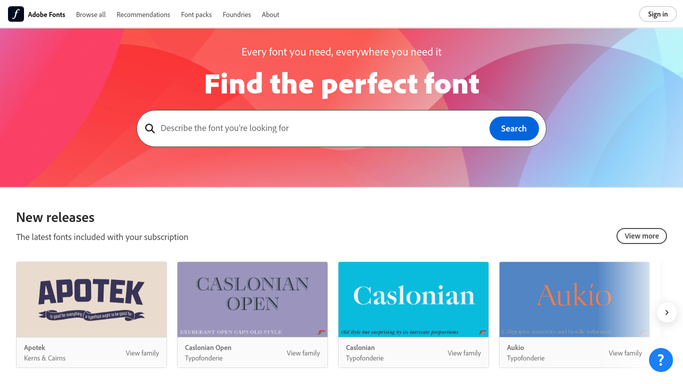
Adobe Fonts - check every web project and its fonts
fonts.adobe.com

WebRun opens Adobe Fonts to check every web project and its fonts. - Open Adobe Fonts and list every web project on the account
- For each project, record the font families included and the weights and styles selected
- Capture the domains the project is set to serve, and flag any that no longer belong to you
- Flag any family or individual weight that is no longer available to the project
- Note projects that serve a live production domain so those rise to the top
Done when Every web project has its families, weights, and domains recorded, with unavailable items flagged.
-
2
WhatsApp - warn the web lead
whatsapp.com How to Automate WhatsApp
WebRun opens WhatsApp to warn the web lead. - Message the web lead with any family or weight that has gone unavailable
- Name the project, the domains it serves, and the exact weight affected
- Say plainly which sites would fall back to a substitute typeface today
- Stay quiet on weeks where every project is intact
Done when The web lead knows which live sites are at risk of a fallback typeface.
-
3
Gmail - draft the fix request to the developer
gmail.com How to Automate Gmail
WebRun opens Gmail to draft the fix request to the developer. - Draft a note to the developer or agency responsible for each affected site
- List the project, the missing weight, and where it is used so the swap is one job
- Suggest the closest still-available weight already in the project as a stopgap
- Leave the email unsent. WebRun never emails a developer or client on its own
Done when A fix request is drafted for every affected site, waiting on your approval.


How do I check the web fonts my site loads are still available?
WebRun checks your Adobe Fonts web projects every Monday, recording the families, weights, and styles each one serves and the domains attached to it. It flags anything no longer available, messages the web lead on WhatsApp, and drafts a fix request to the developer in Gmail before visitors start seeing a fallback typeface.
- A font leaving the library is caught before visitors see a substitute
- Every web project has its live domains and weights on record
- The fix request is written and waiting, ready to approve
Built for web leads · design systems teams · agencies · front end developers · brand managers
How is each run configured?
Secure by default
Connect once, stays signed in
WebRun signs in once and keeps each session in a persistent environment, so every run picks up right where it left off.
Every action is checked against this policy before it runs.
Questions, answered
Will it change a web project or swap a font itself?
No. WebRun reads each project and reports. It never adds or removes a family, edits a weight selection, or changes the domains a project serves, because that would change what live sites load.
Does it email my developer without asking?
No. The fix request sits in Gmail as an unsent draft until you read and send it. Only the WhatsApp note to the web lead, which is internal, goes out on its own.
How is this different from listing my activated fonts?
An activated font list covers what you can use in design tools. This is web specific: the projects that serve real domains, the exact weights they load, and what would fall back today.
Related templates
Put this on autopilot.
Turn it on in minutes - or have our team set it up for you.