Fill the gaps in a prospect list you already have
When you upload a prospect list, WebRun works through it in Adapt.io, looks up each contact by name and company to fill the missing job titles, email addresses, and company details, tracks how many enrichment credits it used, posts the completed list to Microsoft Teams, and messages you on WhatsApp when it is done.
- No credit card
- Under $0.01 per run
- Cancel anytime
How do I fill in missing job titles and emails on a prospect list?
Upload a prospect list and WebRun looks up every incomplete row in Adapt.io by name and company, filling the missing job titles, email addresses, and company details. It posts the completed list to Microsoft Teams with the unmatched rows named, and messages you on WhatsApp with the credits used.
- A half-complete list comes back filled without manual lookups
- Unmatched rows are named rather than silently guessed at
- Credit usage is reported before the whole budget is spent
Built for sales development teams · demand generation · recruiters · B2B marketers
What does WebRun do on every run?
The exact actions WebRun takes, in order - in plain language, so you can adjust anything.
-
WebRun signs in and gets to work
Opens
adapt.ioin a real browser with your saved login - no setup, no API keys. -
1
Adapt.io - look up and fill missing fields
adapt.io
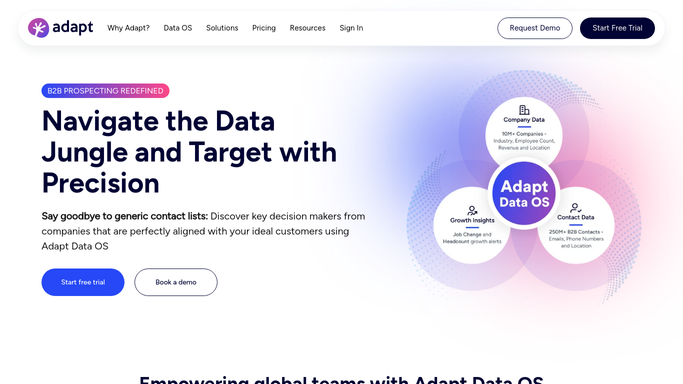
WebRun opens Adapt.io to look up and fill missing fields. - Read the uploaded list and identify which rows are missing a job title, an email address, or company details
- Search Adapt.io for each incomplete contact by name and company, and take the match only when the company matches too
- Fill the missing fields on the row, note the credits used, and mark any row that returned no confident match
Done when Every incomplete row has either filled fields or an explicit no-match note.
-
2
Microsoft Teams - hand back the completed list
microsoft.com How to Automate Microsoft Teams

WebRun opens Microsoft Teams to hand back the completed list. - Post the completed list to your sales channel as a CSV export, keeping the original row order
- Summarise how many rows were filled, how many were already complete, and how many could not be matched
- List the unmatched contacts by name and company so a rep can decide whether to research them by hand
Done when The completed list and the fill summary are in Microsoft Teams.
-
3
WhatsApp - tell you it is ready
whatsapp.com How to Automate WhatsApp

WebRun opens WhatsApp to tell you it is ready. - Message you when the run finishes with the row counts and the enrichment credits used
- Flag it early if the credits available would not cover the whole list, so you can stop or trim it
- Keep the message internal. WebRun never emails or contacts anyone on the prospect list
Done when You have the completion notice and the credit usage in WhatsApp.
How is each run configured?
Secure by default
Connect once, stays signed in
WebRun signs in once and keeps each session in a persistent environment, so every run picks up right where it left off.
Every action is checked against this policy before it runs.
Questions, answered
Will it email the contacts it enriches?
No. WebRun fills the missing fields and hands the list back to your own Teams channel. Every email, call, and sequence is sent by your reps, never by WebRun.
Does it add new contacts I did not ask for?
No. It works only on the rows you upload. Nobody new is added to the list, so the output has exactly the contacts you started with, more of them complete.
What happens to rows it cannot match?
They are left untouched and listed by name and company in the summary, so you can see exactly which contacts still need manual research rather than trusting a wrong guess.
Related templates
Put this on autopilot.
Turn it on in minutes - or have our team set it up for you.