Hand off Ada Health check ins that need follow up
Every morning, WebRun opens Ada Health, checks for completed symptom check ins that were flagged with a recommendation to seek care, creates a Trello card for the workplace health team with the flagged level, and sends a WhatsApp alert so a nurse can start the follow up.
- No credit card
- Under $0.01 per run
- Cancel anytime
How do I make sure flagged Ada Health check ins get a timely follow up?
WebRun checks Ada Health every morning for completed symptom check ins flagged with a recommendation to seek care, creates a Trello card for the workplace health team, and sends a WhatsApp alert to the on duty nurse. It never assesses symptoms or shares personal health details itself, so flagged check ins reach a human quickly without delay.
- Flagged check ins reach the care team the same morning they happen
- Every follow up has a visible Trello card until it is handled
- No symptom detail or medical advice is ever generated by WebRun
Built for Workplace health teams · occupational health nurses · HR wellness programs · campus health services
What does WebRun do on every run?
The exact actions WebRun takes, in order - in plain language, so you can adjust anything.
-
WebRun signs in and gets to work
Opens
ada.comin a real browser with your saved login - no setup, no API keys. -
1
Ada Health - check flagged check ins
ada.com
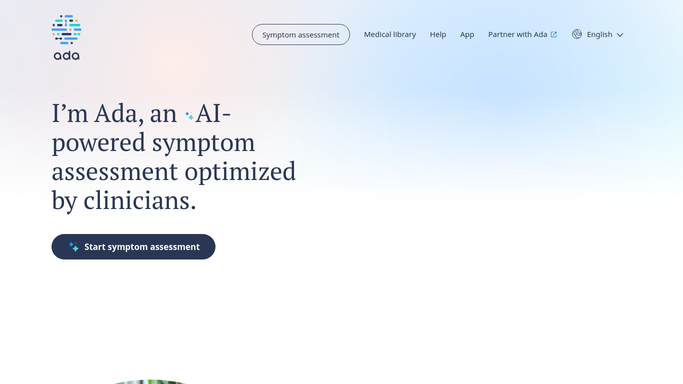
WebRun opens Ada Health to check flagged check ins. - Open the Ada Health workplace or care team dashboard
- Review completed check ins for anyone flagged with a recommendation to seek further care
- Note the flagged level and the time the check in was completed
Done when Every check in flagged for follow up has been captured.
-
2
Trello - create a follow up card
trello.com How to Automate Trello

WebRun opens Trello to create a follow up card. - Open the care team follow up board
- Create a card noting the flagged level and the time it was raised
- Leave the card open until the care team marks it handled
Done when Every flagged check in has an open Trello card.
-
3
WhatsApp - alert the care team
whatsapp.com How to Automate WhatsApp

WebRun opens WhatsApp to alert the care team. - Send the on duty nurse an alert that a new follow up card is open
- Include the flagged level and how long ago it was raised
- Never include any personal health details in the message itself
Done when The care team has been alerted to every open follow up.
How is each run configured?
Secure by default
Connect once, stays signed in
WebRun signs in once and keeps each session in a persistent environment, so every run picks up right where it left off.
Every action is checked against this policy before it runs.
Questions, answered
Does WebRun give medical advice or interpret symptoms?
No. It never assesses symptoms or gives medical advice. It only relays that a check in was flagged, so a licensed member of the care team can review and follow up.
Does the WhatsApp alert include personal health details?
No. The alert only says a follow up is open and how urgent the flag is. Any health detail stays inside Ada Health for the care team to review directly.
Does WebRun contact the employee who completed the check in?
No. It only creates an internal Trello card and alerts your care team. Reaching out to the employee is always done by a person.
Related templates
Put this on autopilot.
Turn it on in minutes - or have our team set it up for you.