Brief your reps before every sales call
Every morning, WebRun reads the next day's external meetings from Google Calendar, looks up each attendee's company in ZoomInfo for size, industry, location, and org details, and posts one short prep brief per meeting to your sales channel in Microsoft Teams.
- 7-day free trial
- Under $0.01 per run
- Cancel anytime

What does WebRun do on every run?
The exact actions WebRun takes, in order - in plain language, so you can adjust anything.
-
WebRun signs in and gets to work
Opens
app.zoominfo.comin a real browser with your saved login - no setup, no API keys. -
1
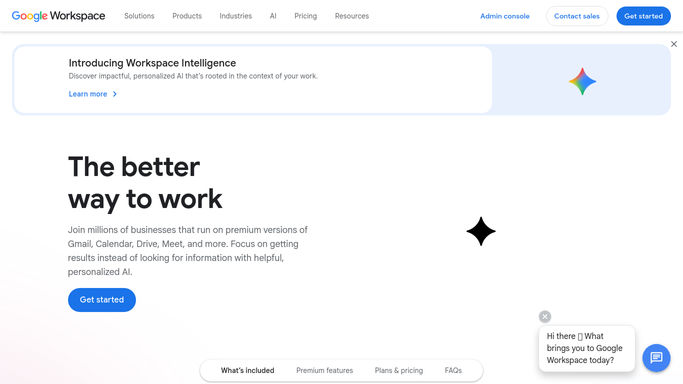
Google Calendar - read tomorrow's meetings
calendar.google.com How to Automate Google Calendar

WebRun opens Google Calendar to read tomorrow's meetings. - Open Google Calendar and read tomorrow's events
- Keep only meetings with an external attendee
- Capture the company domain from each guest's email address
- Skip internal standups, focus blocks, and personal events
Done when Tomorrow's external meetings are listed with their attendee domains.
-
2
ZoomInfo - look up each company and contact
- Open ZoomInfo and search each company by its domain
- Capture employee count, industry, headquarters, and revenue range where shown
- Look up the attendee by name to confirm their title and department
- Note other contacts at the same company who sit in the buying group
Done when Every external meeting has company and contact details attached.
-
3
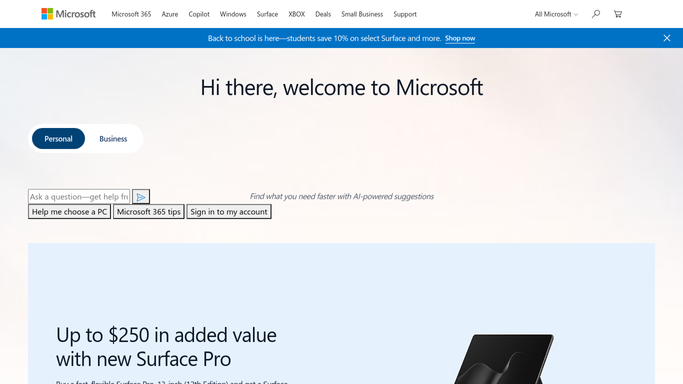
Microsoft Teams - post the prep briefs
microsoft.com How to Automate Microsoft Teams
WebRun opens Microsoft Teams to post the prep briefs. - Post one brief per meeting to your sales channel in Microsoft Teams
- Lead each brief with the time, the company, and who you are meeting
- List the firmographics and the other names worth mentioning on the call
- Keep it internal. Never message the prospect from this run
Done when Every rep has tomorrow's briefs waiting in Teams.
How do I get a research brief before every sales meeting?
WebRun reads tomorrow's external meetings from Google Calendar each afternoon, then looks up every attendee's company in ZoomInfo for size, industry, location, and job title. It posts one short prep brief per meeting to Microsoft Teams, so reps walk into every call already knowing who they are talking to.
- Reps get company research before every external call
- Prep takes zero rep time instead of 15 minutes a meeting
- The wider buying group is named before the first conversation
Built for B2B sales teams · account executives · SDR teams · sales managers
How is each run configured?
Secure by default
Connect once, stays signed in
WebRun signs in once and keeps each session in a persistent environment, so every run picks up right where it left off.
Every action is checked against this policy before it runs.
Questions, answered
Does it contact the prospect before the meeting?
No. Every brief is posted internally to your Teams channel. WebRun never emails, calls, or messages the prospect. If you want a pre-meeting note sent, WebRun drafts it and a rep approves it first.
What if ZoomInfo has no record for a company?
The brief still posts and says the company was not found, with whatever the calendar invite gave you. Reps see the gap rather than an empty channel.
Will it flood the channel on a heavy day?
No. It posts one grouped message per rep with a brief per meeting, and you can cap the run to the first few meetings of the day if your calendar is dense.
Related templates
Put this on autopilot.
Turn it on in minutes - or have our team set it up for you.