Draft vendor purchase orders from Zoho POS reorder needs
Every Monday, WebRun opens Zoho POS, finds every product at or below its reorder point, groups the items by vendor, drafts a purchase order per vendor in Google Sheets with quantities and cost, and sends you a WhatsApp summary so you can review and place each order yourself.
- No credit card
- Under $0.01 per run
- Cancel anytime
What does WebRun do on every run?
The exact actions WebRun takes, in order - in plain language, so you can adjust anything.
-
WebRun signs in and gets to work
Opens
www.zoho.com/posin a real browser with your saved login - no setup, no API keys. -
1
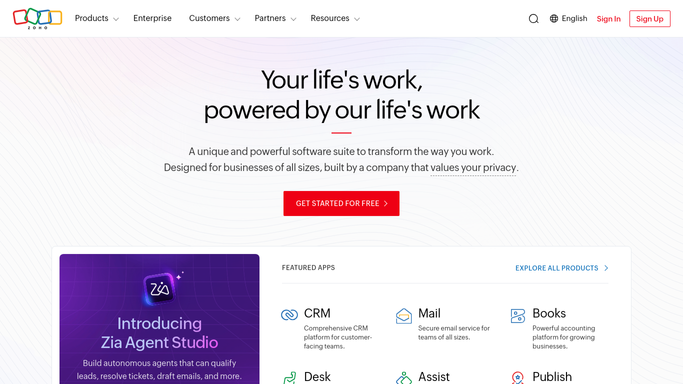
Zoho POS - find items below reorder point
zoho.com How to Automate Zoho POS

WebRun opens Zoho POS to find items below reorder point. - Open Zoho POS and list every product at or below its reorder point
- Capture each item's vendor, current quantity, reorder quantity, and last purchase cost
- Group the items by vendor
Done when Every item needing reorder this week is listed with vendor, quantity, and cost.
-
2
Google Sheets - draft the purchase order per vendor
google.com How to Automate Google Sheets
WebRun opens Google Sheets to draft the purchase order per vendor. - Open the purchase order drafts sheet and start one tab per vendor
- List each vendor's items with quantity to order and expected cost
- Leave every draft marked as not sent, ready for you to review and place with the vendor
Done when A draft purchase order exists per vendor, staged for your review, not yet sent to anyone.
-
3
WhatsApp - send you the draft summary
whatsapp.com How to Automate WhatsApp
WebRun opens WhatsApp to send you the draft summary. - Summarize the number of vendors and total draft order value
- Send the summary to the owner's WhatsApp number with a link to the draft sheet
Done when You have this week's purchase order drafts summarized on WhatsApp.


How do I turn low Zoho POS stock into a purchase order draft for my vendor?
WebRun opens Zoho POS every Monday, finds every product at or below its reorder point, groups the items by vendor, and drafts a purchase order per vendor in Google Sheets with quantities and cost. It sends you a WhatsApp summary so you can review and place each order yourself, nothing goes to a vendor unsent.
- A ready to review purchase order sits in Sheets every Monday, per vendor
- No item is reordered twice because last week's undelivered drafts roll forward
- Total draft order value is visible on WhatsApp before you commit any spend
Built for retail store owners · purchasing managers · Zakya POS users · small chain retailers
How is each run configured?
Secure by default
Connect once, stays signed in
WebRun signs in once and keeps each session in a persistent environment, so every run picks up right where it left off.
Every action is checked against this policy before it runs.
Questions, answered
Will it place the order with my vendor automatically?
No. WebRun only drafts the purchase order in Google Sheets. You review each vendor's draft and place the actual order yourself, in Zoho POS or directly with the vendor.
How does it decide which items to include?
It includes any product whose current on hand quantity is at or below the reorder point you set in Zoho POS, using the same live inventory data your dashboard shows.
Can it combine several weeks of low stock into one order?
Yes. If an item was already drafted last week and not yet ordered, it stays on this week's draft with an updated quantity rather than creating a duplicate line.
Related templates
Put this on autopilot.
Turn it on in minutes - or have our team set it up for you.