Win back lapsed Zoho POS regulars before they forget your store
Every Monday, WebRun opens Zoho POS, finds customers with a repeat purchase history whose last visit was 45 or more days ago, ranks them by historical spend, and drafts a personal WhatsApp win back message for each one, leaving every draft unsent for your review before it reaches a customer.
- No credit card
- Under $0.01 per run
- Cancel anytime
What does WebRun do on every run?
The exact actions WebRun takes, in order - in plain language, so you can adjust anything.
-
WebRun signs in and gets to work
Opens
www.zoho.com/posin a real browser with your saved login - no setup, no API keys. -
1
Zoho POS - find lapsed repeat customers
zoho.com How to Automate Zoho POS

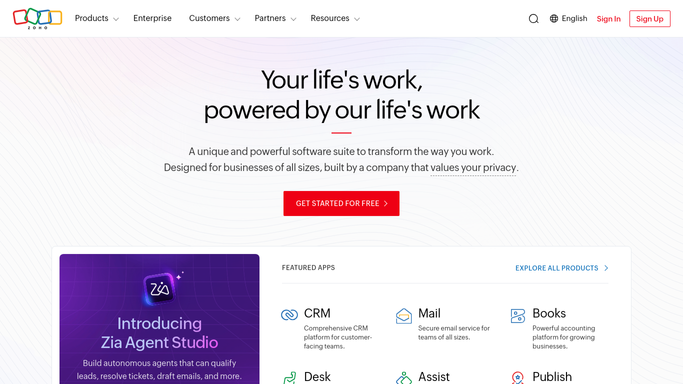
WebRun opens Zoho POS to find lapsed repeat customers. - Open Zoho POS and pull the customer purchase history report
- Filter for customers with 3 or more past visits whose last purchase was 45 or more days ago
- Rank the list by total historical spend
Done when Every lapsed repeat customer is listed with last visit date and total spend.
-
2
WhatsApp - draft a personal win back message
whatsapp.com How to Automate WhatsApp
WebRun opens WhatsApp to draft a personal win back message. - Draft a personal win back message for each customer referencing what they usually buy
- Leave every draft unsent for the owner to review
- Never send a message to a customer without approval
Done when A win back draft exists for every lapsed customer, staged for review, none sent yet.

How do I win back lapsed Zoho POS repeat customers?
WebRun opens Zoho POS every Monday, finds repeat customers whose last purchase was 45 or more days ago, ranks them by historical spend, and drafts a personal WhatsApp win back message for each one. Every draft stays unsent for your review, so lapsed regulars get a timely, human approved nudge back to your store, never an automatic message.
- Lapsed regulars get a personal outreach draft every Monday, without a manual customer list pull
- Messages are ranked by historical spend so the highest value regulars are drafted first
- No customer receives a message without the owner's review
Built for retail store owners · loyalty and marketing managers · Zakya POS users · boutique and specialty retailers
How is each run configured?
Secure by default
Connect once, stays signed in
WebRun signs in once and keeps each session in a persistent environment, so every run picks up right where it left off.
Every action is checked against this policy before it runs.
Questions, answered
Will it message my customers without me approving first?
No. WebRun stages every win back message as a draft and does not send anything to a customer until you review and approve it yourself.
How does it decide who counts as a lapsed regular?
It looks for customers with at least 3 past purchases whose most recent visit was 45 or more days ago. Both the visit count and the lapse window are configurable at setup.
Can I change the offer or tone in the draft?
Yes. Give WebRun a preferred tone, discount, or example message during setup and it will apply that style to every draft it writes.
Related templates
Put this on autopilot.
Turn it on in minutes - or have our team set it up for you.