Renew campaigns before their end date takes them offline
Every Monday, WebRun opens X Ads, reads the start and end date on every active campaign, works out which ones finish inside the next seven days and how much of their budget is still unspent, writes the schedule into Google Sheets, and posts the week's list to WhatsApp.
- No credit card
- Under $0.01 per run
- Cancel anytime
How do I track which ad campaigns are about to end?
WebRun reads your X Ads campaign schedule every Monday, finding the campaigns and ad groups whose end date falls inside the next seven days and how much budget each leaves unspent. It logs the schedule in Google Sheets and posts the list to WhatsApp, so no promotion goes dark mid week.
- No promotion goes dark mid week without anyone noticing
- Unspent budget is visible while there is still time to use it
- The campaign calendar builds itself in a sheet, week by week
Built for campaign managers · paid social buyers · marketing agencies · ecommerce marketers
What does WebRun do on every run?
The exact actions WebRun takes, in order - in plain language, so you can adjust anything.
-
WebRun signs in and gets to work
Opens
ads.x.comin a real browser with your saved login - no setup, no API keys. -
1
X Ads - read campaign end dates
ads.x.com
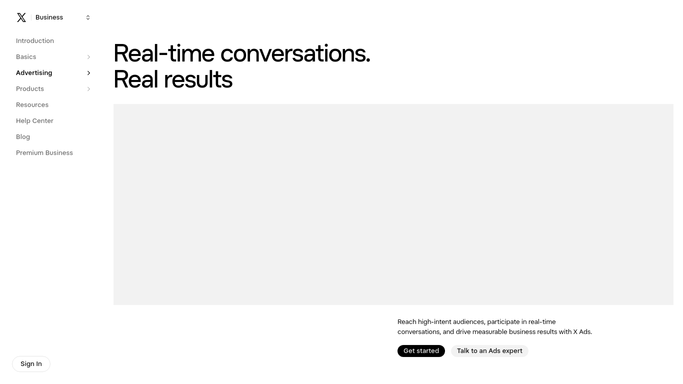
WebRun opens X Ads to read campaign end dates. - Open X Ads and list every campaign currently running
- Read the start date, the end date, and the budget on each campaign
- Keep the campaigns whose end date falls inside the next seven days
- Open the ad groups under each one and note any that end earlier than the campaign itself
- Work out how much of the booked budget is still unspent with the days remaining
Done when Every campaign ending this week is listed with its end date, budget, and unspent amount.
-
2
Google Sheets - log the schedule
google.com How to Automate Google Sheets

WebRun opens Google Sheets to log the schedule. - Open your campaign calendar in Google Sheets and add a row per campaign ending this week
- Record the campaign name, the ad groups under it, the end date, the budget, and the unspent amount
- Keep a running history so you can see how often a campaign was extended
- Mark each row renewed, replaced, or left to finish once you have decided
Done when The sheet holds this week's ending campaigns with their budgets and unspent amounts.
-
3
WhatsApp - post the week's list
whatsapp.com How to Automate WhatsApp

WebRun opens WhatsApp to post the week's list. - Post a short WhatsApp list: which campaigns end on which day, and the budget each leaves behind
- Put the campaign ending soonest at the top
- Flag any campaign ending mid week, since those are the ones that go dark unnoticed
- Leave every renewal decision to you. WebRun never edits a campaign or changes an end date
Done when You have this week's ending-campaign list in WhatsApp.
How is each run configured?
Secure by default
Connect once, stays signed in
WebRun signs in once and keeps each session in a persistent environment, so every run picks up right where it left off.
Every action is checked against this policy before it runs.
Questions, answered
Will it extend a campaign or change a budget?
No. WebRun reads your X Ads schedule and reports it. Extending a campaign, moving an end date, or raising a budget stays with you, so no ad money is committed without a person deciding.
How far ahead does it look?
Seven days by default, and you can widen the window. Campaigns ending inside the window are listed with the exact date and the budget still unspent against them.
Does it catch ad groups that end early?
Yes. It reads the end dates on the ad groups under each campaign too, so a group that stops days before its parent campaign is flagged separately.
Related templates
Put this on autopilot.
Turn it on in minutes - or have our team set it up for you.