Get one weekly digest of every United trip your team has booked
Every Monday, WebRun opens United, reviews every upcoming booking across the team, updates a shared Notion travel tracker with traveler and status, and exports the full booking list to a Google Sheet with total booked spend.
- 7-day free trial
- Under $0.01 per run
- Cancel anytime

What does WebRun do on every run?
The exact actions WebRun takes, in order - in plain language, so you can adjust anything.
-
WebRun signs in and gets to work
Opens
www.united.com/en/us/account/loginin a real browser with your saved login - no setup, no API keys. -
1
United Airlines - review upcoming bookings
- Open United and list all upcoming bookings across the team
- Note traveler, flight numbers, dates, and seat or upgrade status
- Flag any schedule change since the last check
Done when Every upcoming booking has been reviewed.
-
2
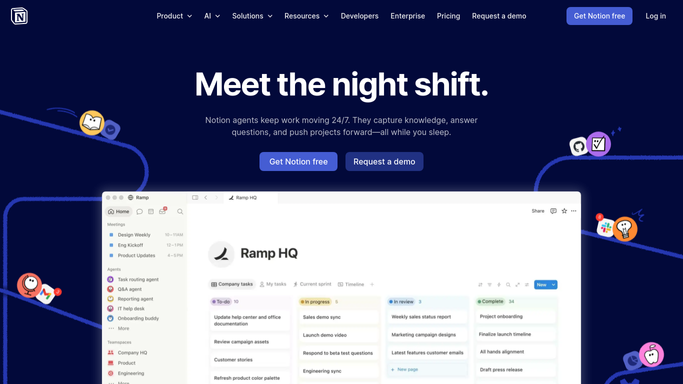
Notion - update the travel tracker page
notion.so How to Automate Notion

WebRun opens Notion to update the travel tracker page. - Update the shared travel tracker page with this week's bookings
- Note any traveler whose itinerary changed
- Keep past trips in an archive section
Done when The Notion travel tracker reflects every current booking.
-
3
Google Sheets - export booking details
google.com How to Automate Google Sheets
WebRun opens Google Sheets to export booking details. - Export traveler, flight, dates, and cost to the travel sheet
- Total the week's booked spend
- Highlight any booking with a pending schedule change
Done when The travel sheet holds this week's full booking export.
How do I get a weekly digest of my team's United Airlines bookings?
WebRun reviews your team's upcoming United bookings every Monday, updates a shared Notion travel tracker with traveler, dates, and status, and exports the full booking list to a Google Sheet with total booked spend. It turns scattered flight confirmations into one weekly travel digest for the whole team.
- The whole team's upcoming United trips are visible in one place every Monday
- Schedule changes get flagged instead of discovered at the gate
- Booked travel spend is totaled without anyone compiling receipts
Built for Travel coordinators · Executive assistants · Small business owners who travel · Operations teams
How is each run configured?
Secure by default
Connect once, stays signed in
WebRun signs in once and keeps each session in a persistent environment, so every run picks up right where it left off.
Every action is checked against this policy before it runs.
Questions, answered
Will it book, change, or cancel any flights?
No. WebRun only reads existing bookings and reports on them. Any change to a reservation is made by your travel coordinator directly with United.
How does it handle a schedule change mid week?
The next run picks up the current flight status from United and flags it in both Notion and the sheet, so changes don't get missed between weekly digests.
Can we see past trips, not just upcoming ones?
Yes. Past bookings move to an archive section in Notion instead of being deleted, so you keep a running travel history.
Related templates
Put this on autopilot.
Turn it on in minutes - or have our team set it up for you.