Automated Uber Eats Weekly Spend Digest
Every Monday, WebRun signs in to your Uber Eats account, reads the past week's order history with the date, restaurant, and total for each, works out the weekly spend and the average order, sends you the breakdown on Telegram, and queues a Twilio text to the office manager when the week ran over budget.
How do I track how much we spend on food delivery each week?
WebRun signs in to Uber Eats every Monday and reads the past week's order history, capturing each date, restaurant, and total. It works out the weekly spend, the average order, and the fees paid, sends you the breakdown on Telegram, and queues a text to your office manager when the week ran over budget.
- Weekly food spend is visible every Monday instead of at the card statement
- Fees and tips are separated from the food subtotal
- An over-budget week reaches the office manager the same morning
Built for office managers · startup teams · remote team leads · households tracking spend
What does WebRun do on every run?
The exact actions WebRun takes, in order - in plain language, so you can adjust anything.
-
WebRun signs in and gets to work
Opens
www.ubereats.com/loginin a real browser with your saved login - no setup, no API keys. -
1
Uber Eats - read last week's orders
ubereats.com
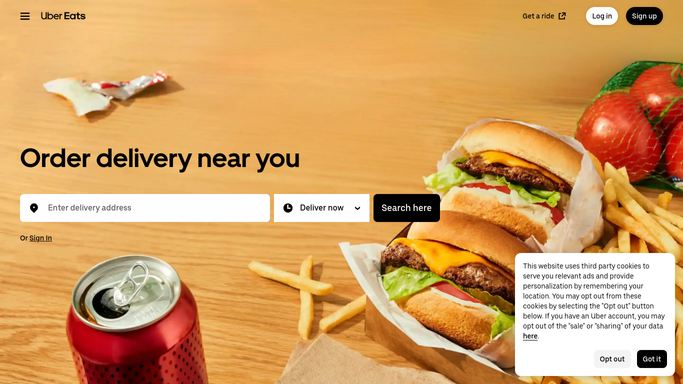
WebRun opens Uber Eats to read last week's orders. - Sign in to Uber Eats and open your order history
- Read every order placed in the last seven days with its date, restaurant, and total
- Separate delivery fees, service fees, and tips from the food subtotal where they are shown
- Add up the week and note the busiest day and the most frequent restaurant
Done when Every order from the last seven days is captured with its total.
-
2
Telegram - send you the spend breakdown
telegram.org

WebRun opens Telegram to send you the spend breakdown. - Send the spend breakdown to your Telegram channel
- Show the weekly total, the average order, the fees paid, and the top restaurants
- Compare the total with the previous week so the trend is obvious
- Keep it to a short readable message, not a wall of line items
Done when You have last week's food spend breakdown on Telegram.
-
3
Twilio - text the office manager if over budget
twilio.com

WebRun opens Twilio to text the office manager if over budget. - Open Twilio and draft a text to the office manager when the week went over your budget
- Include the weekly total, the budget, and the overspend
- Queue the message for your approval rather than sending it
- Never place, repeat, or cancel an order. WebRun only reads the history
Done when An over-budget text is queued for approval, or nothing is queued because the week was within budget.
How is each run configured?
Secure by default
Connect once, stays signed in
WebRun signs in once and keeps each session in a persistent environment, so every run picks up right where it left off.
Every action is checked against this policy before it runs.
Questions, answered
Will it order food or spend money?
No, and it cannot be configured to. WebRun only reads your Uber Eats order history. It never places an order, repeats an order, adds a payment method, or spends a cent.
Does the over-budget text send itself?
No. The Twilio message to your office manager is queued for your approval. Only the Telegram breakdown to your own channel is posted automatically.
Can it separate fees from the food cost?
Yes, wherever your order history shows them. The breakdown lists delivery fees, service fees, and tips separately from the food subtotal, which is usually where the surprise is.
Related templates
Put this on autopilot.
Turn it on in minutes - or have our team set it up for you.