Automated Trengo Daily Channel Digest
Every morning, WebRun opens Trengo, reviews yesterday's conversations across WhatsApp, email, and chat, exports the volume and response time breakdown by channel to Google Sheets, and logs recurring topics with no clear owner to Notion for the team to review.
How do I get a daily breakdown of Trengo conversations by channel?
WebRun reviews every Trengo conversation from the day before each morning, breaking down volume and response time by channel across WhatsApp, email, and chat, and exports it to Google Sheets. It also logs recurring topics to Notion, so your team sees channel performance and repeat questions without pulling a report by hand.
- Channel performance is visible every morning without a manual export
- Slipping response times get flagged by channel, not just overall
- Recurring topics surface in Notion instead of repeating across channels
Built for omnichannel support teams · ecommerce support · sales and support teams · small business support
What does WebRun do on every run?
The exact actions WebRun takes, in order - in plain language, so you can adjust anything.
-
WebRun signs in and gets to work
Opens
app.trengo.comin a real browser with your saved login - no setup, no API keys. -
1
Trengo - review yesterday's conversations by channel
trengo.com
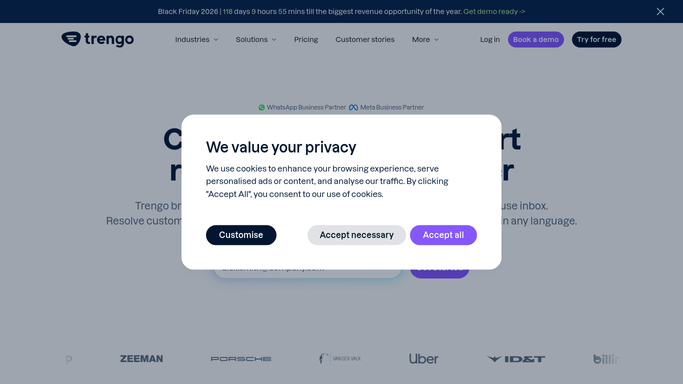
WebRun opens Trengo to review yesterday's conversations by channel. - Open Trengo and pull yesterday's conversations across every connected channel
- Calculate volume and average response time per channel
- Flag any channel whose response time slipped from the day before
- Note recurring topics that showed up across more than one conversation
Done when Yesterday's conversations are reviewed and broken down by channel.
-
2
Google Sheets - export the volume and response time breakdown
google.com

WebRun opens Google Sheets to export the volume and response time breakdown. - Export the volume and response time breakdown to Google Sheets
- Append to the existing history tab so trends stay visible
- Highlight any channel that slipped compared to the day before
Done when Google Sheets reflects yesterday's channel breakdown and updated history.
-
3
Notion - log recurring topics for review
notion.so

WebRun opens Notion to log recurring topics for review. - Log recurring topics from yesterday's conversations to the running tracker
- Note which channel each topic showed up on most
- Leave the list for the team to review for staffing or FAQ updates
Done when Recurring topics from yesterday are tracked in Notion.
How is each run configured?
Secure by default
Connect once, stays signed in
WebRun signs in once and keeps each session in a persistent environment, so every run picks up right where it left off.
Every action is checked against this policy before it runs.
Questions, answered
Does WebRun reply to any conversations?
No. It only reviews and reports on yesterday's conversations. Replying on WhatsApp, email, or chat is always done by an agent inside Trengo.
Which channels does the breakdown cover?
Every channel connected to your Trengo inbox, so WhatsApp, email, and chat all show up separately instead of one blended number.
What counts as a recurring topic?
Any subject that shows up in more than one conversation the same day, logged to Notion so the team can spot patterns across channels.
Related templates
Put this on autopilot.
Turn it on in minutes - or have our team set it up for you.