Track new Tide employee card setup for you
Every morning, WebRun signs in to Tide business banking, checks any new team member expense card request and its remaining setup steps, keeps a Trello checklist card current with what's outstanding, and messages the requester on WhatsApp once their card is active and ready to use.
- No credit card
- Under $0.01 per run
- Cancel anytime
How do I track new Tide employee card setup automatically?
WebRun checks Tide business banking every morning for new team member card requests, tracks the remaining setup steps such as spending limits on a Trello checklist, and messages the requester on WhatsApp once their card is active. It never issues the card or changes a setting itself, so new hires get spending access without a manual chase.
- New team members get their card status tracked without a manual chase
- Nothing holds up a request because a setup step got missed
- The requester hears the moment their card is actually ready
Built for small business owners · Tide business customers · office managers · finance teams
What does WebRun do on every run?
The exact actions WebRun takes, in order - in plain language, so you can adjust anything.
-
WebRun signs in and gets to work
Opens
www.tide.coin a real browser with your saved login - no setup, no API keys. -
1
Tide - check the card request status
tide.co
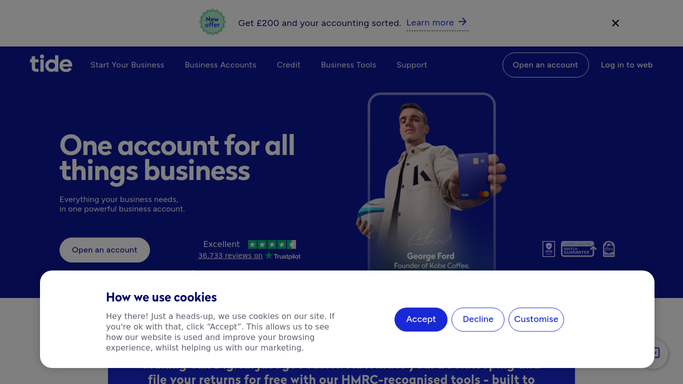
WebRun opens Tide to check the card request status. - Sign in to Tide business banking
- Check any new team member card request and its current status
- Note whether spending limits or category controls still need to be set
Done when Every open card request has its current status captured.
-
2
Trello - track the setup checklist
trello.com How to Automate Trello

WebRun tracks the setup checklist in Trello. - Update the card setup checklist with what's still outstanding
- Mark completed steps as done and leave the rest open
- Move the card to Ready once every step is complete
Done when The Trello checklist reflects the current setup status.
-
3
WhatsApp - message when the card is ready
whatsapp.com How to Automate WhatsApp

WebRun uses WhatsApp to message when the card is ready. - Message the requester once every checklist step is marked complete
- Let them know their Tide card is active and ready to use
- Stay quiet if setup is still in progress
Done when The requester has been messaged once their card is ready.
How is each run configured?
Secure by default
Connect once, stays signed in
WebRun signs in once and keeps each session in a persistent environment, so every run picks up right where it left off.
Every action is checked against this policy before it runs.
Questions, answered
Will WebRun set the spending limit or issue the card itself?
No. WebRun never sends a payment, moves funds, or changes an account setting on its own. It only tracks setup status and reports on what's still outstanding, leaving every change inside Tide to you.
Who gets the WhatsApp message when a card is ready?
The team member who requested the card, an internal message letting them know it's active. WebRun never messages anyone outside your business.
Will the checklist show a card as ready too early?
No. It only moves a card to Ready once every setup step shows complete in Tide, so the WhatsApp message always matches reality.
Related templates
Put this on autopilot.
Turn it on in minutes - or have our team set it up for you.