Escalate at risk TeamSupport accounts to CS the same day
Every morning, WebRun opens TeamSupport, finds tickets from accounts whose customer health score has dropped or that have multiple open tickets, schedules a check in call on Google Calendar with the account's customer success manager, and hands off the account details in Microsoft Teams.
- No credit card
- Under $0.01 per run
- Cancel anytime
How do I catch at risk TeamSupport accounts before they churn?
WebRun reviews TeamSupport tickets every morning for accounts with a declining customer health score or multiple open tickets, schedules a check in call with the account's customer success manager on Google Calendar, and hands off the details in Microsoft Teams. At risk accounts get a scheduled conversation instead of silently piling up tickets.
- Declining accounts get a scheduled check in the same morning they're flagged
- CS managers see the full ticket context before the call, not after
- No at risk account sits unnoticed behind a pile of open tickets
Built for customer success teams · B2B SaaS support · account managers · software companies
What does WebRun do on every run?
The exact actions WebRun takes, in order - in plain language, so you can adjust anything.
-
WebRun signs in and gets to work
Opens
app.teamsupport.comin a real browser with your saved login - no setup, no API keys. -
1
TeamSupport - find accounts with declining health
teamsupport.com
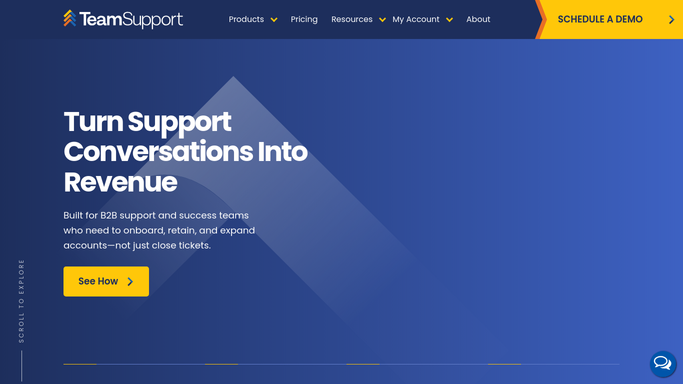
WebRun opens TeamSupport to find accounts with declining health. - Open TeamSupport and pull tickets from the past 24 hours by account
- Check each account's customer health score and open ticket count
- Flag accounts with a declining health score or more than 2 open tickets
- Capture the account's assigned customer success manager
Done when Every account showing a decline is identified with its CS manager.
-
2
Google Calendar - schedule a customer check in
calendar.google.com How to Automate Google Calendar

WebRun opens Google Calendar to schedule a customer check in. - Schedule a check in call with the account's customer success manager
- Add the ticket history and health score change to the event notes
- Set the call within the next 3 business days
Done when A check in call is scheduled for every flagged account.
-
3
Microsoft Teams - hand off the account to CS
microsoft.com How to Automate Microsoft Teams

WebRun opens Microsoft Teams to hand off the account to CS. - Post the account handoff to the customer success channel
- Include the health score change, open ticket count, and scheduled call time
- Tag the assigned customer success manager directly
Done when The customer success manager has been handed off every flagged account in Teams.
How is each run configured?
Secure by default
Connect once, stays signed in
WebRun signs in once and keeps each session in a persistent environment, so every run picks up right where it left off.
Every action is checked against this policy before it runs.
Questions, answered
Does WebRun contact the customer directly?
No. It only schedules an internal check in and hands the account to your customer success manager. Reaching out to the customer is always done by a person.
How is a declining account identified?
By a drop in the customer health score TeamSupport already tracks, or more than 2 open tickets at once, the same signals your CS team already watches for.
What if the account doesn't have an assigned CS manager?
It's flagged in the Teams handoff so one can be assigned, rather than the account being scheduled with no clear owner.
Related templates
Put this on autopilot.
Turn it on in minutes - or have our team set it up for you.