Automated SysAid SLA Breach Alerts
Every hour, WebRun opens SysAid, checks every open incident's time remaining against its SLA target, posts an alert to Microsoft Teams the moment one has less than 30 minutes left, and creates a Trello remediation card so the fix stays tracked until the incident closes.
How do I get alerted before a SysAid incident breaches its SLA?
WebRun checks every open SysAid incident every hour against its SLA target, and the moment one has under 30 minutes left, it posts an alert to Microsoft Teams with the technician and time remaining. It also creates a Trello card to track the remediation through to close, so no incident quietly breaches its SLA.
- Technicians get an early alert instead of finding out after a breach
- Every at risk incident has a tracked remediation card until it closes
- The team sees SLA risk in Teams without checking SysAid manually
Built for IT service desk teams · ITSM managers · IT operations · enterprise IT support
What does WebRun do on every run?
The exact actions WebRun takes, in order - in plain language, so you can adjust anything.
-
WebRun signs in and gets to work
Opens
www.sysaid.comin a real browser with your saved login - no setup, no API keys. -
1
SysAid - check incidents against SLA targets
sysaid.com
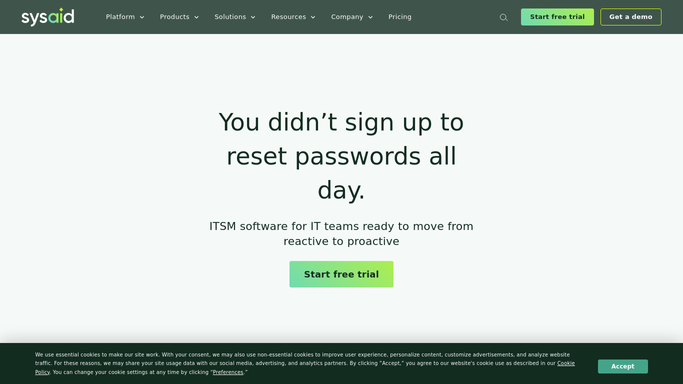
WebRun opens SysAid to check incidents against SLA targets. - Open SysAid and filter incidents to open with an active SLA clock
- Calculate the time remaining before each incident's resolution target
- Flag any incident with less than 30 minutes remaining
- Capture the assigned technician and current status for each
Done when Every open incident's SLA time remaining is calculated and at risk ones are flagged.
-
2
Microsoft Teams - alert the team before it breaches
microsoft.com

WebRun opens Microsoft Teams to alert the team before it breaches. - Post an alert to the IT operations channel for each at risk incident
- Include the incident number, technician, and minutes remaining
- Repeat the alert each hour until the incident is resolved
Done when The IT operations channel has an alert for every at risk incident.
-
3
Trello - track the remediation to close
trello.com

WebRun opens Trello to track the remediation to close. - Create a remediation card for each at risk incident
- Include the SLA deadline and assigned technician on the card
- Move the card to Done once SysAid shows the incident resolved
Done when A tracked remediation card exists for every at risk incident.
How is each run configured?
Secure by default
Connect once, stays signed in
WebRun signs in once and keeps each session in a persistent environment, so every run picks up right where it left off.
Every action is checked against this policy before it runs.
Questions, answered
Does WebRun resolve the incident itself?
No. It only alerts the team and tracks the remediation on a Trello card. Actually fixing the incident is always done by a technician.
How close to breaching triggers the alert?
Under 30 minutes remaining on the SLA clock by default, so the alert is reserved for incidents genuinely at risk.
What happens to the Trello card once the incident is resolved?
It moves to Done automatically on the next hourly check once SysAid shows the incident closed.
Related templates
Put this on autopilot.
Turn it on in minutes - or have our team set it up for you.