Hand off StreamYard recordings for editing
Every morning, WebRun opens StreamYard, checks broadcasts that finished recording the day before, creates a Trello card in the editing queue for each, and sends your editor a WhatsApp heads-up naming what's new.
- No credit card
- Under $0.01 per run
- Cancel anytime
What does WebRun do on every run?
The exact actions WebRun takes, in order - in plain language, so you can adjust anything.
-
WebRun signs in and gets to work
Opens
streamyard.comin a real browser with your saved login - no setup, no API keys. -
1
StreamYard - check finished recordings
streamyard.com

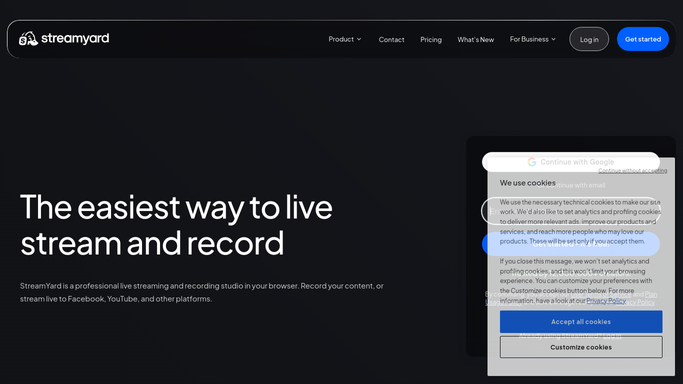
WebRun opens StreamYard to check finished recordings. - Open StreamYard and list broadcasts recorded in the last day
- Capture the broadcast length, guests, and destination platforms
- Confirm the recording finished processing and is downloadable
Done when Every finished broadcast has its recording details captured.
-
2
Trello - create the editing card
trello.com How to Automate Trello
WebRun opens Trello to create the editing card. - Create an editing card per broadcast with length and guest names
- Place it in the Needs Edit column
- Skip broadcasts already tracked
Done when Every finished broadcast has a Trello card in the editing queue.
-
3
WhatsApp - notify your editor
whatsapp.com How to Automate WhatsApp
WebRun opens WhatsApp to notify your editor. - Send your editor a heads-up that new footage is ready
- Include the broadcast title and where to find the Trello card
- Send it once per broadcast, not on every check
Done when Your editor has been notified about today's new footage on WhatsApp.


How do I hand off finished StreamYard recordings to my editor?
WebRun checks StreamYard every morning for broadcasts that finished recording the day before, capturing each one's length, guests, and destination platforms. It creates a Trello card in the editing queue for each and sends your editor a WhatsApp heads-up naming what's new, so finished footage never sits unnoticed before editing starts.
- Finished footage never sits unnoticed before editing starts
- Editors get a same-day heads-up instead of checking StreamYard
- The editing queue on Trello stays current automatically
Built for podcast producers · video editors · live show hosts · content teams
How is each run configured?
Secure by default
Connect once, stays signed in
WebRun signs in once and keeps each session in a persistent environment, so every run picks up right where it left off.
Every action is checked against this policy before it runs.
Questions, answered
Does it download or edit the footage?
No. WebRun only confirms the recording finished and creates the editing card. Downloading and editing stays with your editor.
Does it message guests about the recording?
No. The WhatsApp notification goes only to your editor. Guests are never contacted about the footage.
What if a broadcast is still processing?
It's left off the queue until StreamYard shows it as finished and downloadable, so nothing gets handed off before it's actually ready.
Related templates
Put this on autopilot.
Turn it on in minutes - or have our team set it up for you.