Digest your daily Snappa graphics for you
Every morning, WebRun opens Snappa, lists every social, ad, or blog graphic finished the day before, logs each in Airtable against its campaign, and drafts a Gmail digest for the marketing manager summarizing what is ready to use, leaving the email unsent for a quick check before it goes out to anyone else on the team.
- No credit card
- Under $0.01 per run
- Cancel anytime
What does WebRun do on every run?
The exact actions WebRun takes, in order - in plain language, so you can adjust anything.
-
WebRun signs in and gets to work
Opens
snappa.comin a real browser with your saved login - no setup, no API keys. -
1
Snappa - find graphics finished yesterday
snappa.com

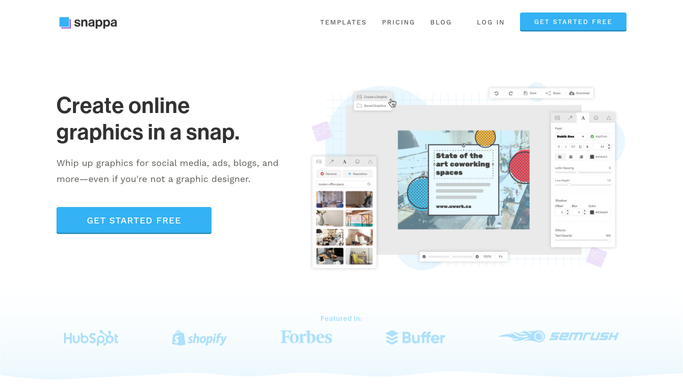
WebRun opens Snappa to find graphics finished yesterday. - Open Snappa and list every graphic finished since the last run
- Note the format, such as social post, ad, or blog graphic
- Record which campaign each belongs to
Done when Every graphic finished since the last run is listed.
-
2
Airtable - log them in the campaign tracker
airtable.com How to Automate Airtable
WebRun opens Airtable to log them in the campaign tracker. - Log each graphic as a row in the Airtable campaign tracker
- Include the format and campaign name
- Keep the tracker sorted by most recent first
Done when Each is logged in the Airtable tracker.
-
3
Gmail - draft a daily digest email
gmail.com How to Automate Gmail
WebRun opens Gmail to draft a daily digest email. - Draft a Gmail digest for the marketing manager summarizing what finished yesterday
- Group by campaign for easier reading
- Leave the email unsent for review
Done when A digest draft exists in Gmail for the marketing manager.


How do I get a daily summary of graphics finished in Snappa?
WebRun checks Snappa every morning for graphics finished the day before, logs each in an Airtable campaign tracker, and drafts a Gmail digest for the marketing manager summarizing what is ready. Finished social, ad, and blog graphics get tracked and surfaced daily without anyone opening Snappa to check.
- Finished graphics get tracked and surfaced the same morning
- The marketing manager reviews one draft instead of opening Snappa
- Every campaign keeps a running record of its graphics
Built for social media managers · small marketing teams · ecommerce brands · content marketers
How is each run configured?
Secure by default
Connect once, stays signed in
WebRun signs in once and keeps each session in a persistent environment, so every run picks up right where it left off.
Every action is checked against this policy before it runs.
Questions, answered
Does it create the graphics itself?
No. WebRun only tracks graphics your team has already finished in Snappa. It never generates or edits designs on its own.
Will the marketing manager get an email automatically every day?
The digest is drafted every morning, but it always stays unsent until the marketing manager reviews and sends it, or simply reads it in Gmail.
What if nothing finished the day before?
The draft notes that nothing new finished, so it is clear at a glance rather than an empty or confusing email.
Related templates
Put this on autopilot.
Turn it on in minutes - or have our team set it up for you.