Track how your team uses the shared Sketch library
Every Friday, WebRun checks your shared Sketch library for symbol and component changes, flags which documents are still referencing outdated versions, logs the activity to a running Google Sheet, and emails design ops a summary.
- No credit card
- Under $0.01 per run
- Cancel anytime
What does WebRun do on every run?
The exact actions WebRun takes, in order - in plain language, so you can adjust anything.
-
WebRun signs in and gets to work
Opens
www.sketch.comin a real browser with your saved login - no setup, no API keys. -
1
Sketch - check library updates and usage
sketch.com

WebRun checks library updates and usage in Sketch. - Open the shared library and check which symbols or components changed this week
- Note which documents are still using outdated versions
Done when This week's library changes and outdated usages are listed.
-
2
Google Sheets - log the usage summary
google.com How to Automate Google Sheets
WebRun logs the usage summary in Google Sheets. - Add a row per library change to the usage tracker
- Include which documents still reference the old version
- Keep a running history
Done when This week's library activity is logged in the tracker.
-
3
Gmail - email design ops
gmail.com How to Automate Gmail
WebRun emails design ops. - Draft a summary email of library changes and which documents need updating
- Send it to the design ops list
Done when Design ops has this week's library summary in their inbox.
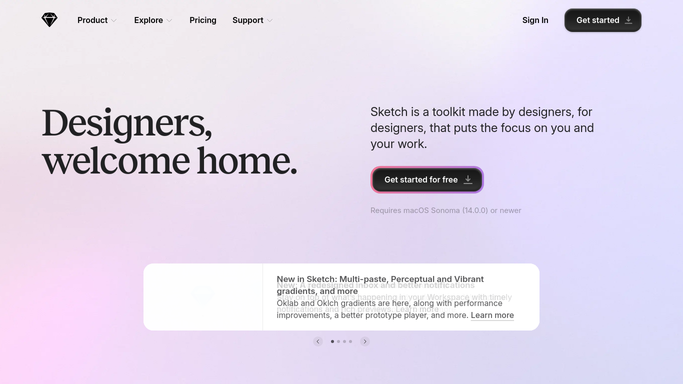


How do I track shared Sketch library updates and outdated usage?
WebRun checks your shared Sketch library every week for symbol and component changes, and flags which documents are still referencing outdated versions. It logs the activity to a running Google Sheet and emails design ops a summary, so the library stays consistent instead of drifting out of sync across files.
- Outdated library usage gets flagged before it causes inconsistency
- Design ops sees library health in one weekly summary
- The shared library stays consistent across documents
Built for Design systems teams · product design teams · design ops · UI/UX designers
How is each run configured?
Secure by default
Connect once, stays signed in
WebRun signs in once and keeps each session in a persistent environment, so every run picks up right where it left off.
Every action is checked against this policy before it runs.
Questions, answered
Does it update the library or the documents itself?
No. WebRun only reports on changes and outdated usage. Updating a symbol or a document to the latest version stays a manual step for the designer.
How does it know a document is outdated?
It compares each document's linked library version against the current published version, and flags any that haven't synced to the latest update.
Who is on the design ops list?
Whoever you name as responsible for the shared library. It's an internal summary, not sent anywhere outside your team.
Related templates
Put this on autopilot.
Turn it on in minutes - or have our team set it up for you.