Automated Shipt Office Spend Tracking
Every Monday, WebRun opens your Shipt order history, checks every grocery delivery placed for the office in the past week, logs each order to a Trello board with its items and cost, and posts the weekly spend digest to Microsoft Teams for finance.
How do I track office grocery spend on Shipt?
WebRun checks your Shipt order history every Monday for the week's office grocery deliveries, logs each order to a Trello board with its items and cost, and posts a weekly spend digest to Microsoft Teams, so office grocery spend stays visible without anyone collecting receipts by hand.
- Every office order is logged and tracked through delivery
- Weekly grocery spend is visible without checking Shipt directly
- Finance gets a comparable week over week spend total
Built for Office managers · Small business operations · Executive assistants · Facilities coordinators
What does WebRun do on every run?
The exact actions WebRun takes, in order - in plain language, so you can adjust anything.
-
WebRun signs in and gets to work
Opens
www.shipt.com/loginin a real browser with your saved login - no setup, no API keys. -
1
Shipt - check order history
shipt.com
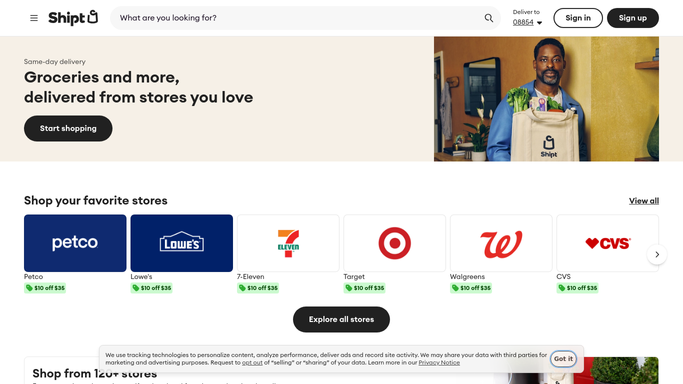
WebRun opens Shipt to check order history. - Open the order history on Shipt
- List every order placed for the office this week
- Note the items, delivery date, and total for each
Done when Every order from the past week has been listed with its total.
-
2
Trello - log each order
trello.com

WebRun opens Trello to log each order. - Open the office supplies ordering board
- Add a card for each order with items and cost
- Move the card to Delivered once it arrives
Done when Every order this week has a card reflecting its current status.
-
3
Microsoft Teams - post the weekly digest
microsoft.com

WebRun opens Microsoft Teams to post the weekly digest. - Post the weekly spend digest to the office operations channel
- Total the week's grocery spend
- Compare against last week's total
Done when The team has this week's spend digest in Teams.
How is each run configured?
Secure by default
Connect once, stays signed in
WebRun signs in once and keeps each session in a persistent environment, so every run picks up right where it left off.
Every action is checked against this policy before it runs.
Questions, answered
Does WebRun place orders for the office?
No. WebRun only reads your existing order history. Placing, canceling, or changing an order is always done by a person.
Where is each order tracked before it's delivered?
On the Trello board, so anyone can see what's ordered and pending without checking Shipt directly.
Can it separate personal and office orders?
Point it at the account or delivery address used for office orders and it logs only what comes through there.
Related templates
Put this on autopilot.
Turn it on in minutes - or have our team set it up for you.