Keep a tidy library of every video you record
Every night, WebRun opens Screencastify, lists the videos recorded that day, captures each title, length, folder and share link, adds a row for each one to your Notion video library, and sends your team a short WhatsApp roundup of what was added.
- No credit card
- Under $0.01 per run
- Cancel anytime
How do I keep a searchable library of my screen recordings?
WebRun files your Screencastify recordings every night. It opens Screencastify, collects the videos made that day with their titles, lengths and share links, adds a row for each to your Notion video library, and sends your team a WhatsApp roundup, so no recording gets lost or forgotten.
- Every recording is findable in Notion the same night it was made
- Nobody hunts through Screencastify folders for a link again
- Private videos get flagged before someone shares a dead link
Built for teachers · instructional designers · training teams · support teams · creators
What does WebRun do on every run?
The exact actions WebRun takes, in order - in plain language, so you can adjust anything.
-
WebRun signs in and gets to work
Opens
app.screencastify.comin a real browser with your saved login - no setup, no API keys. -
1
Screencastify - collect the day's recordings
screencastify.com
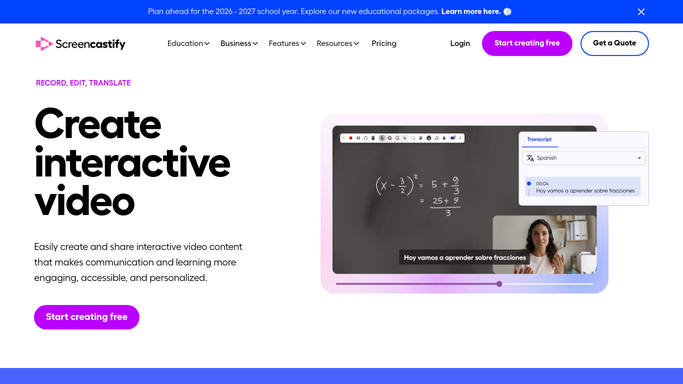
WebRun opens Screencastify to collect the day's recordings. - Open Screencastify and go to your videos list
- Collect every recording created since the last run
- Capture the title, duration, folder and share link for each one
- Note any video still marked private so it can be flagged later
Done when Every recording made since the last run is listed with its title, length and link.
-
2
Notion - file each video in the library
notion.so How to Automate Notion

WebRun opens Notion to file each video in the library. - Open your Notion video library database
- Add one row per new recording with title, length, date, folder and link
- Skip any recording that already has a row so nothing is duplicated
- Set the status column to Needs review for videos with no description yet
Done when Every new recording has exactly one row in the Notion library.
-
3
WhatsApp - send the team the new list
whatsapp.com How to Automate WhatsApp

WebRun opens WhatsApp to send the team the new list. - Open your internal team group in WhatsApp
- Post the count of new videos and the title of each with its link
- Call out any recording still set to private so someone can fix sharing
- Keep the message to your own team group. Never message a customer
Done when Your team group has tonight's list of new recordings.
How is each run configured?
Secure by default
Connect once, stays signed in
WebRun signs in once and keeps each session in a persistent environment, so every run picks up right where it left off.
Every action is checked against this policy before it runs.
Questions, answered
Will it share my videos with anyone?
No. WebRun only reads the sharing setting each video already has and flags private ones for you. It never changes permissions, never publishes a video, and only posts to your own internal WhatsApp group.
What if a video is already in Notion?
It is skipped. WebRun matches on the Screencastify title and link before adding a row, so re-running the workflow never creates a duplicate entry.
Can it file videos into different Notion sections?
Yes. Tell WebRun which Screencastify folder maps to which Notion category and it sets that field as it creates each row.
Related templates
Put this on autopilot.
Turn it on in minutes - or have our team set it up for you.