Track your Runkeeper club activity for you
Every Monday, WebRun opens Runkeeper, checks every run club member's logged activity for the past week, logs each member's distance and session count to Airtable, and drafts a Gmail scorecard ranking the most active members for your coach or club lead to review and send.
- No credit card
- Under $0.01 per run
- Cancel anytime
How do I track weekly activity across my Runkeeper run club?
WebRun checks every run club member's activity log on Runkeeper each Monday, logs weekly distance and sessions to Airtable, and drafts a ranked Gmail scorecard, so a coach or club lead can celebrate the most active members and spot who's gone quiet without tallying logs by hand.
- Weekly activity is ranked without manually checking every member
- Inactive members are flagged the same week they go quiet
- Coaches get a ready draft instead of building a scorecard from scratch
Built for Run club organizers · Running coaches · Corporate fitness programs · Community fitness challenges
What does WebRun do on every run?
The exact actions WebRun takes, in order - in plain language, so you can adjust anything.
-
WebRun signs in and gets to work
Opens
runkeeper.com/loginin a real browser with your saved login - no setup, no API keys. -
1
Runkeeper - check each member's activity log
runkeeper.com
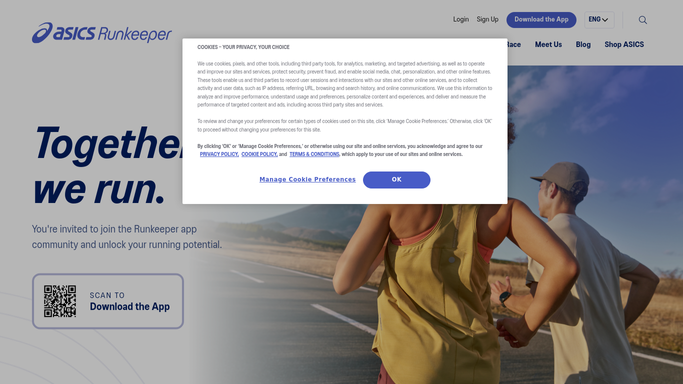
WebRun opens Runkeeper to check each member's activity log. - Open the club roster on Runkeeper
- Check each member's logged sessions and distance for the past week
- Note anyone with no logged activity
Done when Every member's weekly activity has been checked.
-
2
Airtable - log weekly totals
airtable.com How to Automate Airtable

WebRun opens Airtable to log weekly totals. - Open the club activity base
- Add this week's distance and session count for each member
- Roll the numbers into each member's running monthly total
Done when The base reflects every member's current weekly and monthly totals.
-
3
Gmail - draft the scorecard
gmail.com How to Automate Gmail

WebRun opens Gmail to draft the scorecard. - Draft a scorecard ranking members by distance this week
- Note anyone with no logged activity
- Leave it as a draft. Never send without a human review
Done when A ready to send scorecard draft is waiting in Gmail.
How is each run configured?
Secure by default
Connect once, stays signed in
WebRun signs in once and keeps each session in a persistent environment, so every run picks up right where it left off.
Every action is checked against this policy before it runs.
Questions, answered
Does WebRun log workouts on a member's behalf?
No. WebRun only reads what members have already logged on Runkeeper. It never adds, edits, or fakes an activity for anyone.
Will the scorecard email send itself?
No. WebRun always leaves the weekly scorecard as a Gmail draft. A person on your team reviews and sends it.
What if a member's data is private?
It only reads activity a member has shared with the club roster. Anything set to private stays private.
Related templates
Put this on autopilot.
Turn it on in minutes - or have our team set it up for you.