Automated Rows Spreadsheet Access Reviews
Every Monday, WebRun opens Rows, walks the sharing settings on each spreadsheet, notes every workspace member, guest and permission level plus any live shared link, records the review in Trello, and sends the workspace admin a short WhatsApp summary.
How do I review who has access to my Rows spreadsheets?
Every Monday, WebRun opens Rows and reviews the sharing settings on each spreadsheet, listing workspace members, guests, permission levels and any live shared link. It records the findings on a Trello access review card and sends the workspace admin a WhatsApp summary, so nobody keeps access to data after leaving the project.
- Every guest and live shared link is reviewed once a week
- Access left over from finished projects gets spotted, not forgotten
- Permissions are only ever changed by a human, never by the run
Built for workspace admins · operations teams · data teams · agencies
What does WebRun do on every run?
The exact actions WebRun takes, in order - in plain language, so you can adjust anything.
-
WebRun signs in and gets to work
Opens
rows.comin a real browser with your saved login - no setup, no API keys. -
1
Rows - read sharing on every spreadsheet
rows.com
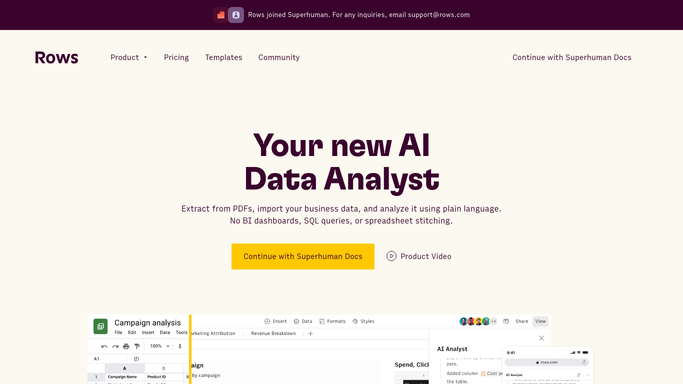
WebRun opens Rows to read sharing on every spreadsheet. - Open Rows and list every spreadsheet in the workspace
- Open the sharing settings on each one and capture who has access
- Record each person as a workspace member or a guest, with their permission level
- Note any shared link that is still live and who it is open to
Done when Every spreadsheet has a full list of who can open it and at what level.
-
2
Trello - log the access review
trello.com

WebRun opens Trello to log the access review. - Create this week's access review card on your governance board
- List each spreadsheet with its guests, permission levels and live links
- Flag guests who appear on spreadsheets outside their project
- Leave every permission untouched in Rows. WebRun reports, an admin decides what to revoke
Done when The week's access review card is on the board with every finding.
-
3
WhatsApp - summarize for the admin
whatsapp.com

WebRun opens WhatsApp to summarize for the admin. - Send the workspace admin a short summary of what changed since last week
- Lead with new guests and any spreadsheet open by shared link
- Link back to the Trello card for the full list
Done when The admin has this week's access summary in WhatsApp.
How is each run configured?
Secure by default
Connect once, stays signed in
WebRun signs in once and keeps each session in a persistent environment, so every run picks up right where it left off.
Every action is checked against this policy before it runs.
Questions, answered
Will it remove anyone's access?
No. WebRun only reads the sharing settings and reports them. Every revoke stays a human decision, made by an admin inside Rows.
Does it catch public shared links?
Yes. Each spreadsheet's link sharing is checked every Monday, and any link still live is listed with who it is open to.
What if a guest is meant to be there?
Mark them as approved on the Trello card and WebRun stops flagging them, so the summary only shows genuinely new or unexpected access.
Related templates
Put this on autopilot.
Turn it on in minutes - or have our team set it up for you.