Automated QQ Music Chart Tracking
Every morning, WebRun opens QQ Music, checks the chart position for each track you follow, saves the day's chart report to Google Drive, and texts your manager through Twilio the moment a tracked track enters or exits a chart.
How do I track when my music enters a QQ Music chart?
WebRun checks QQ Music charts every morning for each track you follow, saves a dated report to Google Drive, and texts your manager through Twilio the moment a tracked track enters or exits a chart, so a label or artist team catches a chart milestone the day it happens.
- Chart entries and exits get flagged the same day they happen
- A dated chart history builds automatically for trend review
- Position noise stays in the report while real milestones get a text
Built for Independent artists · Record labels · Artist managers · Music marketing teams
What does WebRun do on every run?
The exact actions WebRun takes, in order - in plain language, so you can adjust anything.
-
WebRun signs in and gets to work
Opens
y.qq.comin a real browser with your saved login - no setup, no API keys. -
1
QQ Music - check chart position for tracked tracks
y.qq.com
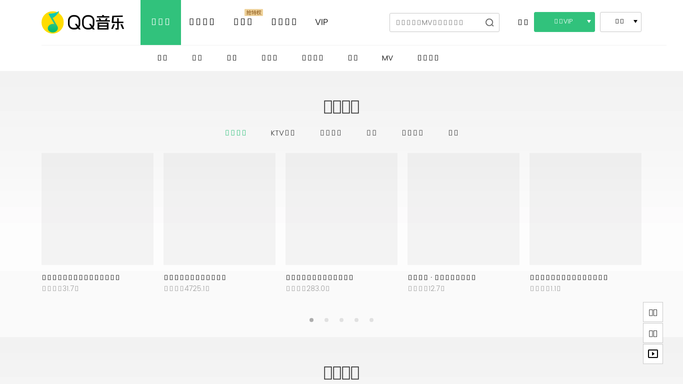
WebRun opens QQ Music to check chart position for tracked tracks. - Open the relevant charts on QQ Music
- Check the current position for each tracked track
- Compare against yesterday's position for each
Done when Every tracked track's current chart position has been checked.
-
2
Google Drive - save the chart report
drive.google.com

WebRun opens Google Drive to save the chart report. - Open the chart tracking folder
- Save today's report with each track's position and change
- Keep the file dated for trend comparison
Done when Today's chart report is saved and dated in Drive.
-
3
Twilio - text on chart entries and exits
twilio.com

WebRun opens Twilio to text on chart entries and exits. - Text the manager only when a tracked track enters or exits a chart
- Include the track name and its new position
- Stay quiet when positions are unchanged
Done when The manager has been texted about every chart entry or exit, and nothing else.
How is each run configured?
Secure by default
Connect once, stays signed in
WebRun signs in once and keeps each session in a persistent environment, so every run picks up right where it left off.
Every action is checked against this policy before it runs.
Questions, answered
Does WebRun promote or pitch tracks to QQ Music?
No. WebRun only reads publicly visible chart positions. Pitching, promoting, or submitting a track is always a step your team takes itself.
Will I get texted for small position moves?
No. Twilio only fires when a track actually enters or exits a chart. Ongoing position moves are saved in the daily Drive report instead.
Can it track more than one artist or track?
Yes. Give it every track you follow and it checks all of them against the relevant charts each day.
Related templates
Put this on autopilot.
Turn it on in minutes - or have our team set it up for you.