Get a weekly Playvox QA scorecard
Every Monday, WebRun opens Playvox, pulls the past week's QA scores by agent, exports the full scorecard to Google Sheets for trend tracking, and logs a coaching note to Notion for any agent whose average fell below target.
- No credit card
- Under $0.01 per run
- Cancel anytime
How do I get a weekly Playvox QA scorecard by agent?
WebRun pulls every Playvox QA score from the past week each Monday, calculates each agent's average, and exports the full scorecard to Google Sheets for trend tracking. For any agent below target, it logs a coaching note to Notion with the specific rubric items involved, so managers walk into coaching sessions already prepared.
- Team leads get a ready coaching note instead of digging through scores
- QA trends stay visible in Sheets without a manual export each week
- Agents below target are flagged the same week their score drops
Built for contact center QA teams · workforce management · team leads · coaching managers
What does WebRun do on every run?
The exact actions WebRun takes, in order - in plain language, so you can adjust anything.
-
WebRun signs in and gets to work
Opens
www.playvox.comin a real browser with your saved login - no setup, no API keys. -
1
Playvox - pull the week's QA scores by agent
playvox.com
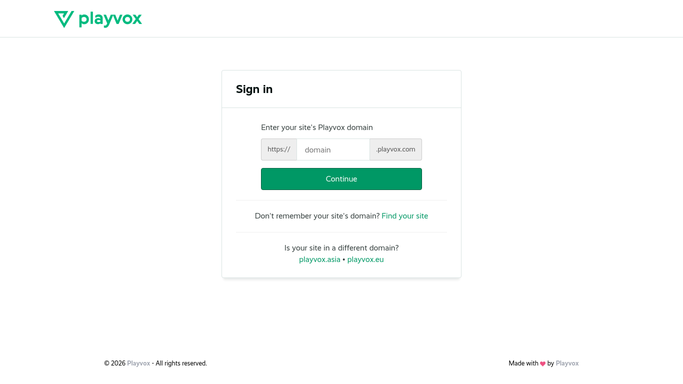
WebRun opens Playvox to pull the week's QA scores by agent. - Open Playvox and pull every QA score recorded in the past 7 days
- Calculate each agent's average score for the week
- Compare each average against your quality target
- Note the specific rubric items that came up most in scores below target
Done when The week's QA scores are pulled and averaged by agent.
-
2
Google Sheets - export the scorecard for trend tracking
google.com How to Automate Google Sheets

WebRun opens Google Sheets to export the scorecard for trend tracking. - Export the full scorecard to Google Sheets with agent, average score, and week
- Append to the existing trend tab so history stays accurate
- Recalculate the team wide average for the week
Done when Google Sheets reflects this week's scorecard and updated trend history.
-
3
Notion - log coaching notes for agents below target
notion.so How to Automate Notion

WebRun opens Notion to log coaching notes for agents below target. - Create a coaching note for each agent whose average fell below target
- Include the specific rubric items that brought the score down
- Leave the note for the agent's manager to use in their next coaching session
Done when A coaching note exists in Notion for every agent below target.
How is each run configured?
Secure by default
Connect once, stays signed in
WebRun signs in once and keeps each session in a persistent environment, so every run picks up right where it left off.
Every action is checked against this policy before it runs.
Questions, answered
Does WebRun deliver the coaching session?
No. It only prepares the coaching note in Notion with the specific rubric items behind a low score. The actual coaching conversation is led by the agent's manager.
How is the quality target set?
It uses the target you've already configured in Playvox, so agents are measured against the same bar your QA program already uses.
Can I see score trends over time, not just this week?
Yes. The Google Sheets export appends to a running trend tab, so you can see how each agent's average has moved week over week.
Related templates
Put this on autopilot.
Turn it on in minutes - or have our team set it up for you.