Keep every new hire's paperwork moving
Every morning, WebRun opens Paycom, lists hires starting in the next two weeks, notes which onboarding forms and tasks are still incomplete, mirrors each hire's status onto a Notion onboarding board, and sends your HR lead a short WhatsApp list of who needs a nudge today.
- No credit card
- Under $0.01 per run
- Cancel anytime
What does WebRun do on every run?
The exact actions WebRun takes, in order - in plain language, so you can adjust anything.
-
WebRun signs in and gets to work
Opens
paycom.comin a real browser with your saved login - no setup, no API keys. -
1
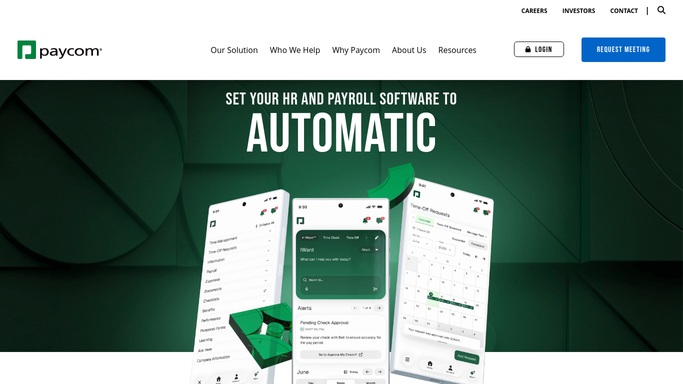
Paycom - check new hire onboarding status
paycom.com

WebRun opens Paycom to check new hire onboarding status. - Open Paycom and list employees with a start date in the next 14 days
- Open each new hire record and read which onboarding tasks and forms are still outstanding
- Note the hire name, start date, manager, and the specific items still missing
- Flag anyone whose start date is inside 3 days with items open
Done when Every upcoming hire has a status and a list of outstanding onboarding items.
-
2
Notion - update the onboarding board
notion.so How to Automate Notion
WebRun opens Notion to update the onboarding board. - Open your Notion onboarding board
- Create a card for any new hire that does not have one yet
- Update each existing card with today's outstanding items and the start date
- Move cards whose items are all complete into the Ready column
Done when The Notion board matches what Paycom shows this morning.
-
3
WhatsApp - send HR the chase list
whatsapp.com How to Automate WhatsApp
WebRun opens WhatsApp to send HR the chase list. - Send your HR group a short list of hires with outstanding onboarding items
- Put anyone starting within 3 days at the top with the exact items missing
- Link back to the Notion card for each hire
- Send only to your internal HR group. Never message the new hire directly
Done when HR has today's onboarding chase list on WhatsApp.


How do I track which new hires still have onboarding paperwork outstanding?
WebRun opens Paycom every morning, lists new hires starting within two weeks, and checks which onboarding tasks and forms are still outstanding. It updates a Notion onboarding board with each hire's status, then sends your HR lead a WhatsApp summary naming exactly who needs chasing today and what is missing.
- No hire reaches day one with paperwork still open
- HR sees the chase list before the morning stand-up
- The Notion onboarding board stays current without manual updates
Built for HR teams · people operations · recruiting coordinators · growing companies
How is each run configured?
Secure by default
Connect once, stays signed in
WebRun signs in once and keeps each session in a persistent environment, so every run picks up right where it left off.
Every action is checked against this policy before it runs.
Questions, answered
Will it message new hires directly?
No. WebRun only posts to your internal HR WhatsApp group and updates your Notion board. Any message to a new hire is left for a person to write and send.
Does it change anything inside Paycom?
No. WebRun reads new hire records and onboarding status in Paycom and writes nothing back. All edits happen in your Notion board.
What if a hire finishes their paperwork overnight?
They drop off the list. WebRun reads live status in Paycom every morning, so completed hires move to the Ready column and stop being chased.
Related templates
Put this on autopilot.
Turn it on in minutes - or have our team set it up for you.