Export Paramount+ release dates for your content team
Every Monday, WebRun opens Paramount+, checks new releases and their premiere dates, exports the updated content calendar to Google Drive, and notifies the content team in Slack so coverage and recommendations can be planned around real premiere dates instead of guesswork.
- No credit card
- Under $0.01 per run
- Cancel anytime
How do I build a content calendar around Paramount+ premiere dates?
WebRun checks Paramount+ every Monday for new releases and premiere dates, exports an updated content calendar to Google Drive, and notifies the content team in Slack. Media and content teams plan coverage around confirmed premiere dates instead of scrambling once a title has already launched.
- Coverage gets planned around real, confirmed premiere dates
- The content calendar stays current without manual updates
- The full release history is archived in one Drive document
Built for media research teams · entertainment content creators · streaming news outlets · marketing and content teams
What does WebRun do on every run?
The exact actions WebRun takes, in order - in plain language, so you can adjust anything.
-
WebRun signs in and gets to work
Opens
www.paramountplus.comin a real browser with your saved login - no setup, no API keys. -
1
Paramount+ - check new releases and premiere dates
paramountplus.com
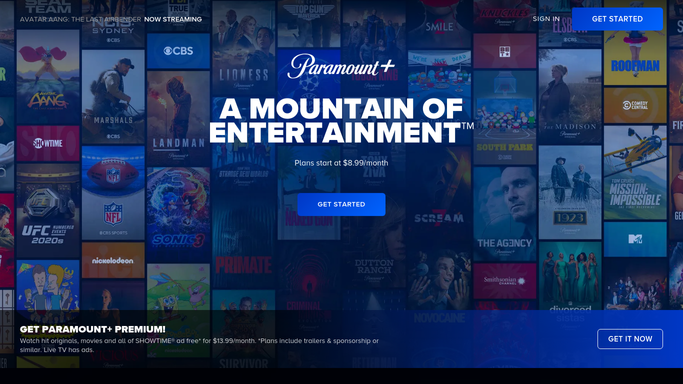
WebRun opens Paramount+ to check new releases and premiere dates. - Open new and upcoming releases
- Note the title, genre, and premiere date for each
- Flag anything premiering in the next two weeks
Done when Upcoming releases and premiere dates are captured.
-
2
Google Drive - export the updated content calendar
drive.google.com How to Automate Google Drive

WebRun opens Google Drive to export the updated content calendar. - Update the content calendar document with this week's releases
- Order it by premiere date
- Keep prior weeks in the document's history
Done when The content calendar in Google Drive is current.
-
3
Slack - notify the content team
slack.com How to Automate Slack

WebRun opens Slack to notify the content team. - Notify the content team that the calendar is updated
- List releases premiering in the next two weeks
- Link to the full calendar in Drive
Done when The content team knows this week's premiere schedule.
How is each run configured?
Secure by default
Connect once, stays signed in
WebRun signs in once and keeps each session in a persistent environment, so every run picks up right where it left off.
Every action is checked against this policy before it runs.
Questions, answered
Does it stream or download any Paramount+ content?
No. WebRun only reads the public new releases listing for titles and premiere dates. It never streams, downloads, or redistributes content.
How far ahead does the calendar look?
It captures whatever premiere dates Paramount+ has published as of that Monday, with anything in the next two weeks flagged for immediate planning.
Where does the team find the full calendar?
In the Google Drive document, which keeps every prior week alongside the current one, so the team can see the full release history in one place.
Related templates
Put this on autopilot.
Turn it on in minutes - or have our team set it up for you.