Never let a lead sit without a next action
Every morning, WebRun opens noCRM.io, checks every active lead for a next action that is missing or overdue, schedules a follow-up task on the owner's Google Calendar for each one, and posts an alert to Microsoft Teams so no lead sits without a clear next step.
- No credit card
- Under $0.01 per run
- Cancel anytime
How do I make sure no lead sits without a next action?
WebRun checks every active noCRM.io lead every morning for a next action that is missing or overdue, and schedules a follow-up task on the owner's Google Calendar for each one it finds. It then alerts the owner in Microsoft Teams sorted by most overdue first, so no lead sits without a clear next step.
- No lead goes more than a day without a scheduled next action
- Owners get sorted alerts, most overdue first, instead of a flat list
- Follow-up time is already on the calendar before the owner even checks
Built for solo sales reps · small sales teams · noCRM.io users · sales managers
What does WebRun do on every run?
The exact actions WebRun takes, in order - in plain language, so you can adjust anything.
-
WebRun signs in and gets to work
Opens
app.nocrm.ioin a real browser with your saved login - no setup, no API keys. -
1
noCRM.io - check leads for a missing or overdue next action
nocrm.io
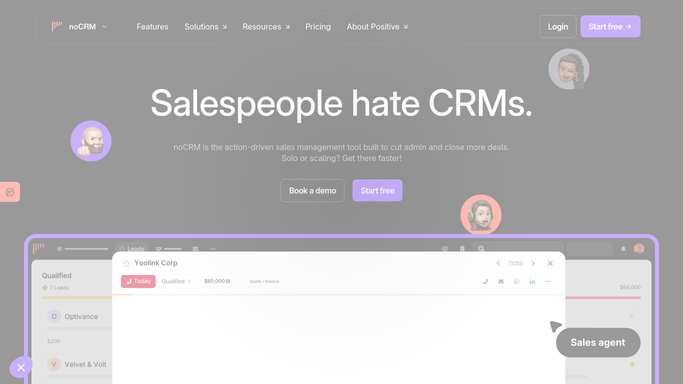
WebRun opens noCRM.io to check leads for a missing or overdue next action. - Open noCRM.io and review active leads for their next action field
- Flag any lead with no next action set or one whose date has passed
- Note the lead, owner, and how overdue it is
Done when Every lead missing or overdue on its next action is flagged.
-
2
Google Calendar - schedule a follow-up task
calendar.google.com How to Automate Google Calendar

WebRun opens Google Calendar to schedule a follow-up task. - Schedule a follow-up task on the owner's calendar for each flagged lead
- Title it with the lead's name and how overdue it is
Done when Every flagged lead has a follow-up task scheduled on its owner's calendar.
-
3
Microsoft Teams - alert the owner
microsoft.com How to Automate Microsoft Teams

WebRun opens Microsoft Teams to alert the owner. - Message each owner in Microsoft Teams listing their flagged leads
- Sort by most overdue first
Done when Every owner has a Teams alert listing their overdue leads.
How is each run configured?
Secure by default
Connect once, stays signed in
WebRun signs in once and keeps each session in a persistent environment, so every run picks up right where it left off.
Every action is checked against this policy before it runs.
Questions, answered
Does it set the next action's content, like what to say?
No. WebRun only flags that a next action is missing or overdue and schedules time for the owner to handle it. What the rep does on the follow-up is up to them.
What counts as overdue?
Any next action whose date in noCRM.io has already passed, or a lead with no next action set at all. Both are treated as needing attention.
Does it work across the whole team or just one rep?
It checks every active lead regardless of owner and routes each Teams alert to that lead's specific owner.
Related templates
Put this on autopilot.
Turn it on in minutes - or have our team set it up for you.