Automated Nintendo eShop Release Calendar
Every Monday, WebRun opens Nintendo, checks upcoming eShop releases and sales, adds each date to a shared Google Calendar, and notifies the editorial team in Microsoft Teams so coverage gets planned around release day instead of scrambled together after launch.
How do I build an editorial calendar around Nintendo eShop release dates?
WebRun checks Nintendo every Monday for upcoming eShop releases and sales, adds each date to a shared Google Calendar, and notifies the editorial team in Microsoft Teams. Games media teams plan launch day coverage in advance instead of finding out a release date the same week it happens.
- Coverage gets planned days ahead of a release, not after
- The editorial calendar stays current without manual checking
- Sales and launches are tracked in the same shared calendar
Built for games media teams · gaming content creators · esports organizations · community managers
What does WebRun do on every run?
The exact actions WebRun takes, in order - in plain language, so you can adjust anything.
-
WebRun signs in and gets to work
Opens
accounts.nintendo.comin a real browser with your saved login - no setup, no API keys. -
1
Nintendo - check upcoming eShop releases and sales
nintendo.com
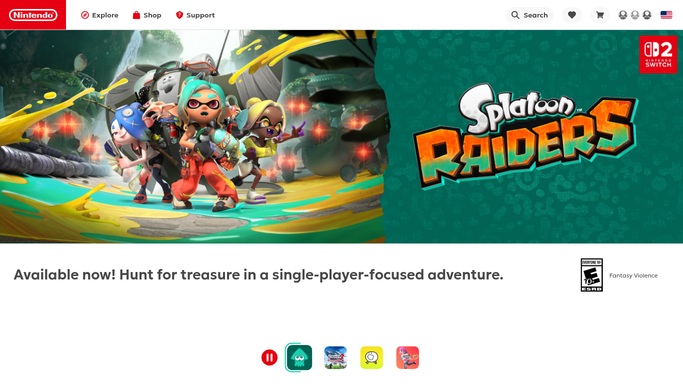
WebRun opens Nintendo to check upcoming eShop releases and sales. - Open the eShop and check upcoming release dates
- Note any storewide or featured sale dates
- Flag titles likely to need launch day coverage
Done when Upcoming release and sale dates are captured.
-
2
Google Calendar - add each date to the content calendar
calendar.google.com

WebRun opens Google Calendar to add each date to the content calendar. - Add each release or sale date to the editorial calendar
- Note the title or promotion it covers
- Set a reminder a few days ahead for planning
Done when Every upcoming date is on the editorial calendar.
-
3
Microsoft Teams - notify the editorial team
microsoft.com

WebRun opens Microsoft Teams to notify the editorial team. - Notify the editorial team of this week's newly added dates
- Flag anything worth planning coverage around
- Confirm the calendar is current
Done when The editorial team knows this week's new release dates.
How is each run configured?
Secure by default
Connect once, stays signed in
WebRun signs in once and keeps each session in a persistent environment, so every run picks up right where it left off.
Every action is checked against this policy before it runs.
Questions, answered
Will it purchase a game or claim a sale?
No. WebRun only reads the public eShop listing for release and sale dates. Purchasing or claiming anything is left to a person.
How far ahead does the calendar look?
It checks whatever release and sale dates Nintendo has published as of that Monday, so the calendar reflects real, confirmed dates rather than rumors.
Can it track a specific list of upcoming titles?
It surfaces what's newly listed each week. Point WebRun at particular titles you're watching if you want those flagged first in the Teams update.
Related templates
Put this on autopilot.
Turn it on in minutes - or have our team set it up for you.