Track new Niconico uploads for you
Every morning, WebRun opens Niconico, checks your tracked channels for newly published videos, cross-checks each upload against the creator's notification email in Gmail, and logs the title, category, and publish time to a Google Sheet.
- 7-day free trial
- Under $0.01 per run
- Cancel anytime

What does WebRun do on every run?
The exact actions WebRun takes, in order - in plain language, so you can adjust anything.
-
WebRun signs in and gets to work
Opens
account.nicovideo.jp/loginin a real browser with your saved login - no setup, no API keys. -
1
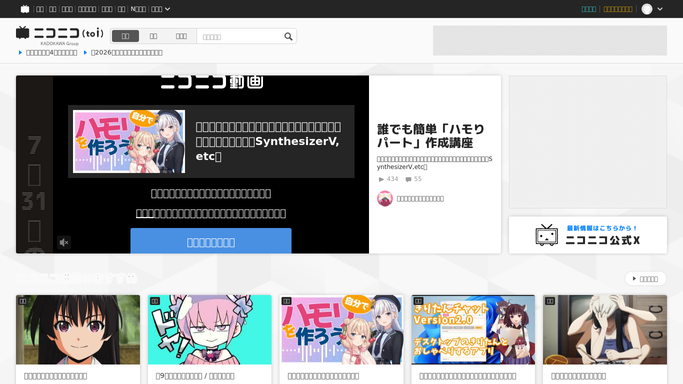
Niconico - check tracked channels for new uploads
nicovideo.jp

WebRun opens Niconico to check tracked channels for new uploads. - Open each tracked channel on Niconico
- List any video published since the last check
- Note the title, category, and publish time for each
Done when Every tracked channel's new uploads since the last check have been listed.
-
2
Gmail - cross check creator notifications
gmail.com How to Automate Gmail
WebRun opens Gmail to cross check creator notifications. - Search for the creator's upload notification email for each new video
- Confirm the title and publish time match
- Flag any upload on Niconico with no matching notification
Done when Every new upload has been checked against its notification email.
-
3
Google Sheets - log each upload
google.com How to Automate Google Sheets
WebRun opens Google Sheets to log each upload. - Open the upload tracking sheet
- Add a row for each new video with title, category, and publish time
- Mark any upload with no matching notification for a manual check
Done when The sheet reflects every new upload since the last check.
How do I track new video uploads from a Niconico channel?
WebRun checks your tracked channels on Niconico every morning for newly published videos, cross-checks each one against the creator's notification email in Gmail, and logs the title, category, and publish time to a Google Sheet, so a content partnerships team has a running record without checking each channel by hand.
- New uploads are logged the same morning they publish
- Every upload is cross-checked against the creator's own notification
- Missing notifications are flagged for a manual check
Built for Content partnerships teams · Media licensing agencies · Talent and creator managers · Brand safety monitoring teams
How is each run configured?
Secure by default
Connect once, stays signed in
WebRun signs in once and keeps each session in a persistent environment, so every run picks up right where it left off.
Every action is checked against this policy before it runs.
Questions, answered
Does WebRun upload or comment on videos for me?
No. WebRun only reads what is already published on the channels you track. It never uploads, comments, or interacts on Niconico on your behalf.
Does it read my whole Gmail inbox?
No. It only searches for the creator's upload notification tied to each new video, it does not open or log anything else.
Can I track more than one channel?
Yes. Give it every channel that matters to your team and it logs uploads from all of them in the same sheet.
Related templates
Put this on autopilot.
Turn it on in minutes - or have our team set it up for you.