Automated Miro Board Sharing Audit
Every Monday, WebRun opens Miro, reads the sharing settings on every board in your teams, flags the boards set to anyone with the link and the guests who have not opened a board in months, sends you the list in Telegram, and books a short slot to work through it.
How do I find Miro boards that are shared publicly by link?
WebRun audits your Miro sharing every Monday. It reads the sharing setting on every board in your teams, flags the ones open to anyone with the link, lists guests who stopped opening them months ago, sends the ranked list to Telegram, and books a short calendar slot so the cleanup actually happens.
- Publicly linked boards surface weekly instead of at audit time
- Guests who left months ago stop holding live access
- Client-named boards are ranked first for review
Built for workspace admins · IT and security teams · design leads · agencies with client boards
What does WebRun do on every run?
The exact actions WebRun takes, in order - in plain language, so you can adjust anything.
-
WebRun signs in and gets to work
Opens
miro.com/loginin a real browser with your saved login - no setup, no API keys. -
1
Miro - read every board's sharing settings
miro.com
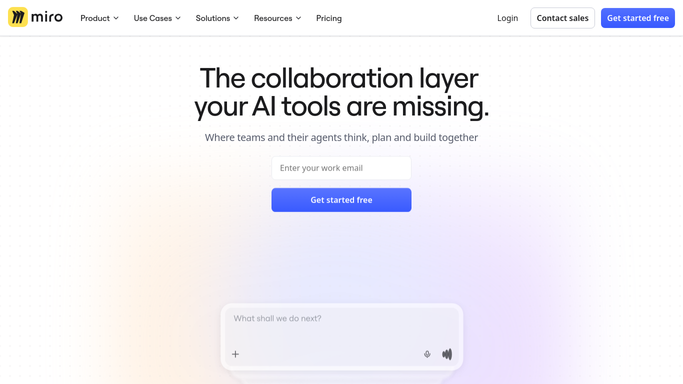
WebRun opens Miro to read every board's sharing settings. - Open Miro and list the boards in every team you administer
- Read each board's sharing setting and note any set to anyone with the link or open to the whole company
- List the guests and external members on each board and how long since they last opened it
Done when Every board has a recorded sharing setting and member list.
-
2
Telegram - send the over-shared list
telegram.org

WebRun opens Telegram to send the over-shared list. - Send the boards open by public link first, with the board name, team, and owner
- List stale guests underneath, grouped by the boards they still hold access to
- Rank client-named and commercially sensitive boards at the top
Done when You have this week's over-sharing list in Telegram.
-
3
Google Calendar - book time to fix it
calendar.google.com

WebRun opens Google Calendar to book time to fix it. - Create a short private hold in your own calendar to work the list
- Put the count of public boards and stale guests in the event title
- Skip creating the hold in any week the list comes back empty
Done when A cleanup slot is on your calendar whenever there is something to fix.
How is each run configured?
Secure by default
Connect once, stays signed in
WebRun signs in once and keeps each session in a persistent environment, so every run picks up right where it left off.
Every action is checked against this policy before it runs.
Questions, answered
Will it revoke access or change a board's settings?
No. WebRun reads sharing settings and reports them. Turning off a public link or removing a guest stays a human action, because a live client workshop can depend on that link.
Does it read what is on the boards?
No. It reads the board name, the team, the owner, the sharing setting, and the member list. The content of the canvas is never opened or copied into the report.
How does it decide a guest is stale?
By last activity. Any guest or external member who has not opened a board within the window you set, commonly 90 days, is listed with the boards they still hold access to.
Related templates
Put this on autopilot.
Turn it on in minutes - or have our team set it up for you.