Know when the documentation your team relies on changes
Every night, WebRun opens the Microsoft Learn pages, learning paths and modules your team depends on, reads each one's last updated date, works out which changed since the previous run and what changed on them, sends the list to WhatsApp, and queues a Twilio text for anything that would break a runbook.
- No credit card
- Under $0.01 per run
- Cancel anytime
How do I get told when Microsoft documentation pages change?
WebRun checks the Microsoft Learn pages, learning paths and modules your team depends on every night. It compares each page's last updated date against the previous run, summarises what changed, sends the list to WhatsApp, and queues a Twilio text for changes that would break a runbook.
- Runbooks get corrected before someone follows stale guidance
- Only pages that actually changed reach the team channel
- Breaking changes get their own alert instead of hiding in a list
Built for IT teams · cloud engineers · solution architects · technical writers · managed service providers
What does WebRun do on every run?
The exact actions WebRun takes, in order - in plain language, so you can adjust anything.
-
WebRun signs in and gets to work
Opens
learn.microsoft.comin a real browser with your saved login - no setup, no API keys. -
1
Microsoft Learn - check pages for updates
learn.microsoft.com
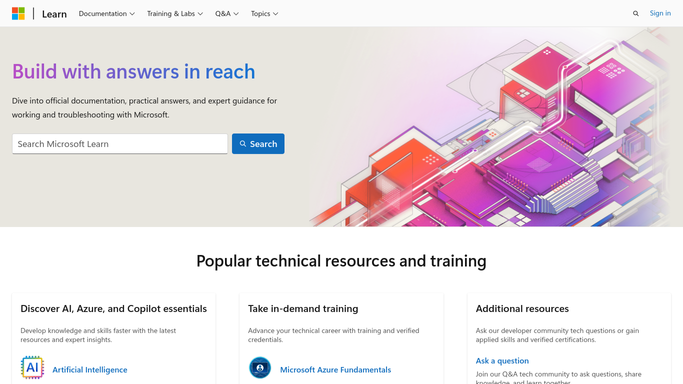
WebRun opens Microsoft Learn to check pages for updates. - Open each Microsoft Learn page, learning path, module or collection on your watch list
- Read the last updated date shown on the page and compare it to the date recorded on the previous run
- For anything that moved, read the page and summarise in one line what changed
- Note which internal runbook or process each changed page is tied to
Done when Every watched page has a current last updated date and changed ones carry a one-line summary.
-
2
WhatsApp - send the change list
whatsapp.com How to Automate WhatsApp

WebRun opens WhatsApp to send the change list. - Send the engineering group a WhatsApp message naming the pages that changed tonight
- Give the page title, the new last updated date, the one-line summary and the runbook it affects
- Say nothing when no watched page moved, so the group only hears from it when it matters
Done when The team has tonight's list of changed documentation pages.
-
3
Twilio - queue an alert for breaking changes
twilio.com How to Automate Twilio

WebRun opens Twilio to queue an alert for breaking changes. - Queue a short Twilio text for changes that look like they would break a documented step, such as a renamed setting or a retired capability
- Name the page and the affected runbook in the message
- Leave the queued text for a human to release. WebRun never sends a text on its own
- Skip the queue entirely on nights where nothing breaking changed
Done when Breaking changes have an alert queued and waiting for a person to release.
How is each run configured?
Secure by default
Connect once, stays signed in
WebRun signs in once and keeps each session in a persistent environment, so every run picks up right where it left off.
Every action is checked against this policy before it runs.
Questions, answered
Will it text the team without me?
No. The Twilio alert is queued and waits for a person to release it. Only the internal WhatsApp change list posts on its own.
How does it know a page changed?
It reads the last updated date printed on each Microsoft Learn page and compares it with the date it recorded on the previous run, then reads the page to describe what moved.
Can I watch a whole learning path instead of single pages?
Yes. Point it at a learning path, module or collection and it walks the pages inside, reporting each one that changed with its own date.
Related templates
Put this on autopilot.
Turn it on in minutes - or have our team set it up for you.