Score your weekly compliance and risk health
Every Monday, WebRun opens MetricStream, reviews open risk items and control tests logged in the past week, scores the program's overall health by category, logs the scorecard as a card on a Trello board, and posts a summary to the compliance team on WhatsApp.
- No credit card
- Under $0.01 per run
- Cancel anytime
What does WebRun do on every run?
The exact actions WebRun takes, in order - in plain language, so you can adjust anything.
-
WebRun signs in and gets to work
Opens
www.metricstream.comin a real browser with your saved login - no setup, no API keys. -
1
MetricStream - review open risk items and control tests
metricstream.com

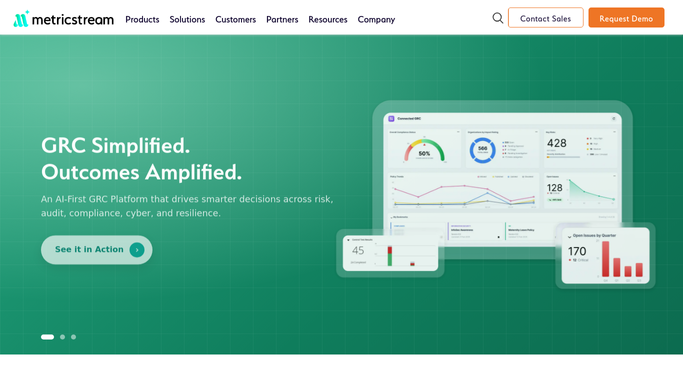
WebRun opens MetricStream to review open risk items and control tests. - Open MetricStream and review open risk items
- Check control tests completed or overdue this week
- Score each risk category as on track, at risk, or overdue
Done when Every risk category has been scored for the week.
-
2
Trello - log the weekly scorecard
trello.com How to Automate Trello
WebRun opens Trello to log the weekly scorecard. - Open the compliance scorecard board in Trello
- Create a card for the week with each category's score
- Move any overdue control test to a needs-attention list
Done when This week's scorecard is logged with every category's status.
-
3
WhatsApp - summarize it for the compliance team
whatsapp.com How to Automate WhatsApp
WebRun opens WhatsApp to summarize it for the compliance team. - Post a short summary to the compliance team group
- Lead with any category marked at risk or overdue
- Link back to the Trello card for full detail
Done when The compliance team has this week's summary in WhatsApp.


How do I get a weekly compliance scorecard from MetricStream?
WebRun reviews your MetricStream risk items and control tests every Monday, scoring each risk category as on track, at risk, or overdue. It logs the scorecard to a Trello board and posts a summary to your compliance team on WhatsApp, so program health is visible weekly instead of only at audit time.
- Program health is scored automatically every week, not just at audit time
- Overdue control tests surface for attention before they become findings
- A full weekly history builds up on one shared Trello board
Built for compliance teams · risk management officers · internal audit · GRC program managers
How is each run configured?
Secure by default
Connect once, stays signed in
WebRun signs in once and keeps each session in a persistent environment, so every run picks up right where it left off.
Every action is checked against this policy before it runs.
Questions, answered
Will it close out a risk item or control test?
No. WebRun only reads the status of risk items and control tests and reports on them. It never closes, approves, or edits a record on its own.
How is a category scored?
It reads whether control tests were completed on time and whether risk items are progressing, then marks each category on track, at risk, or overdue.
Where can I see the full detail behind the summary?
The WhatsApp summary links back to the Trello card, which has the full breakdown by category for anyone who wants more than the headline.
Related templates
Put this on autopilot.
Turn it on in minutes - or have our team set it up for you.